Fillout Alternative for Integrated Data Collection Workflows
Compare leading alternatives for collecting, organizing, synchronizing, and managing information across business systems, operational workflows, customer journeys, and internal processes.
Fillout has become a popular choice for organizations that need forms to work closely with the tools they already use. From Airtable and Notion to CRMs, project management platforms, and internal databases, Fillout helps teams collect information while keeping records synchronized across their operational ecosystem. This approach makes it especially appealing for businesses managing applications, registrations, onboarding processes, customer records, requests, and other structured workflows where data needs to remain organized and accessible. As organizations scale, many begin searching for a Fillout alternative that offers greater flexibility, stronger customization, conversational experiences, advanced logic, broader use cases, and more scalable pricing. Modern form builders are no longer limited to simple information collection. They now play an important role in helping teams gather, organize, route, and act on data across multiple systems. Whether supporting customer-facing experiences or internal operations, choosing the right platform can significantly improve how information flows throughout an organization.
Alternativa consigliata
1. Kiwiform : Integrated Data Collection Without Platform Limits
Create applications, registrations, onboarding workflows, operational processes, and customer journeys that collect structured information while remaining flexible, scalable, and easy to manage.
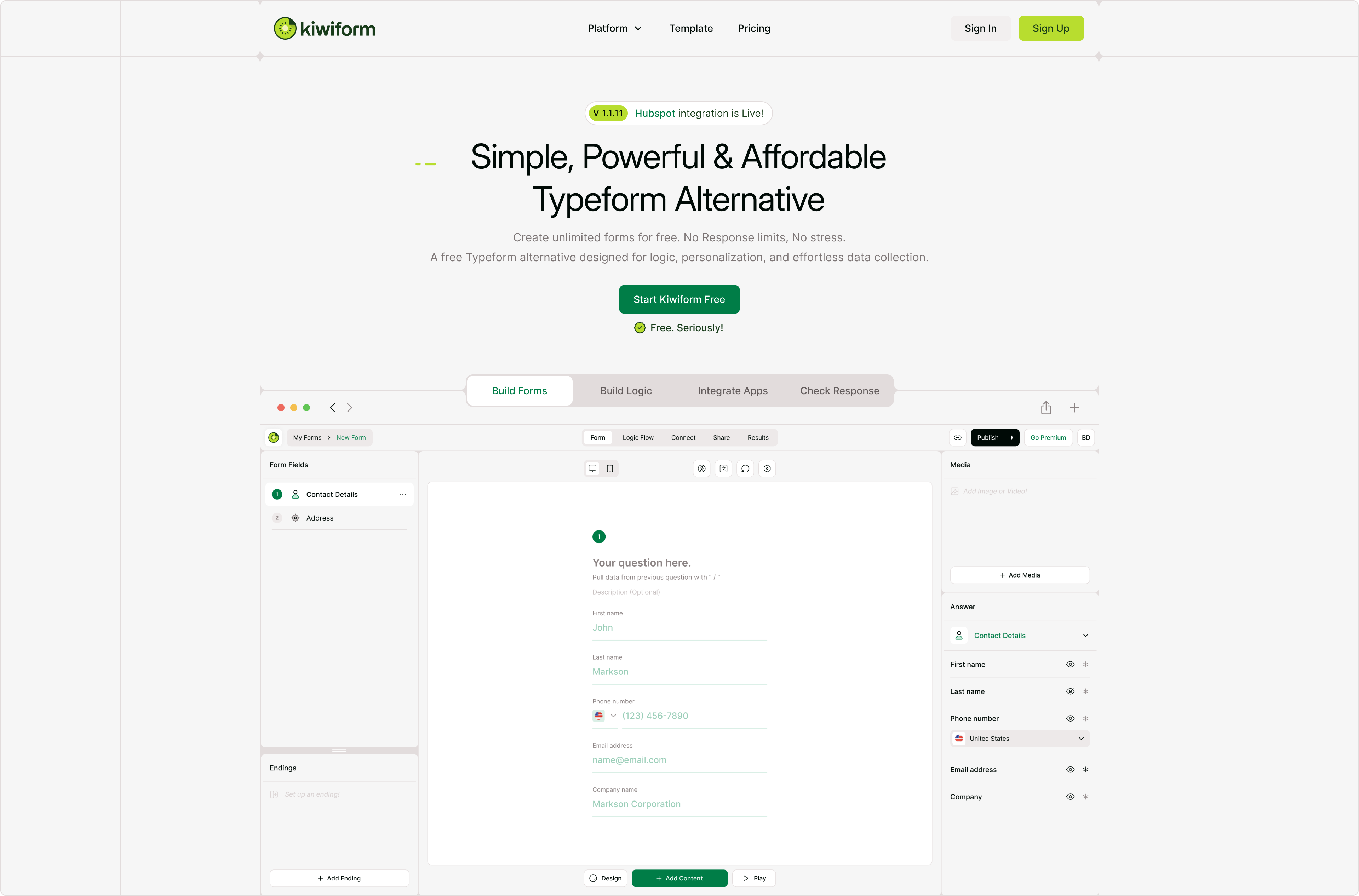
Organizations searching for a Fillout alternative often want a platform that does more than simply connect forms to external systems. They need a solution that helps teams collect information efficiently while delivering a modern experience for respondents and administrators alike. Kiwiform combines conversational experiences, visual logic building, customization, automation, integrations, and AI-assisted form creation to help organizations manage information across every stage of the data collection process. Rather than forcing teams to choose between usability and functionality, Kiwiform brings both together in a single platform designed for flexibility and scale. As a Fillout alternative, Kiwiform supports a wide range of use cases including lead generation, client onboarding, registrations, applications, internal requests, operational workflows, surveys, and customer data collection. Teams can personalize experiences, automate processes, create dynamic logic paths, and manage information without worrying about artificial usage restrictions. Combined with unlimited forms and unlimited responses, Kiwiform provides a foundation for organizations that want connected information flows without constantly monitoring limits or scaling costs.
Inizia a costruire con Kiwiform- Pro
- Unlimited forms
- Risposte illimitate
- Kiwizard AI Costruttore di Moduli
- Esperienze di moduli conversazionali
- Visual conditional logic builder
- Ampie opzioni di personalizzazione
- Contro
- Smaller ecosystem than established vendors
- Fewer legacy integrations than older platforms
- Some advanced workflows may require configuration
2. Tally : Lightweight Information Collection for Fast Moving Teams
Create forms through a document-style editing experience that prioritizes simplicity, speed, and ease of use.
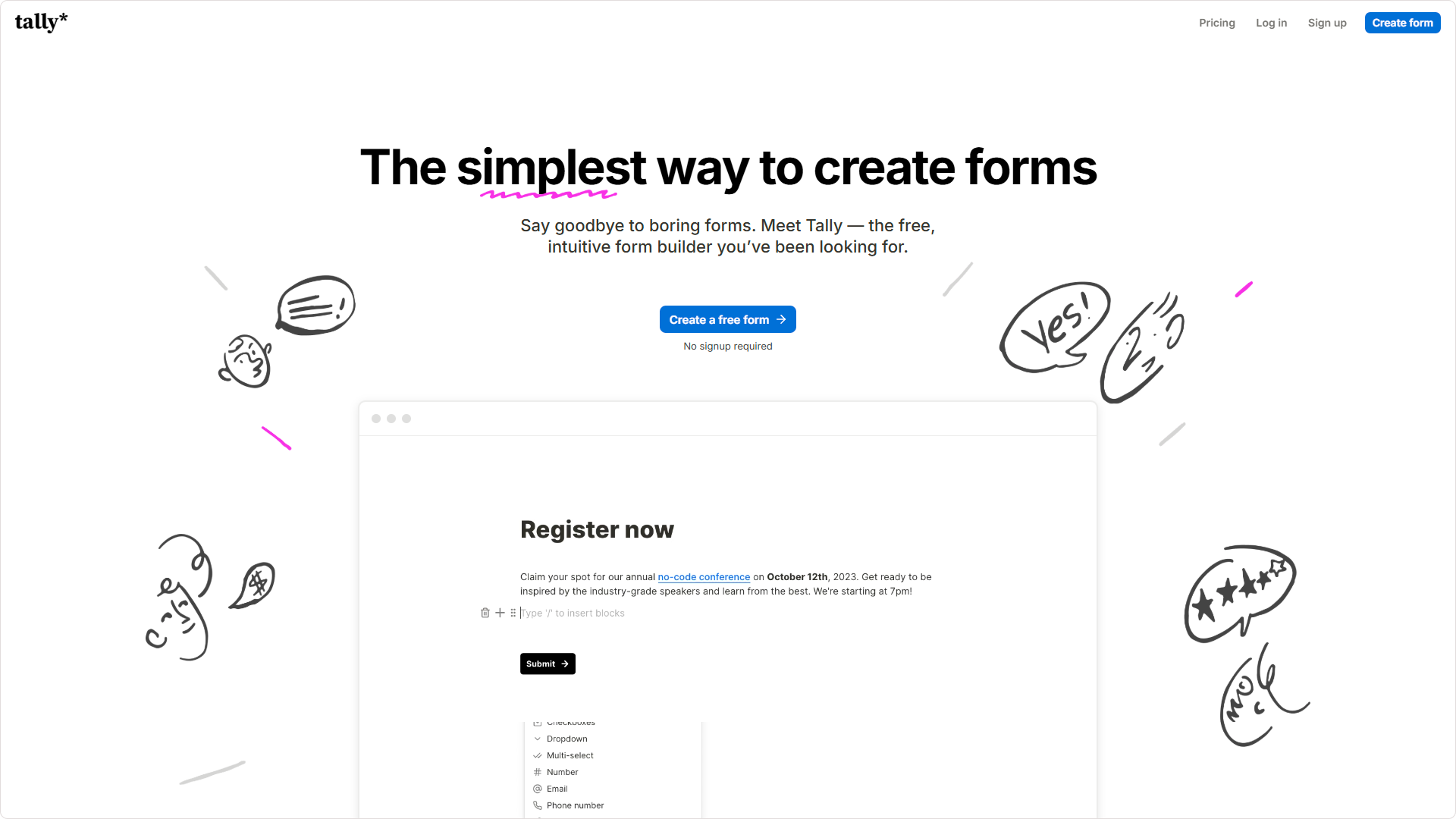
Tally has built a strong following among startups, creators, independent businesses, and small teams because of its simple approach to form creation. Instead of relying on traditional drag-and-drop builders, Tally allows users to build forms in a writing environment that feels similar to modern document editors. This makes it easy to launch forms quickly while still supporting logic, payments, signatures, calculations, and data collection workflows. For teams that value speed and simplicity, Tally offers a refreshing alternative to more complex platforms. While Tally performs well for lightweight information collection and straightforward workflows, organizations with more advanced requirements may eventually encounter limitations around customization, design flexibility, visual workflow management, and large-scale operational processes. As information collection becomes more critical to business operations, some teams may require additional control over both the user experience and the systems supporting it.
- Pro
- Simple editing experience
- Unlimited forms
- Risposte illimitate
- Flat pricing structure
- Supporto per firme digitali
- Quick learning curve
- Contro
- Limited visual customization
- Branding removal requires upgrades
- No visual logic mapping
- Fewer advanced workflow tools
- Design flexibility limitations
- Custom styling often requires CSS
3. Jotform : Structured Information Management at Scale
Manage applications, approvals, registrations, requests, and operational information through one of the most feature-rich form ecosystems available.
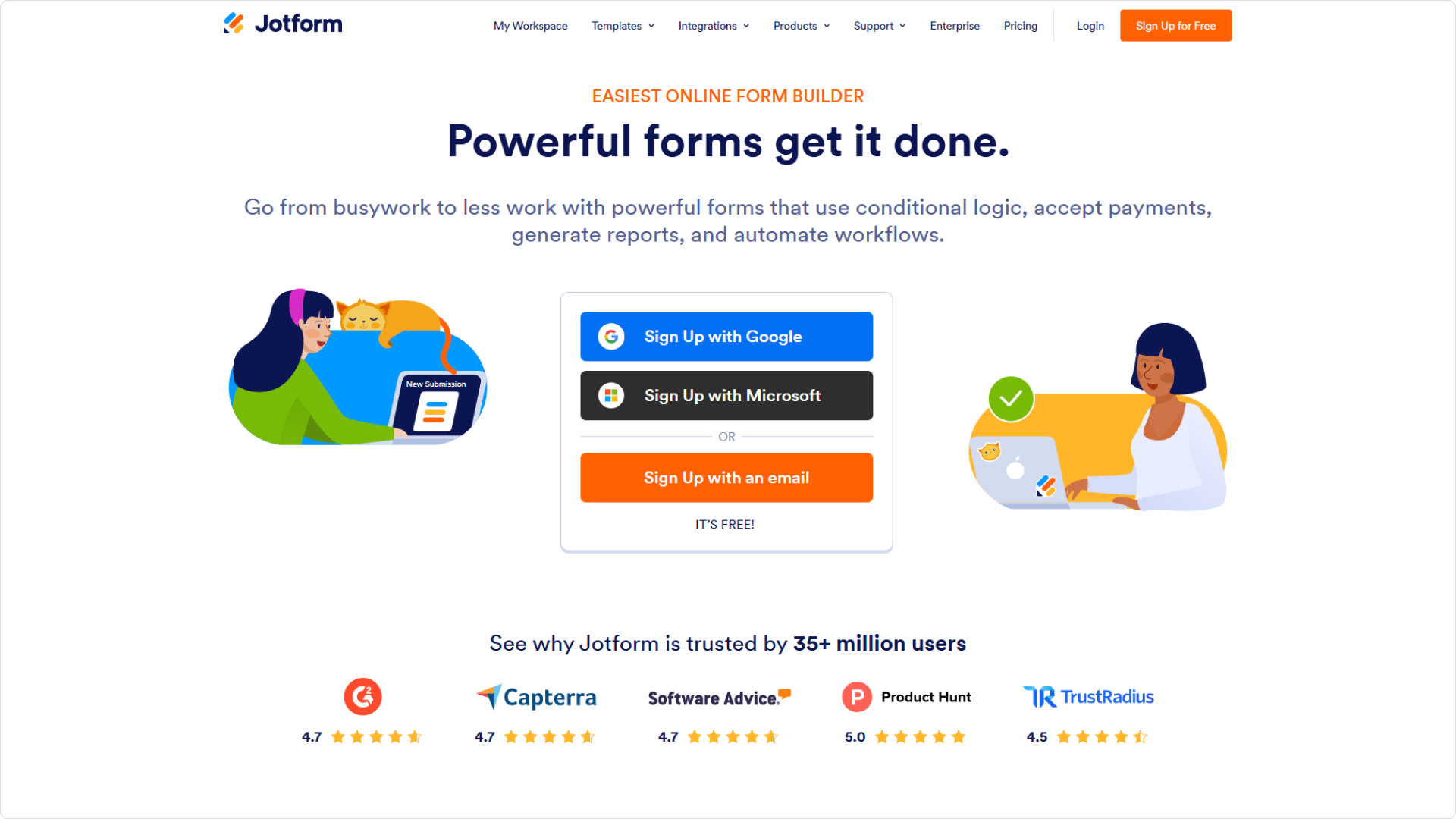
Jotform is frequently chosen by organizations that need extensive functionality, large template libraries, broad integrations, approval workflows, and submission management capabilities. Over the years, it has evolved into a comprehensive platform capable of supporting everything from simple forms to complex organizational processes. Businesses often use Jotform to collect information across departments, manage approvals, generate documents, process payments, and centralize operational data collection within a single ecosystem. Its extensive capabilities make Jotform appealing to organizations with diverse requirements, but that flexibility often comes with added complexity. New users can find the platform overwhelming, while growing teams may encounter usage restrictions and pricing increases as submission volumes, storage needs, and workflow requirements expand. For some organizations, balancing functionality with simplicity becomes an important consideration.
- Pro
- Extensive template library
- Large integration ecosystem
- Approval workflows
- Caratteristiche di conformità solide
- Multiple payment options
- Advanced submission management
- Contro
- Complex interface
- Steeper learning curve
- Limited free plan
- Costs increase with usage
- Administrative overhead
- Premium features require upgrades
4. Cognito Forms : Data Driven Forms with Advanced Logic
Build forms that support calculations, pricing models, approvals, operational workflows, and structured business processes.
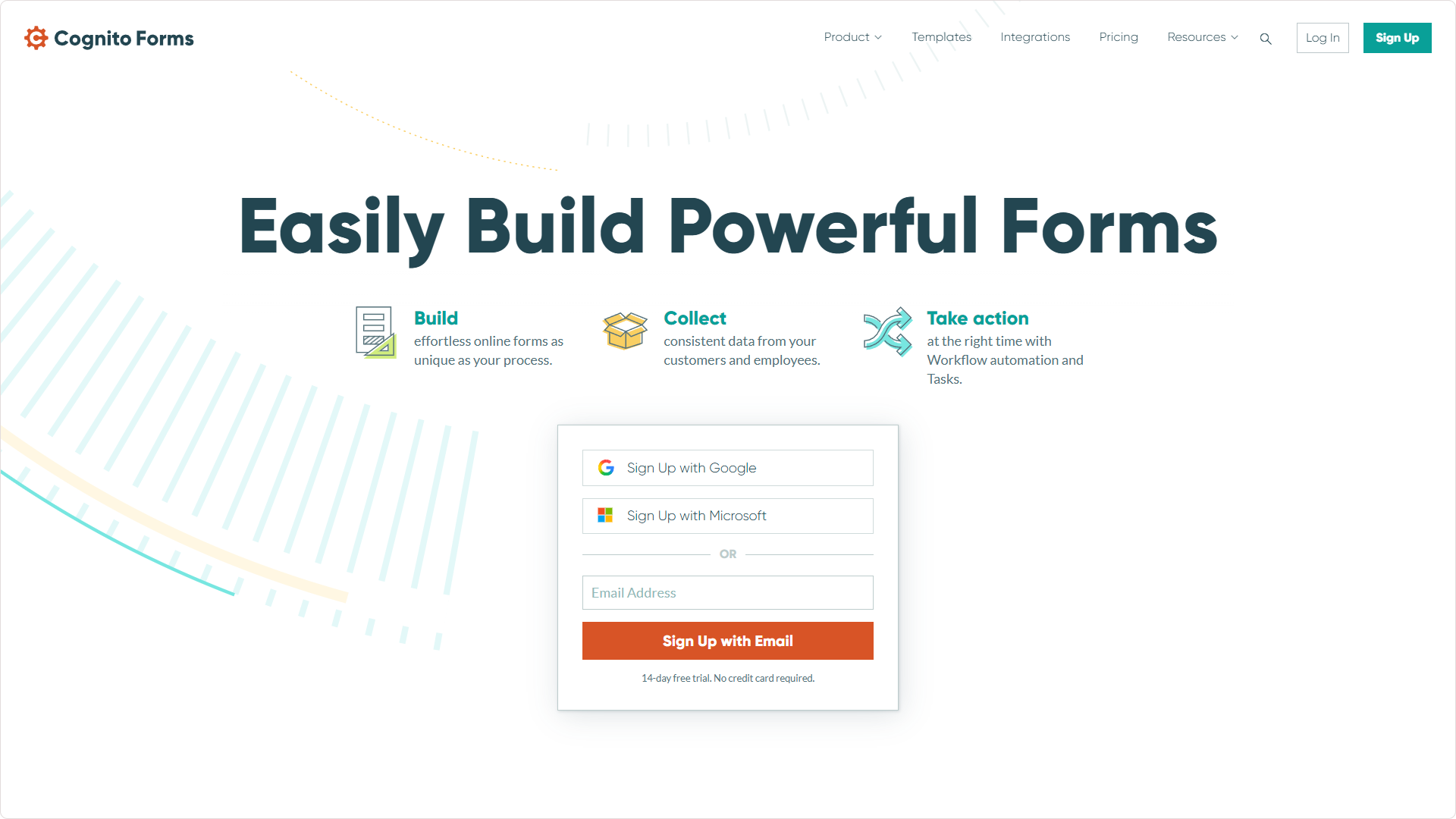
Cognito Forms is particularly well suited for organizations that require detailed calculations, conditional pricing, workflow approvals, and structured operational data collection. Businesses often use it for quoting systems, applications, registrations, financial processes, service requests, and workflows where form submissions directly influence downstream actions. Its strength lies in managing complex logic and data relationships that extend beyond traditional form building. For organizations focused heavily on operational efficiency and business process execution, Cognito Forms offers significant flexibility. However, its strengths are largely concentrated around functionality rather than user experience. Teams that prioritize visual presentation, conversational interactions, modern design, or customer-facing engagement may find other platforms better aligned with those goals.
- Pro
- Calcoli avanzati
- Dynamic pricing support
- Approval workflows
- Repeating sections
- Payment integrations
- Strong data management tools
- Contro
- Less modern user experience
- Formula learning curve
- Invii gratuiti limitati
- Design customization restrictions
- More operational than customer-facing
- Interface feels dated compared to newer tools
5. Typeform : Customer Friendly Information Collection Experiences
Collect information through conversational interactions designed to improve engagement, completion rates, and user experience.
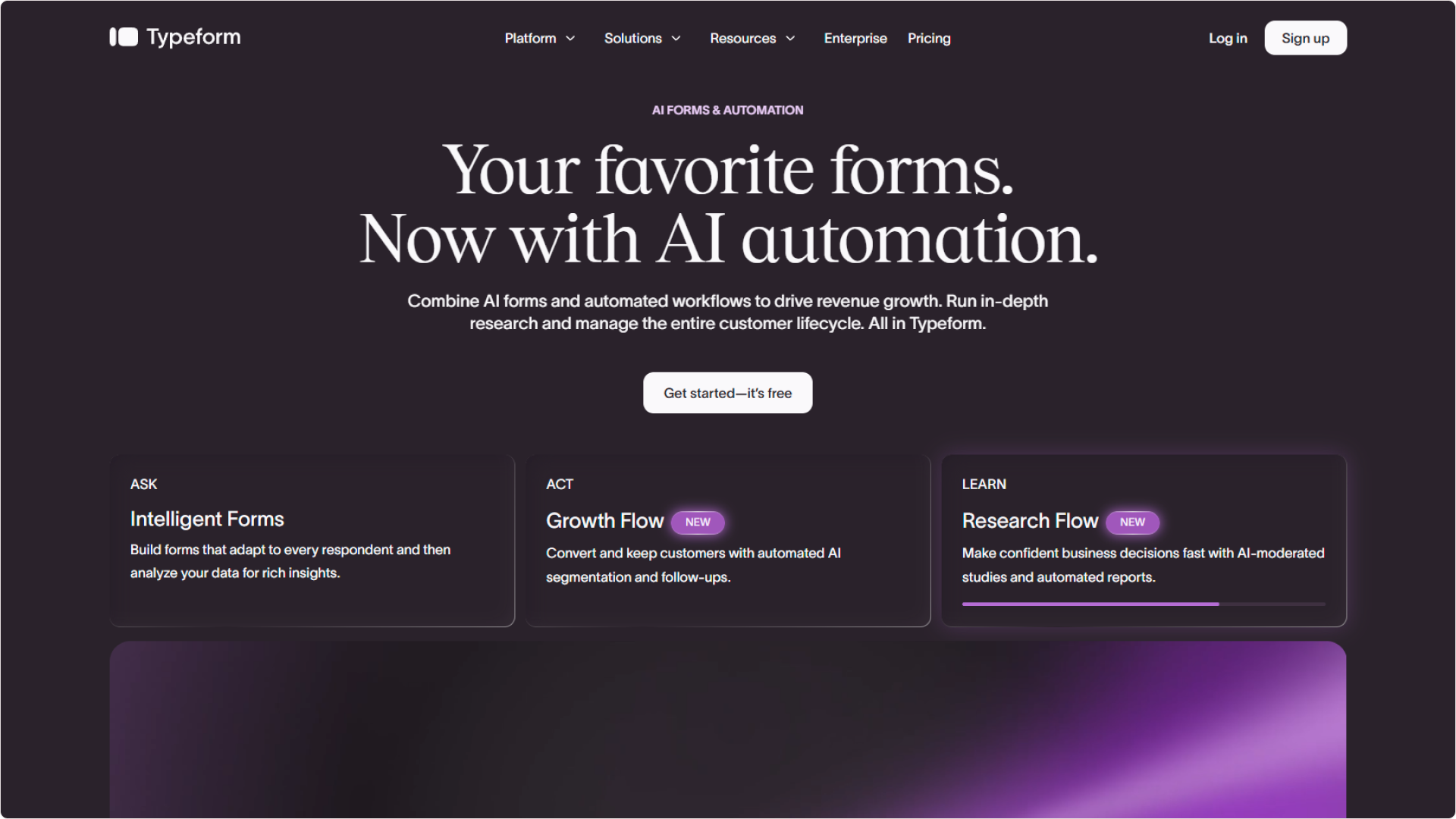
Typeform helped redefine online forms by introducing conversational experiences that guide respondents through one question at a time. This approach transformed information collection from a static process into a more interactive experience, making Typeform especially popular for lead generation, applications, registrations, onboarding, and customer-facing workflows. Its polished interface and strong focus on design have made it one of the most recognizable brands in the form-building category. While Typeform excels at engagement and presentation, organizations with growing submission volumes often begin evaluating alternatives due to response limits, scaling costs, and premium feature restrictions. Businesses that require high-volume information collection may eventually seek platforms that offer similar usability while providing greater flexibility and fewer usage constraints.
- Pro
- Conversational user experience
- Presentazione visiva forte
- Costruttore di logica interattivo
- Large integration ecosystem
- Premium templates
- Creazione di moduli assistita da AI
- Contro
- Expensive at scale
- Strict response limits
- Limited free usage
- Costs increase quickly
- Funzionalità premium riservate
- Overage charges can become expensive
6. forms.app : Connected Data Collection with Commerce Features
Combine information collection, payments, product listings, registrations, and customer interactions within a flexible and modern platform.
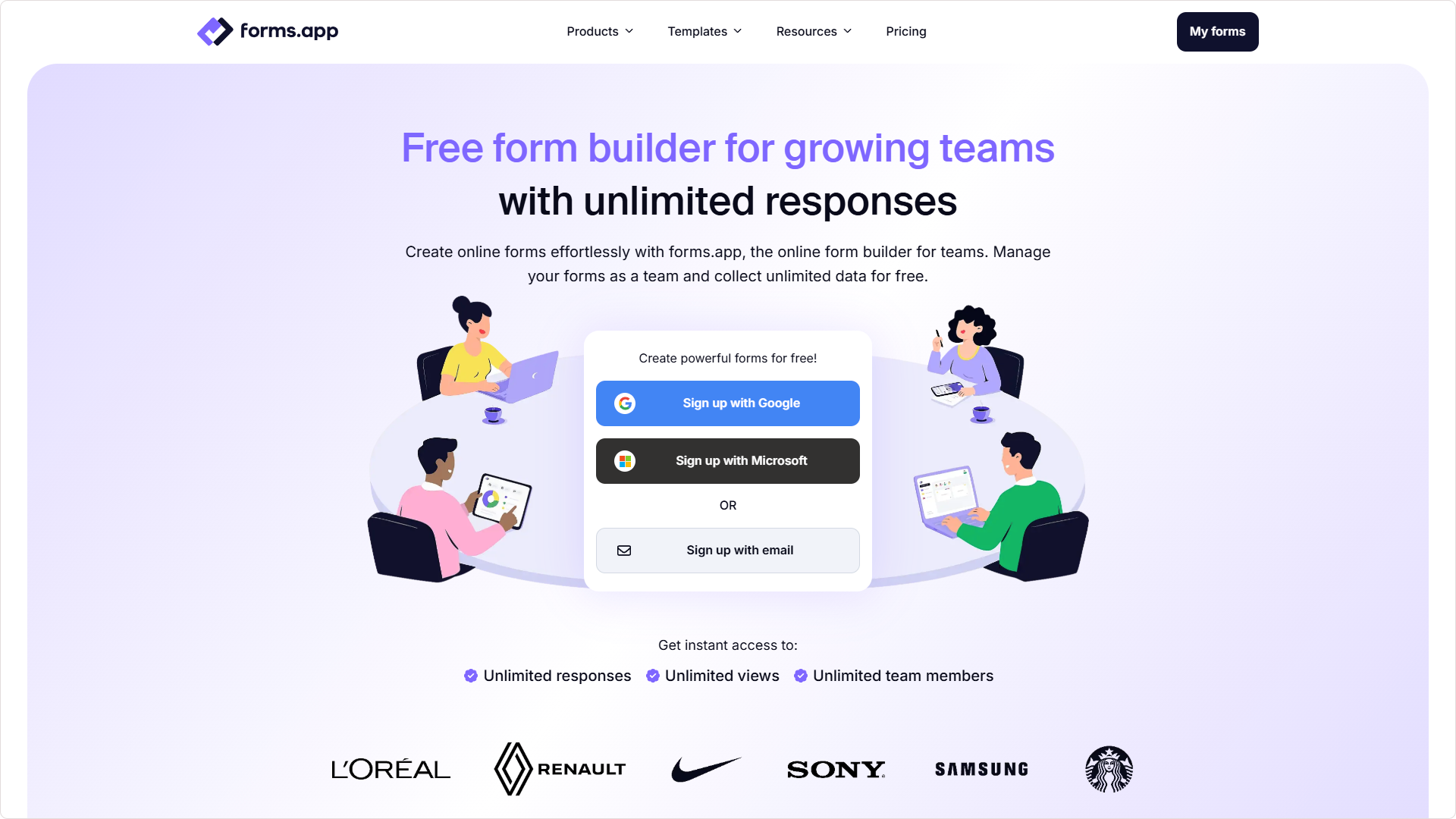
forms.app positions itself as a versatile platform capable of supporting both traditional and conversational form experiences while integrating commerce-related functionality. Businesses can collect information, process payments, display products, generate documents, and manage registrations through a single solution. This versatility makes it attractive to service providers, small businesses, online sellers, and organizations that want information collection and transactions to work together. Its broad feature set allows organizations to support multiple workflows without adopting separate tools for every use case. However, as businesses scale, they may encounter limitations related to usage tiers, premium features, branding controls, and analytics capabilities. Teams with advanced operational requirements often evaluate whether the platform can continue supporting their long-term growth.
- Pro
- Multiple layout options
- Creazione assistita da AI
- Product catalog support
- Payment collection tools
- PDF generation features
- Funzionalità di salvataggio e ripresa
- Contro
- Response limits on lower plans
- Premium branding controls
- Custom domains require upgrades
- Analisi avanzate limitate
- Smaller enterprise ecosystem
- Scaling costs increase over time
Raccomandazione finale
Kiwiform: A Fillout Alternative Built for Integrated Data Collection
Collect, organize, route, and manage information across forms, applications, registrations, customer journeys, operational workflows, and business systems through a platform designed for flexibility and scale.
Fillout is often selected by organizations that want information collection to remain closely connected to the tools and systems they use every day. From customer onboarding and registrations to applications, operational processes, internal requests, and record management, businesses increasingly rely on platforms that can collect structured information while keeping workflows organized and connected. As requirements grow, many teams begin looking for greater flexibility, stronger customization, improved user experiences, and the ability to scale data collection without constantly monitoring platform limitations. Kiwiform combines conversational experiences, visual logic building, customization, automation, integrations, AI-assisted form creation, and unlimited usage into a platform that supports information collection across every stage of the customer and operational lifecycle. Whether managing registrations, processing applications, collecting leads, coordinating requests, supporting onboarding, or powering internal workflows, Kiwiform provides the flexibility to create connected information flows that remain easy to build, manage, and scale as organizational needs evolve.