Forms.app Alternative for Flexible Form Experiences
Compare leading alternatives for registrations, lead capture, payments, applications, customer interactions, and adaptable data collection workflows.
forms.app has gained popularity by giving organizations multiple ways to create forms. From traditional layouts to conversational experiences, payment collection, product catalogs, registrations, and customer-facing workflows, the platform appeals to businesses that need flexibility rather than a single approach to form building. This versatility makes forms.app attractive to service providers, online businesses, educators, marketers, and teams managing a variety of information collection needs. As organizations grow, many begin searching for a forms.app alternative that offers greater customization, stronger branding controls, advanced logic, scalable usage, and more flexibility in how forms are created and presented. Whether collecting leads, processing registrations, accepting payments, managing applications, or supporting customer journeys, modern form builders provide different approaches to building flexible experiences that adapt to evolving business requirements.
Zalecana alternatywa
1. Kiwiform : Flexible Form Experiences Without Usage Restrictions
Create registrations, applications, lead generation workflows, onboarding journeys, and customer-facing experiences with the freedom to adapt forms to virtually any use case.
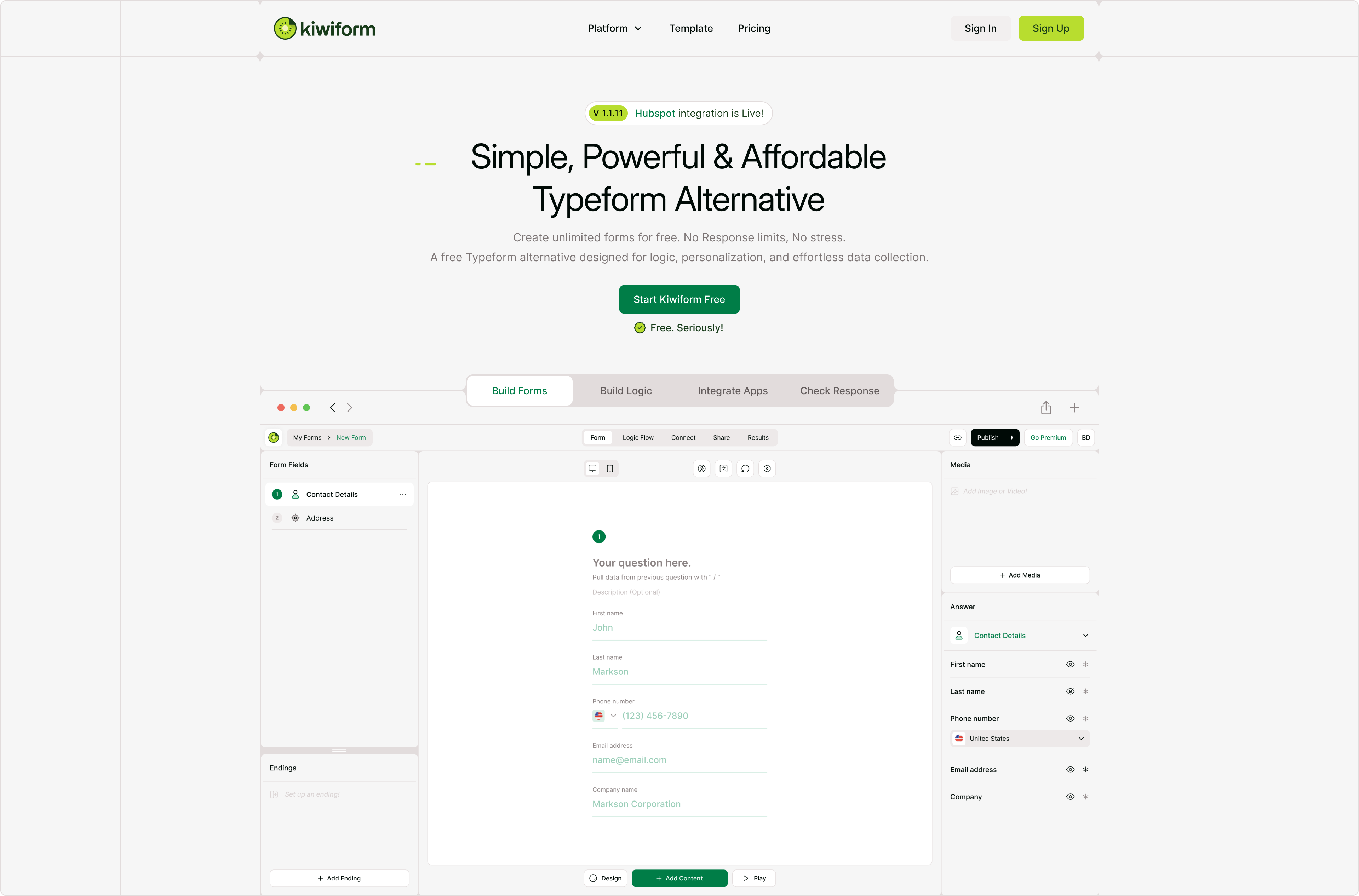
Organizations exploring forms.app alternatives often need a platform that can support many different ways of collecting information without forcing them into a specific structure or workflow. Kiwiform combines conversational experiences, visual logic building, customization, automation, payments, integrations, and AI-assisted creation to help teams build forms that adapt to their goals rather than forcing their goals to adapt to the platform. Whether collecting leads, managing registrations, supporting onboarding processes, or gathering customer feedback, Kiwiform gives organizations the flexibility to create experiences that match their audience and objectives. As a forms.app alternative, Kiwiform allows teams to create everything from simple surveys to complex application flows while benefiting from unlimited forms and unlimited responses. Organizations can personalize experiences, build advanced logic paths, automate actions, and customize branding without worrying about artificial limits. Combined with Kiwizard, the AI Form Builder inside Kiwiform, teams can move from idea to published form quickly while maintaining complete control over the final experience.
Zacznij budować z Kiwiform- Zalety
- Unlimited forms
- Nieograniczone odpowiedzi
- Kreator formularzy Kiwizard AI
- Doświadczenia formularzy konwersacyjnych
- Visual conditional logic builder
- Rozbudowane opcje personalizacji
- Wady
- Smaller ecosystem than older vendors
- Fewer third-party templates than older platforms
- Some advanced workflows may require setup
2. Typeform : Conversational Experiences with Premium Presentation
Guide respondents through engaging question-by-question interactions designed to maximize completion rates and user engagement.
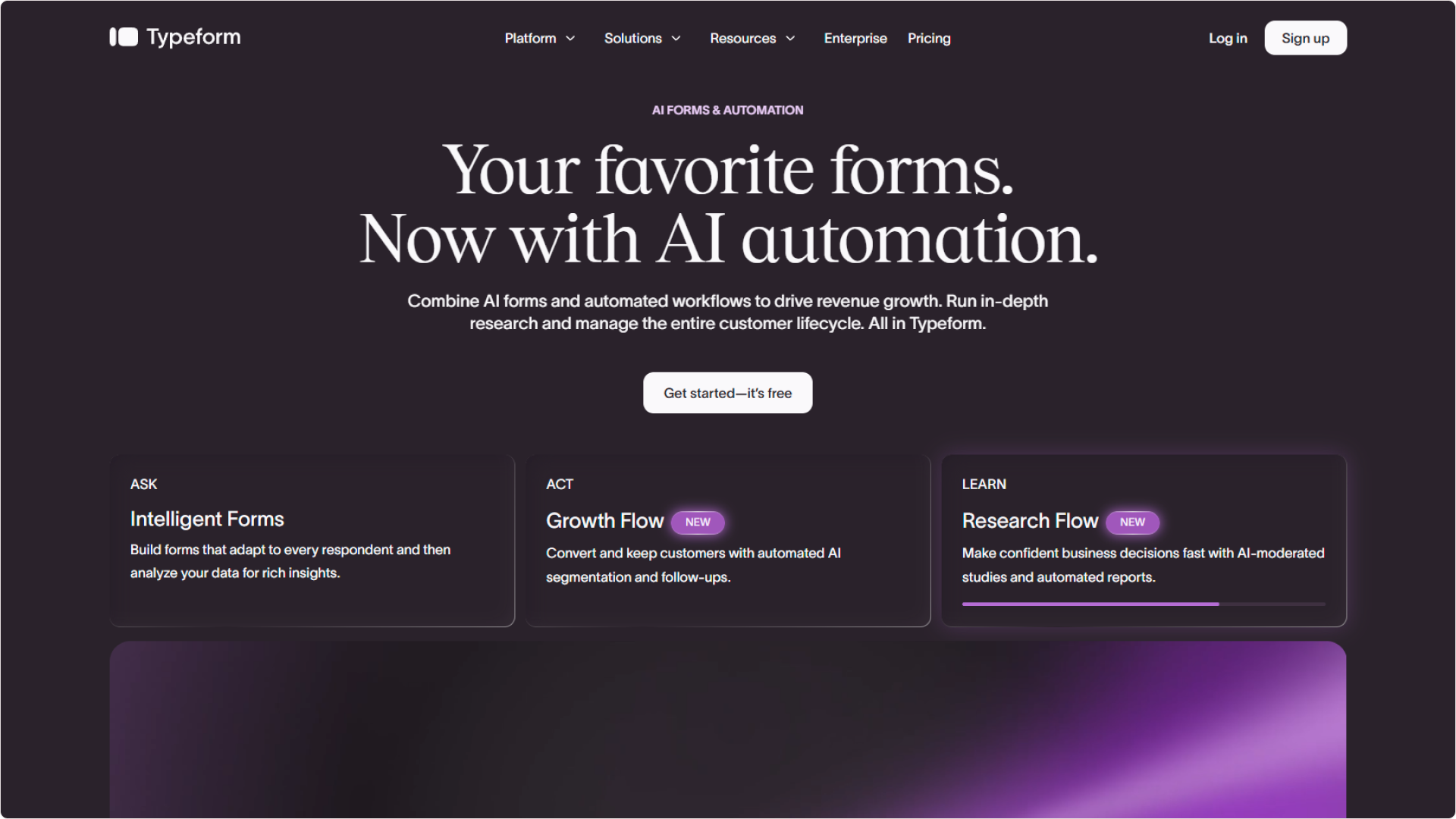
Typeform helped popularize conversational forms by replacing traditional questionnaires with experiences that focus on one question at a time. This approach reduces cognitive load and creates a smoother experience for respondents, making Typeform particularly attractive for lead generation, registrations, applications, onboarding, and customer-facing interactions. Its emphasis on design and presentation has helped it become one of the most recognizable brands in the form-building market. While Typeform excels at engagement and visual polish, organizations with growing submission volumes frequently evaluate alternatives due to response limits, scaling costs, and premium feature restrictions. Businesses seeking greater flexibility or unlimited usage often explore other platforms as their needs expand.
- Zalety
- Conversational user experience
- Silna prezentacja wizualna
- Interaktywny kreator logiki
- Premium templates
- Large integration ecosystem
- AI-assisted creation tools
- Wady
- Expensive at scale
- Strict response limits
- Limited free usage
- Zaawansowane funkcje z ograniczeniami
- Costs increase quickly
- Overage charges can become expensive
3. Tally : Flexible Form Creation Through Document Style Editing
Build forms naturally through a writing experience that feels more like creating a document than configuring software.
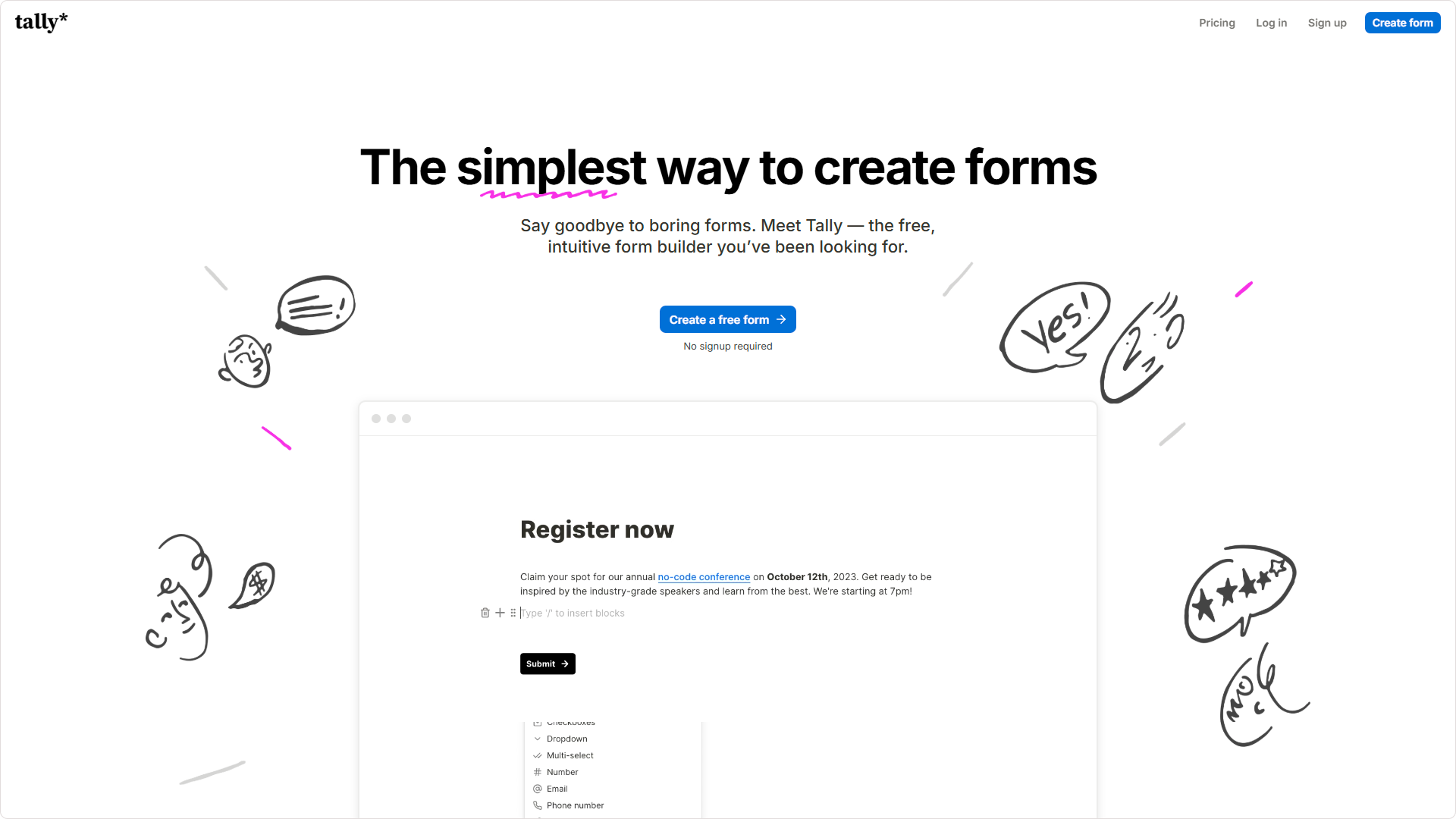
Tally has built a loyal following among startups, creators, freelancers, and small businesses because of its simplicity. Instead of relying on traditional form-building interfaces, Tally allows users to create forms directly within a document-style editor. This makes it easy to launch forms quickly while still supporting payments, signatures, logic, calculations, and other common requirements. For organizations that value speed and ease of use, Tally provides an approachable alternative. Although Tally offers impressive flexibility for lightweight projects, organizations requiring advanced customization, sophisticated branding, visual workflow management, or highly tailored experiences may eventually seek platforms that provide greater control over both presentation and functionality.
- Zalety
- Simple editing experience
- Unlimited forms
- Nieograniczone odpowiedzi
- Quick learning curve
- Flat pricing structure
- Wsparcie dla podpisów elektronicznych
- Wady
- Limited visual customization
- Branding removal requires upgrades
- No visual logic mapping
- Custom styling often requires CSS
- Fewer advanced workflow features
- Limited presentation flexibility
4. Jotform: Broad Flexibility Across Diverse Use Cases
Support registrations, approvals, applications, payments, customer requests, and operational workflows through one of the largest form ecosystems available.
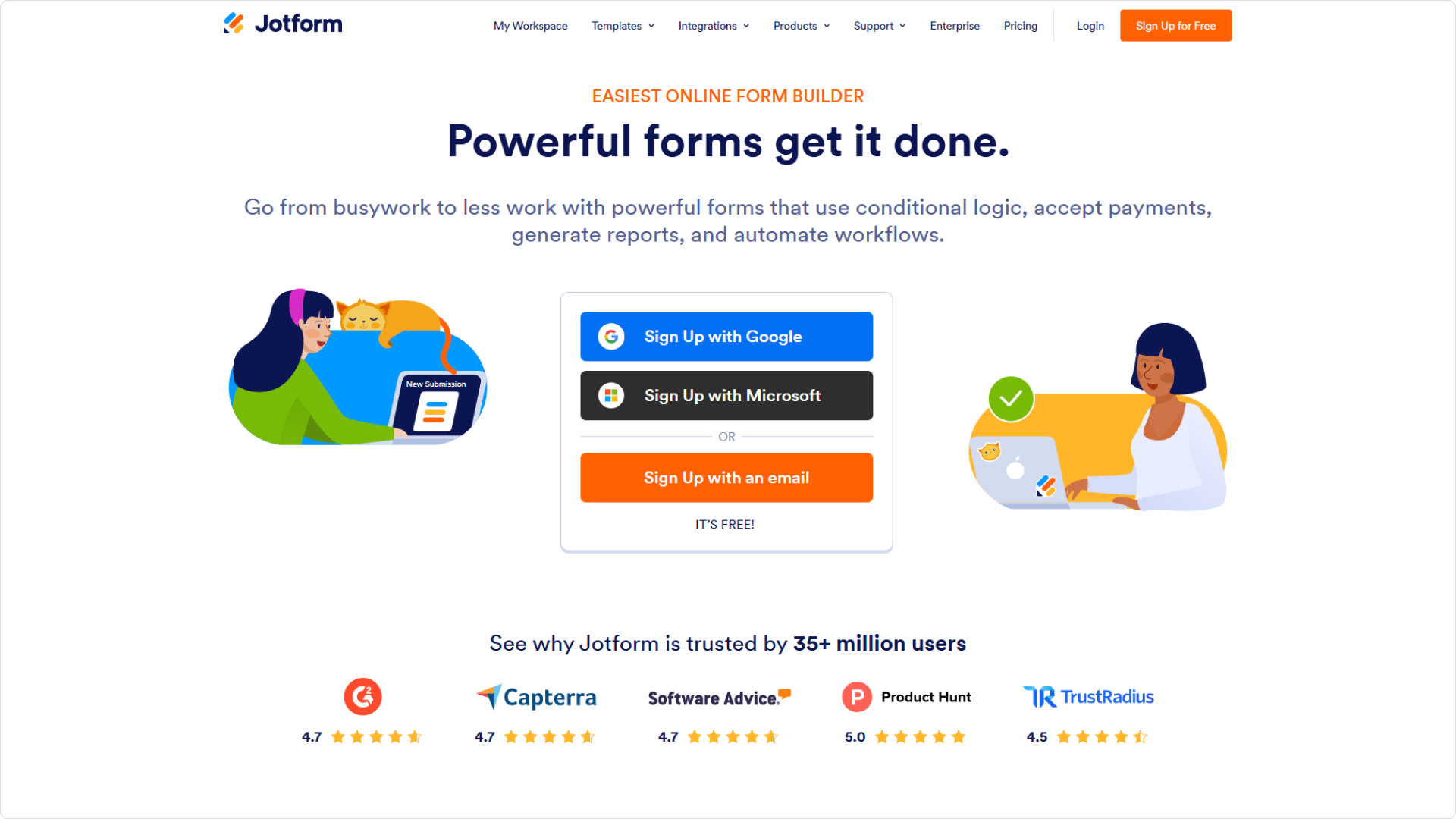
Jotform is frequently chosen by organizations that require extensive functionality and broad use-case coverage. With thousands of templates, a large integration ecosystem, approval workflows, document generation capabilities, payment processing, and compliance options, the platform supports everything from simple forms to complex operational processes. This flexibility has made it a popular choice across many industries. However, the platform's breadth can also create complexity. New users often face a steeper learning curve, while growing organizations may encounter usage limits and pricing increases as submission volumes and operational requirements expand.
- Zalety
- Extensive template library
- Large integration ecosystem
- Approval workflows
- Multiple payment options
- Strong compliance capabilities
- Advanced submission management
- Wady
- Complex interface
- Steeper learning curve
- Limited free plan
- Costs increase with usage
- Administrative overhead
- Premium features require upgrades
5. Fillout : Connected Forms Designed Around Modern Workflows
Build flexible forms that connect directly with Airtable, Notion, CRMs, and other operational systems while maintaining a modern user experience.
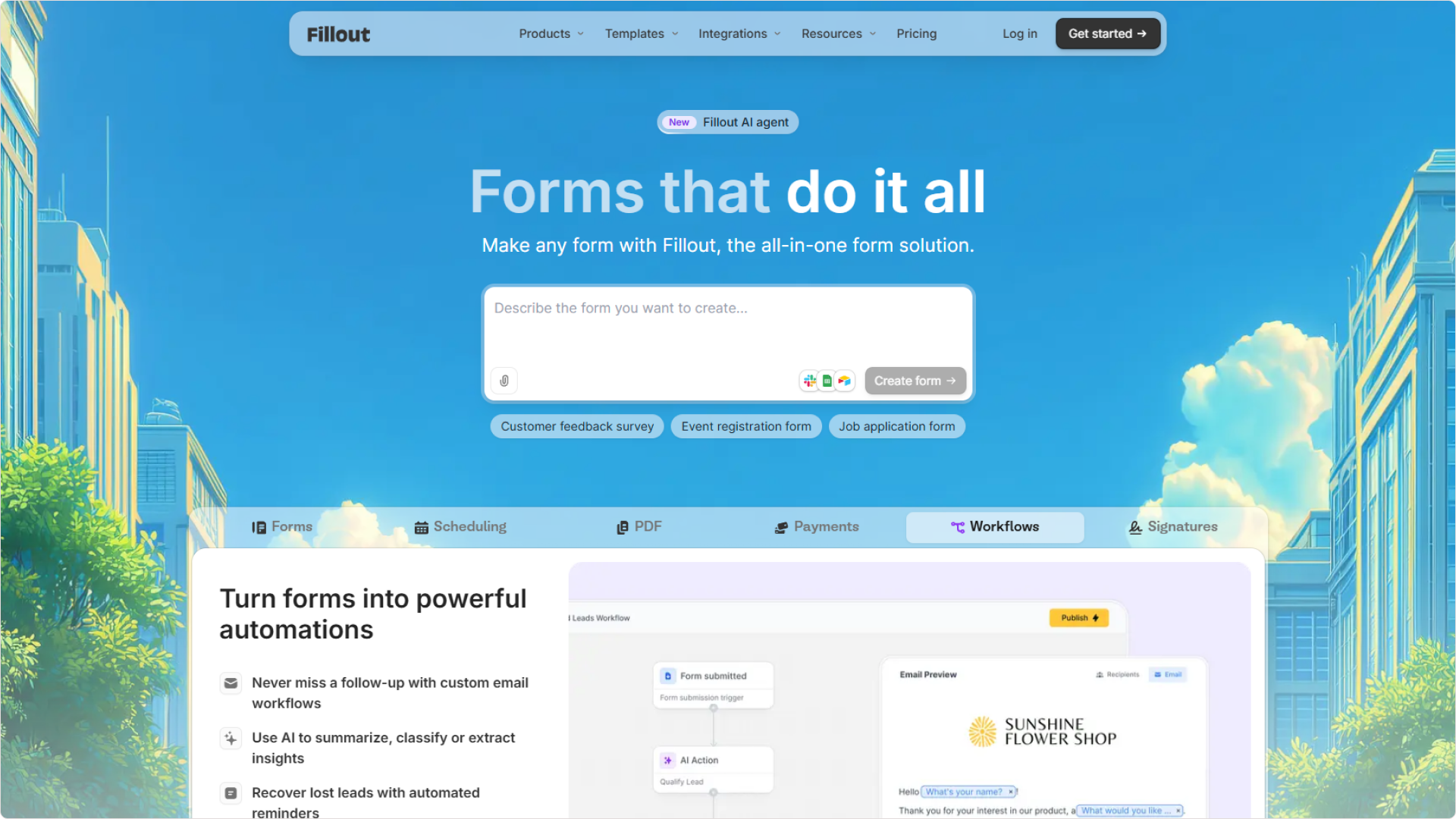
Fillout has become increasingly popular among organizations that want forms to work closely with their existing systems. Its focus on integrations and connected workflows allows teams to collect information while keeping records synchronized across databases and business tools. This makes it particularly useful for applications, registrations, onboarding, requests, and operational data collection processes. While Fillout performs strongly for connected workflows, some organizations evaluate alternatives when they need broader customization, different presentation styles, conversational experiences, or additional flexibility in how forms are structured and delivered.
- Zalety
- Strong Airtable integration
- Modern user experience
- Connected workflows
- Flexible form layouts
- Notion integration support
- Generous free offering
- Wady
- Zaawansowane funkcje wymagają aktualizacji
- Smaller ecosystem than larger vendors
- Limited enterprise functionality
- Koszty skalowania rosną
- Fewer templates than mature platforms
- Integration setup can become complex
6. Google Forms : Simple and Accessible Information Collection
Collect information quickly through a familiar platform that prioritizes accessibility, collaboration, and ease of use.
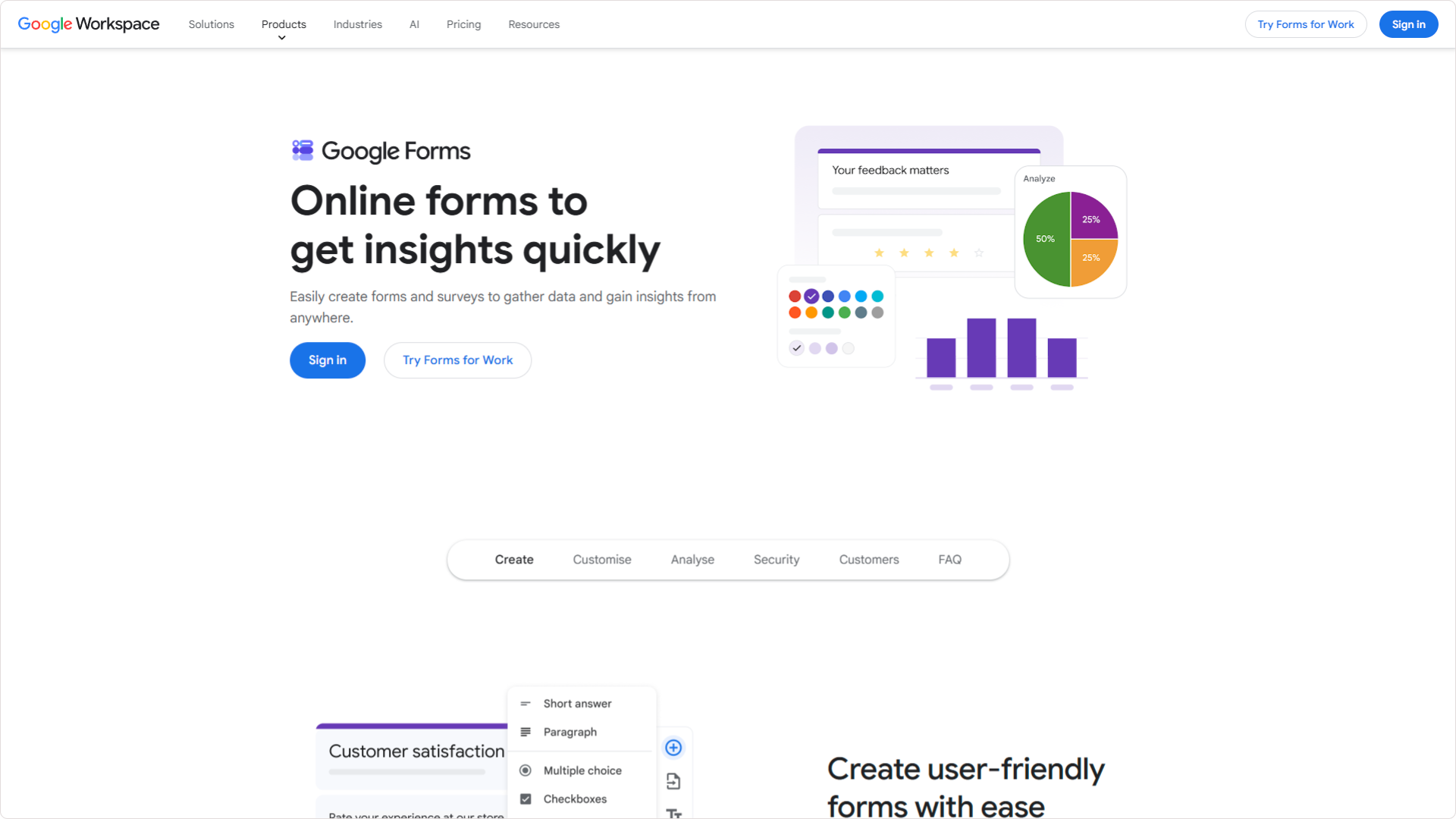
Google Forms remains one of the most widely used form builders because of its simplicity and accessibility. Organizations can create forms quickly, collaborate in real time, and automatically sync responses into Google Sheets. This makes it a practical solution for internal requests, event registrations, basic surveys, and straightforward information collection. Its simplicity is also its primary limitation. Businesses that require stronger branding, payments, advanced logic, customer-facing experiences, or greater flexibility often find themselves evaluating more capable alternatives.
- Zalety
- Darmowe w użyciu
- Real-time collaboration
- Google Sheets integration
- Fast setup process
- Znajome doświadczenie użytkownika
- Reliable cloud infrastructure
- Wady
- Ograniczona personalizacja
- Basic design controls
- No native payments
- Restricted logic capabilities
- Google branding remains visible
- Less suitable for customer-facing experiences
Ostateczna rekomendacja
Kiwiform: A Forms.app Alternative Built for Flexible Form Experiences
Create registrations, applications, lead generation workflows, payments, customer journeys, and information collection experiences that adapt to your goals rather than limiting how you work.
forms.app is often chosen by organizations that value flexibility. The ability to switch between different form styles, collect payments, support registrations, manage applications, and create customer-facing experiences makes it attractive to teams that handle a variety of information collection workflows. As businesses grow, however, many begin looking for greater control over customization, stronger branding options, more advanced logic, improved scalability, and the ability to build experiences without constantly monitoring usage restrictions. Kiwiform combines conversational experiences, visual logic building, customization, automation, integrations, payments, AI-assisted creation, and unlimited usage into a platform designed for organizations that need flexibility across multiple use cases. Whether supporting lead generation, onboarding, registrations, applications, customer feedback, internal workflows, or operational processes, Kiwiform provides the tools to create flexible form experiences that remain easy to build, manage, and scale as business requirements evolve.