Conditional Form Builder for Dynamic Forms
Create personalized form experiences that adapt to every response using Conditional Logic, Branching, and Skip Logic.
Not every respondent should answer the same questions.
Kiwiform's Conditional Form Builder helps you create dynamic forms that automatically adapt
based on responses. Show relevant questions, skip unnecessary sections, personalize
respondent journeys, and guide respondents through experiences tailored to their
answers.
Whether you're qualifying leads, collecting applications, managing
registrations,
onboarding customers, conducting assessments, or gathering feedback, Kiwiform helps you
create smarter forms that collect more relevant information while improving completion
rates.
Understanding Conditional Form Builders
Forms That Adapt to Every Response
Conditional Form Fundamentals: Display the right questions to the right respondents at the right time.
Kiwiform Conditional Form Builder allows forms to change based on a respondent's
answers. Instead of showing every question to every person, Conditional Logic enables
forms to reveal, hide, skip, or route questions according to previous responses. This
creates dynamic form experiences where respondents only see questions that are relevant
to them.
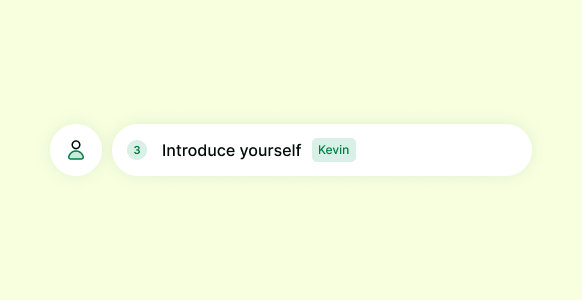
A customer, applicant, employee, student, or partner can all begin with the
same form while following different paths based on their answers.
Conditional forms
help
organizations reduce unnecessary questions, simplify data collection, and create more
personalized experiences without requiring multiple forms.
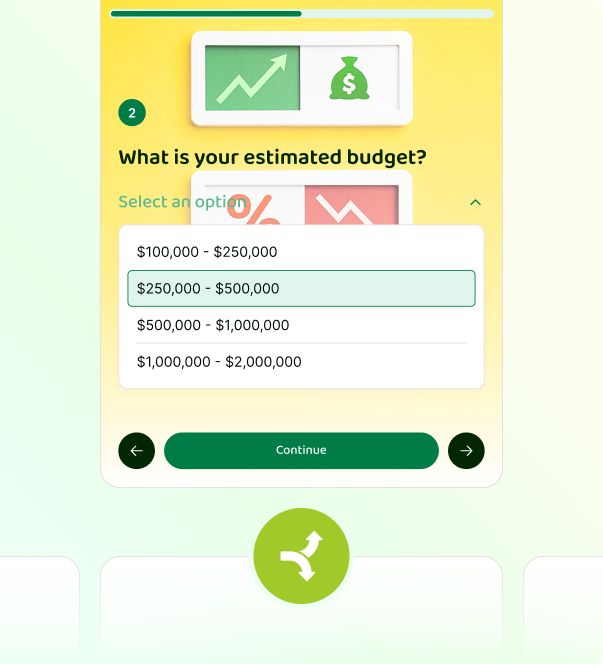
Smarter Data Collection
Static Forms Create Unnecessary Friction
Traditional forms ask everyone the same questions, even when they shouldn't.
Most forms follow a fixed path where every respondent sees the same questions regardless
of their goals, qualifications, preferences, or circumstances.
This often creates
longer
forms, unnecessary steps, lower completion rates, and less relevant responses.
Dynamic forms solve this by adapting automatically as respondents answer questions.
Instead of forcing everyone through the same experience, forms become more relevant,
efficient, and easier to complete.
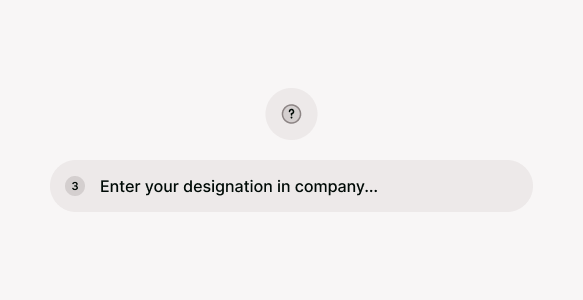



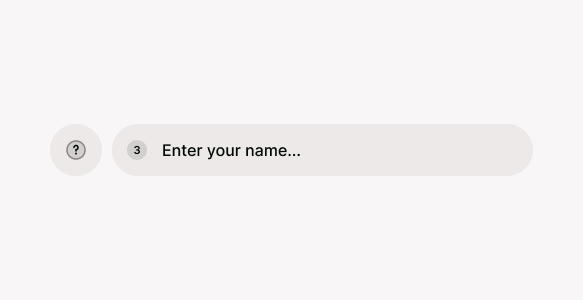
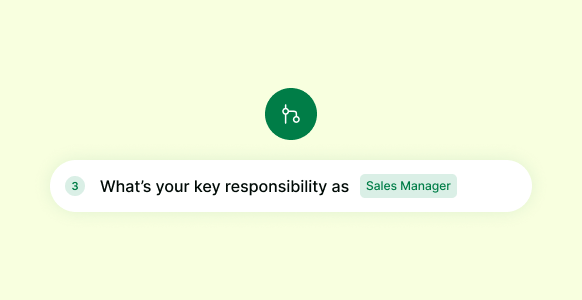


Better Experiences for Respondents
Personalized Forms Feel Faster and More Relevant
Forms built on Kiwiform help respondents complete forms without unnecessary questions.
People are more likely to complete forms when the experience feels relevant to them.
Kiwiform Conditional Form Builder helps teams create personalized form experiences
using Conditional Logic. Questions that don't apply can be skipped automatically, form
journeys become shorter, and respondents can focus only on information that matters.
Instead of navigating through irrelevant sections, respondents move naturally through
questions tailored to their answers.
This reduces friction, improves engagement,
and creates a smoother experience from start to finish.
Relevant Questions Only
Show respondents questions that apply to their situation.
Faster Completion
Reduce unnecessary steps and shorten form journeys.
Less Form Fatigue
Avoid overwhelming respondents with irrelevant questions.
Better Engagement
Keep respondents focused throughout the experience.
Personalized Experiences
Adapt forms to different audiences automatically.
Higher Completion Rates
Create smoother journeys that encourage participation.
Conditional Logic in Real Workflows
One Form, Multiple Respondent Journeys
Use Conditional Logic to support different paths within a single form.
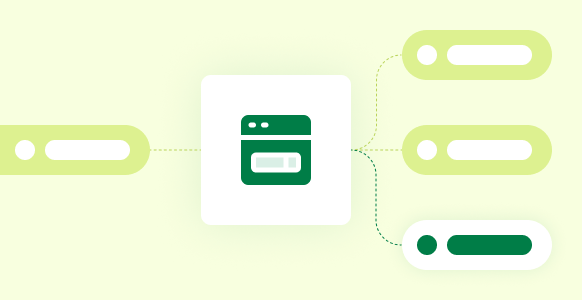
Conditional forms can adapt to different audiences, workflows, and scenarios without
requiring separate forms.
Conditional Logic becomes most valuable when forms need
to
support multiple audiences, outcomes, or processes within a single experience. Instead
of creating separate forms for different scenarios, teams can use Kiwiform's Conditional
Form Builder to build dynamic forms that automatically adapt based on respondent
answers.
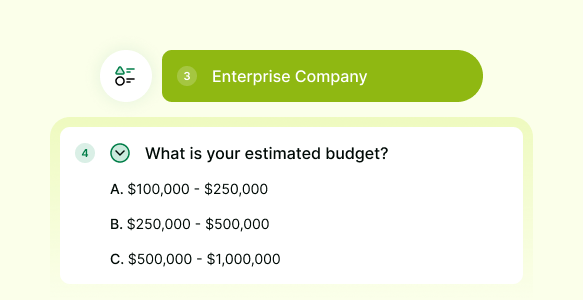
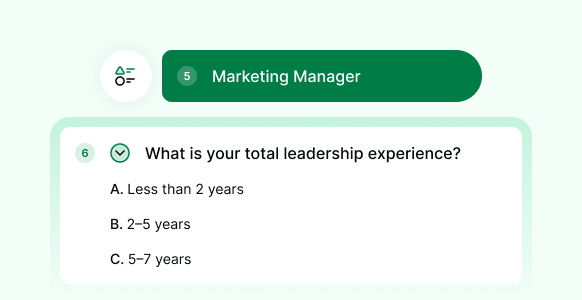
Whether you're qualifying leads, processing applications, managing event
registrations, collecting support requests, or onboarding new customers, Conditional
Logic helps ensure respondents only see questions that are relevant to their situation.
This creates a more personalized experience while helping teams collect cleaner, more
accurate data.
Lead Qualification
Job Applications
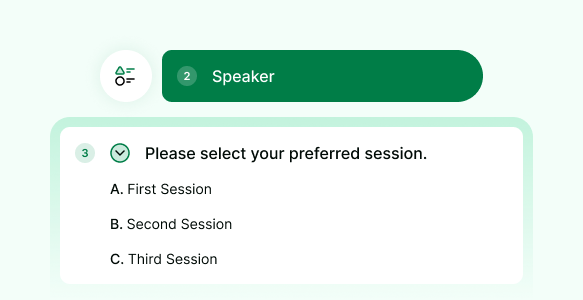
Event Registration
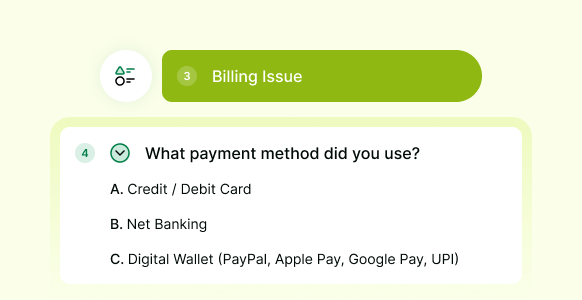
Customer Support
Simple Setup Workflow
Build Conditional Forms Without Code
Create dynamic forms with Conditional Logic, Branching, and Skip Logic without writing code.
Kiwiform makes it easy to build conditional forms that adapt to different respondents and workflows. Using the visual form builder, you can create questions, define Conditional Logic rules, and control how respondents move through a form based on their answers. From simple conditional logic forms to more advanced multi-path workflows, Kiwiform provides the flexibility to create adaptive forms without the complexity of custom development.

Create Your Form
Add questions, sections, and answer choices to your form.

Configure Conditional Logic
Set up branching paths and logic rules based on responses.

Publish Your Form
Share your form and collect responses through personalized journeys.
Logic Controls & Routing
Powerful Logic Controls for Adaptive Form Experiences
Build dynamic forms that adapt automatically and guide respondents through personalized paths.
Kiwiform's Conditional Form Builder includes powerful logic controls that help forms
respond intelligently to every answer. Whether you're building conditional logic forms,
branching forms, or adaptive workflows, you can control what questions appear, which
sections are skipped, and how respondents move through the form experience.
These
features help reduce unnecessary questions, simplify data collection, and allow a single
form to support multiple respondent journeys. From basic show-and-hide rules to advanced
routing and workflow automation, Kiwiform provides the tools needed to create dynamic
forms that feel more relevant and personalized.
Conditional Logic
Show or hide questions automatically based on previous answers.
Branching Paths
Direct respondents to different sections based on their responses.
Skip Logic
Automatically skip questions and sections that are not relevant.
Dynamic Sections
Reveal groups of questions when specific conditions are met.
Answer-Based Outcomes
Display different results, recommendations, or next steps.
Integrations and Automation
Trigger actions and workflows from form responses.
Conditional Form Builder
Start Building Conditional Forms with Kiwiform
Create dynamic forms with Conditional Logic, Branching, and Skip Logic from a single visual builder.
Whether you're building lead qualification forms, application forms, registration workflows, onboarding experiences, or feedback surveys, Kiwiform gives you the tools to create forms that adapt to every response. Build personalized respondent journeys, manage multiple workflows from a single form, and configure Conditional Logic without code. From simple question routing to advanced conditional workflows, Kiwiform helps teams create dynamic forms that are flexible, scalable, and easy to manage.
Create a Conditional Form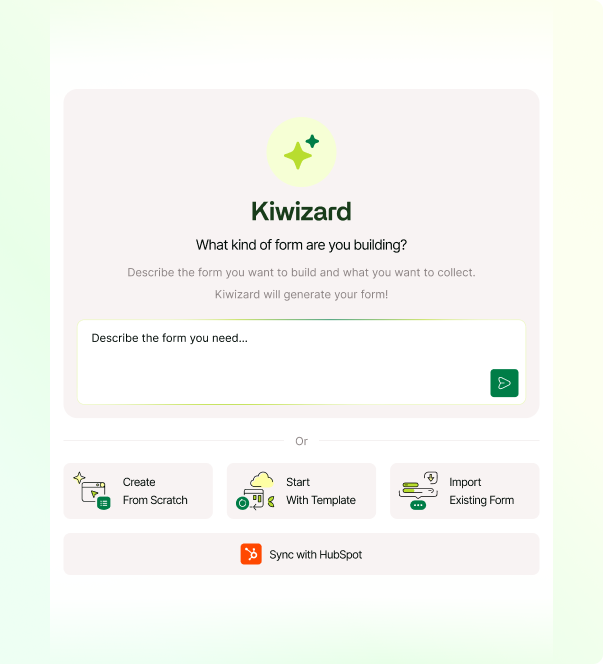
Everything You Need to Know
Frequently Asked Questions
Frequently Asked Questions About Kiwiform Quiz Funnel Builder