AI Form Builder
to Build Forms Faster
Build forms faster with Kiwizard, the AI Form Builder built into Kiwiform. Describe what you want to create and generate structured, editable forms with questions, answer options, and flow already prepared, then customize everything inside the Kiwiform builder.
How It Works
How Kiwiform AI Form Builder Works
Create AI-Generated Forms in Three Simple Steps
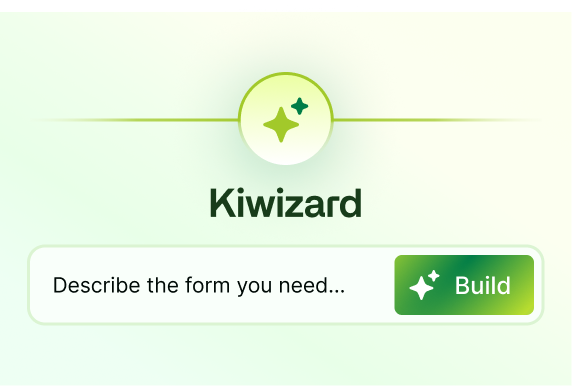
Describe Your Form
Enter a simple prompt describing your form idea, workflow, or use case.
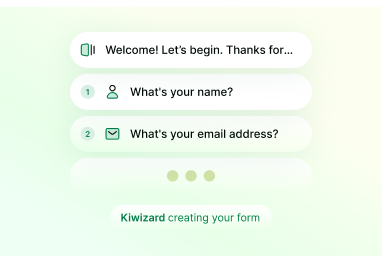
Generate a Structured Draft
Kiwizard generates an editable form draft with fields, sections, and flow already prepared.

Customize and Publish
Edit your AI-generated form using Logic Flow, themes, integrations, and publishing tools.
Why Teams Choose Kiwiform
Why Use Kiwiform AI Form Builder
Build Structured Forms Faster Without Starting From Scratch
Kiwiform AI Form Builder helps you create structured, editable forms faster without starting from scratch. With Kiwizard built into Kiwiform, you can generate form drafts using simple prompts, then customize fields, Logic Flow, themes, integrations, and workflows inside the builder. From surveys and registrations to onboarding and feedback forms, Kiwiform combines AI-assisted form creation with flexible editing and scalable workflows in one platform.
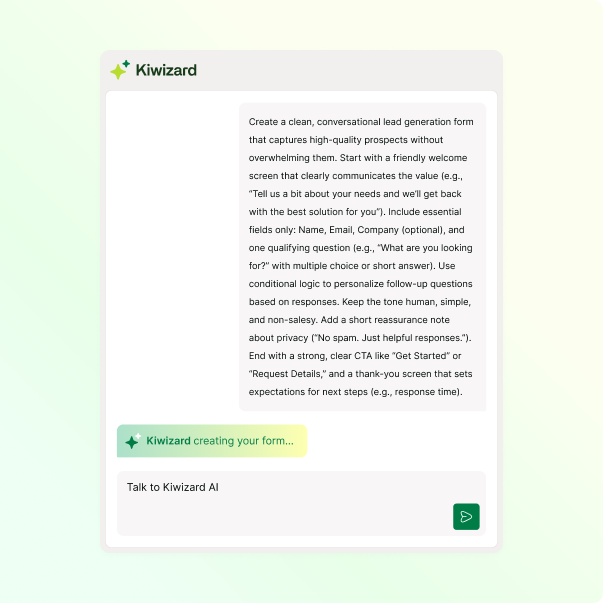
AI-Powered Form Building
Build structured forms from simple prompts without starting from a blank canvas.
Editable AI-Built Forms
Customize every generated field, section, and workflow directly with inside Kiwiform.
AI + Logic Flow
Extend AI-generated forms with Conditional Logic, Branching, Scoring, and Variables.
Forms You Can Create
AI Form Builder Use Cases
Create Different Types of Forms with Kiwiform AI Form Builder
Kiwiform AI Form Builder helps teams create structured forms for different workflows using simple prompts and editable AI-assisted drafts. Whether you’re building customer feedback surveys, lead generation forms, onboarding workflows, event registrations, quizzes, intake forms, or consent forms, Kiwizard, the AI Form Builder inside Kiwiform, helps you prepare form structure, questions, and flow faster while keeping every field, Logic Flow, and workflow fully customizable inside Kiwiform.
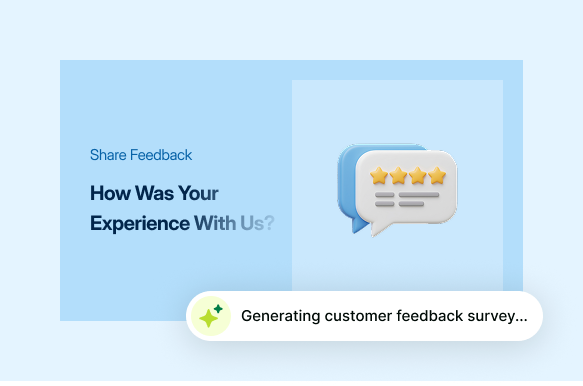
Customer Feedback Surveys
Create structured feedback forms to collect customer opinions, satisfaction insights, and service experiences.

Lead Generation Forms
Build lead capture forms with qualification questions, follow-up workflows, and response routing.

Employee Onboarding Forms
Prepare onboarding workflows with approvals, file uploads, signatures, and employee information collection.

Event Registration Forms
Create registration forms for events, webinars, workshops, and attendee management workflows.

Product Research Surveys
Build product research forms to collect usability feedback, feature requests, and customer insights.

Client Intake Forms
Create intake forms for agencies, consultants, healthcare, legal services, and service-based workflows.

Quiz and Assessment Forms
Build quizzes, assessments, and evaluation forms using scoring and Logic Flow workflows.

Consent and Signature Forms
Create consent forms, agreements, and signature-based workflows with acknowledgment and approval steps.
Connect Your Workflows
AI Form Builder with APIs and Integrations
Connect AI-Built Forms to Your Workflow
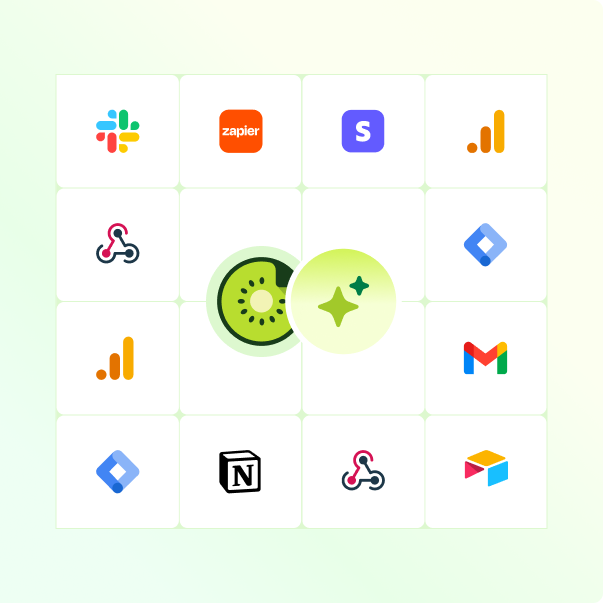
Kiwizard, the AI Form Builder inside Kiwiform, works directly within the Kiwiform ecosystem, allowing AI-built forms to connect with your workflows, automations, and external tools. Every form created using Kiwiform AI Form Builder can be connected using APIs, webhooks, integrations, and automation workflows. From Google Sheets and Slack to CRMs and custom systems using the Kiwiform API, AI-built forms stay fully connected inside your workflow stack.
Built for Developer-Focused Workflows
Developer-Focused AI Form Builder for Connected Workflows
Connect AI-built forms with APIs, integrations, and workflow automations
Kiwizard, the AI Form Builder inside Kiwiform, helps teams move from prompts to fully connected workflows faster. AI-built forms are not isolated outputs or static drafts — they remain fully compatible with Kiwiform’s Logic Flow, APIs, integrations, webhooks, automations, and response workflows.
Whether you’re routing leads to your CRM, syncing responses to Google Sheets, triggering Slack notifications, managing onboarding workflows, or building custom integrations using the Kiwiform API, your AI-built forms stay editable, connected, and ready for real operational use cases inside one platform.
Explore Kiwiform APIEverything You Need to Know
Frequently Asked Questions
Frequently Asked Questions About Kiwiform AI Form Builder