Drag and Drop Form Builder for Faster Form Creation
Build forms, surveys, quizzes, and workflows visually with Kiwiform's Drag and Drop Form Builder. Create professional forms without coding and publish them in minutes.
Kiwiform helps teams create forms using a simple drag-and-drop interface. Add
fields, rearrange questions, customize layouts, and build complete form experiences
without writing code.
Whether you're collecting leads, registrations, applications, feedback, or survey
responses, Kiwiform makes form creation faster and easier through visual editing,
Conditional Logic, and AI-powered assistance from Kiwizard.
Create forms that look professional, work across devices, and adapt to your
workflow—all from a single no-code platform.
Drag and Drop Form Builder
Create and Customize Forms Using a Visual Builder
Replace complex form setup with a simple drag-and-drop workflow using Kiwiform.
A Drag and Drop Form Builder allows you to create forms visually by placing fields
exactly where you want them. Instead of relying on developers or manually editing
code, questions, layouts, and form sections can be added and organized directly
within the builder.
This makes form creation more accessible, easier to manage, and significantly
faster to update. Whether you're building a simple contact form or a multi-step
application workflow, changes can be made in seconds without disrupting the
overall form experience.
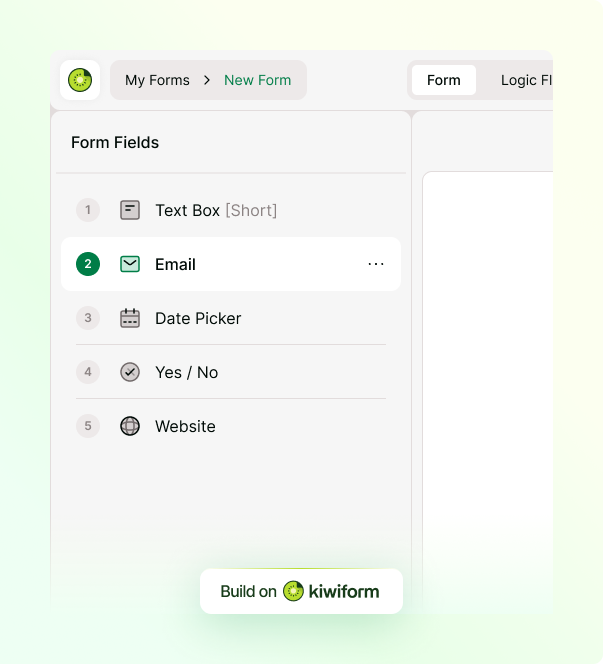
Kiwiform's Drag and Drop Form Builder combines visual editing with modern form-building capabilities, helping teams launch forms quickly while maintaining complete control over structure, design, and data collection.

Visual Drag-and-Drop Editor
Add, move, and organize fields with simple drag-and-drop controls.
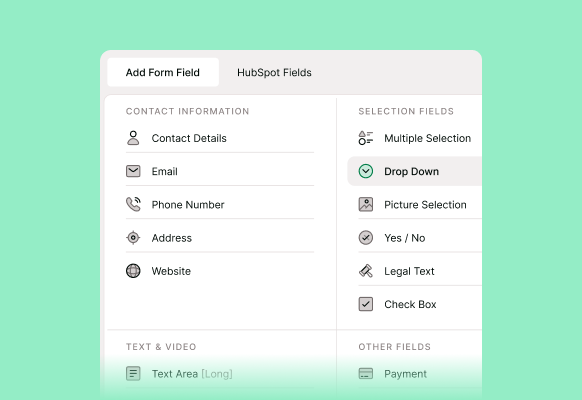
30+ Form Fields
Collect text, files, ratings, selections, signatures, and more.
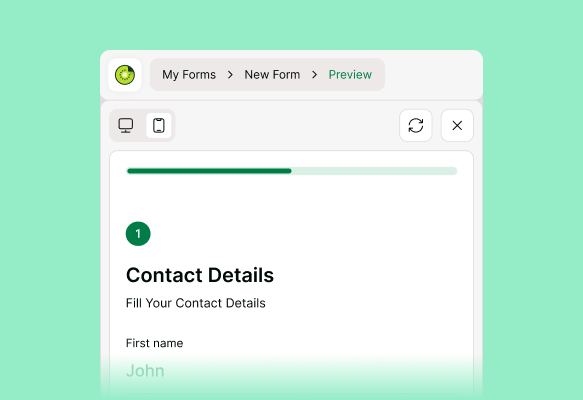
Real-Time Preview
See exactly how your form will appear while you build.
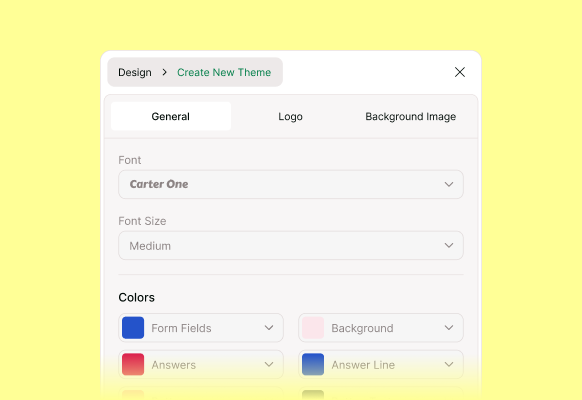
Custom Themes
Match forms to your brand with colors, fonts, and layouts.
Advanced Form Building
Create Dynamic Forms for Real-World Workflows
Combine drag-and-drop form creation with Conditional Logic, Branching, and AI-powered form building.
Modern forms often require more than collecting basic information. Applications,
registrations, onboarding workflows, lead qualification forms, and surveys
frequently need different questions for different respondents.
Kiwiform's Drag and Drop Form Builder helps teams create dynamic forms that adapt
automatically. Using Conditional Logic, Branching Paths, and Skip Logic, forms can
display relevant questions, guide respondents through personalized journeys, and
streamline data collection.
Kiwizard, the AI Form Builder inside Kiwiform, can generate a complete form draft
from a simple prompt. Once generated, every question, field, and workflow remains
fully editable inside the visual drag-and-drop builder.
Multi-Step Forms
Build multi-step forms that guide respondents through longer workflows without overwhelming them.
AI Form Generation
Generate complete form drafts with Kiwizard and continue editing them in the Drag and Drop Form Builder.
File Upload Collection
Add file upload fields to your drag and drop forms for documents, images, and attachments.
Why Kiwiform
Drag and Drop Form Builder for Modern Teams
Build forms faster, manage them easily, and collect unlimited responses with Kiwiform.
Kiwiform combines visual form building, advanced form logic, AI-powered form
creation, and unlimited usage in a single platform. Teams can create forms without
code, customize workflows with Conditional Logic, and generate form drafts using
Kiwizard.
Unlike many traditional form builders that restrict usage through response limits
and feature gates, Kiwiform allows teams to create unlimited forms and collect
unlimited responses without artificial limits.
Kiwiform provides the flexibility and scalability needed to support growing teams
and evolving business processes.
Form Builder for Every Use Case
One Form Builder
for Forms, Surveys, Quizzes, and Workflows
Create forms for lead generation, registrations, applications, feedback collection, and more.
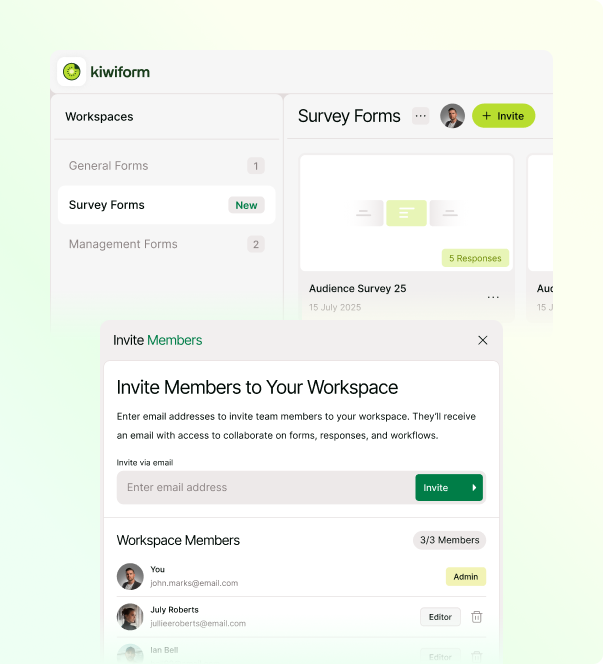
The flexibility of a Drag and Drop Form Builder allows teams to create forms for almost any workflow. Instead of using different tools for different projects, Kiwiform provides a single platform for building, managing, and sharing forms across departments and use cases. Whether you're collecting customer information, running surveys, processing applications, or creating interactive quizzes, Kiwiform helps you build professional forms that are easy to create, customize, and maintain.
Lead Generation Forms
Contact Forms
Event Registration Forms
Job Application Forms
Customer Feedback Forms
Survey Forms
Quiz and Assessment Forms
Customer Onboarding Forms
Internal Request Forms
Everything You Need to Know
Frequently Asked Questions
Frequently Asked Questions About Kiwiform Drag and Drop Form Builder