Start With a Clear Goal
Before building your form, ask:
What is the purpose of this form?
What information do I actually need?
What will I do with the responses?
A focused form performs better than a form that tries to collect everything.
For example:
A lead generation form should be short.
A job application form can be more detailed.
A feedback form should prioritize clarity and simplicity.
Clarity improves completion rates..
Keep It Short and Relevant
Long forms reduce completion rates.
Best practice:
Ask only necessary questions
Remove optional fields unless truly needed.
Break long forms into logical sections.
If a question does not directly support your goal, remove it.
Shorter forms = higher conversion.
Use Clear and Simple Language
Avoid:
Technical jargon
Long paragraphs
Complex instructions
Instead:
Use conversational tone
Keep questions short
Provide clear examples when needed
One Question at a Time
Displaying one question at a time improves focus and reduces overwhelm. It makes the experience feel interactive rather than intimidating.
This approach:
Improves engagement
Increases completion rates
Feels more conversational
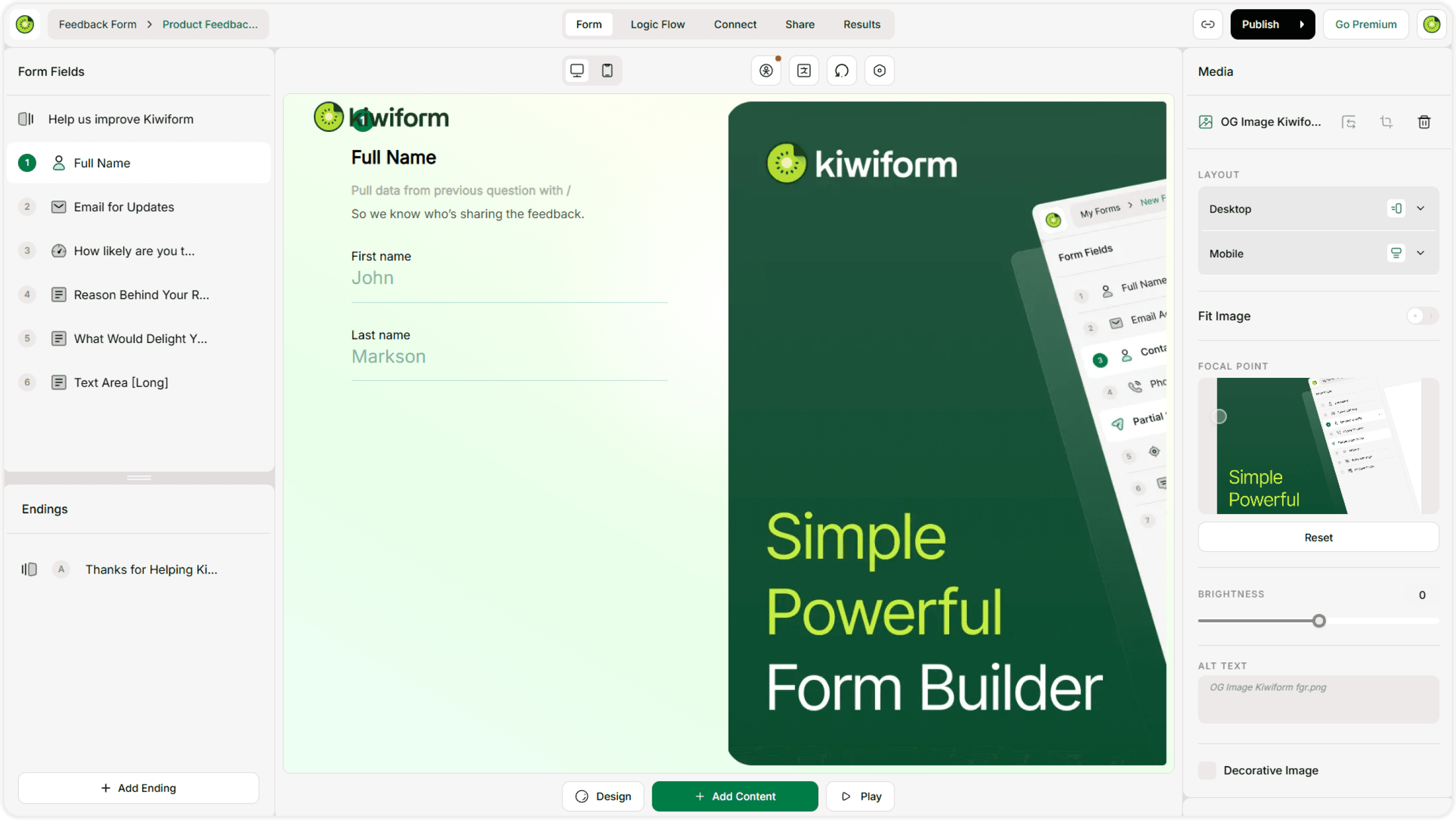
Use Kiwiform’s layout structure to keep the flow clean and distraction-free.
Use Conditional Logic Smartly
Conditional logic helps you:
Show relevant follow-up questions
Hide unnecessary fields
Personalize the experience
Reduce form length dynamically
Optimize for Mobile
Most users fill out forms on mobile devices.
Before publishing:
Preview your form on mobile.
Check font readability.
Ensure buttons are easy to tap.
Avoid large blocks of tex
Mobile-friendly forms significantly increase completion rates.
Use Strong Call-to-Action Buttons
Instead of generic button text like:
“Submit”
Use action-oriented language:
“Get Started”
“Send Feedback”
“Apply Now”
“Join the Event”
Clear calls to action increase conversions.
Add a Clear Welcome Screen
A short introduction helps users understand:
Why you’re collecting information
How long it will take
What happens after submission
Design for Clarity
Visual design impacts trust and completion rates.
Best practices:
Use clean themes
Avoid too many colors
Maintain contrast for readability
Add your logo for brand recognition
Keep background images subtle
A clean design builds credibility.
Test Before Publishing
Always:
Submit a test response
Check logic flows
Verify required fields
Test embed (if applicable)
Confirm email notifications work
Testing prevents lost data and broken experiences.
Make It Easy to Complete
Reduce friction:
Minimize required fields
Avoid unnecessary file uploads
Avoid overly strict validations
Use dropdowns when appropriate
The easier it feels, the more likely users will finish.
Thank Users After Submission
The ending screen matters.
Use it to:
Confirm submission
Share next steps
Provide contact information
Add a link to your website
Encourage sharing
A thoughtful thank-you screen improves brand perception.
Use Templates as a Starting Point
Templates follow proven structures. Starting with a template can:
Save time
Reduce setup errors
Improve structure
Increase clarity
Then customize it to match your brand and goal.
Monitor and Improve
After publishing:
Track response rates
Review drop-off points
Remove confusing questions
Simplify where possible
Small improvements can significantly boost performance over time.
Why Best Practices Matter
A well-designed form:
Increases completion rates
Improves data quality
Builds trust
Reduces abandonment
Boosts conversions
Kiwiform is built to make form creation simple, flexible, and effective — especially for creators and businesses looking for a free Typeform alternative without unnecessary complexity.
Summary
Form success depends on clarity, simplicity, structure, and user experience. Keep your forms short, focused, mobile-friendly, and easy to complete. Test thoroughly and refine over time.
Better forms lead to better results.