Why Use Form Preview?
Before publishing your form, previewing allows you to:
Check question formatting
Test required fields
Validate logic flow and conditional branching
Review branding and layout
Experience the form like a real respondent
Test mobile responsiveness
A quick preview can prevent user confusion and lost responses.
How to Preview Your Form
Open Your Form
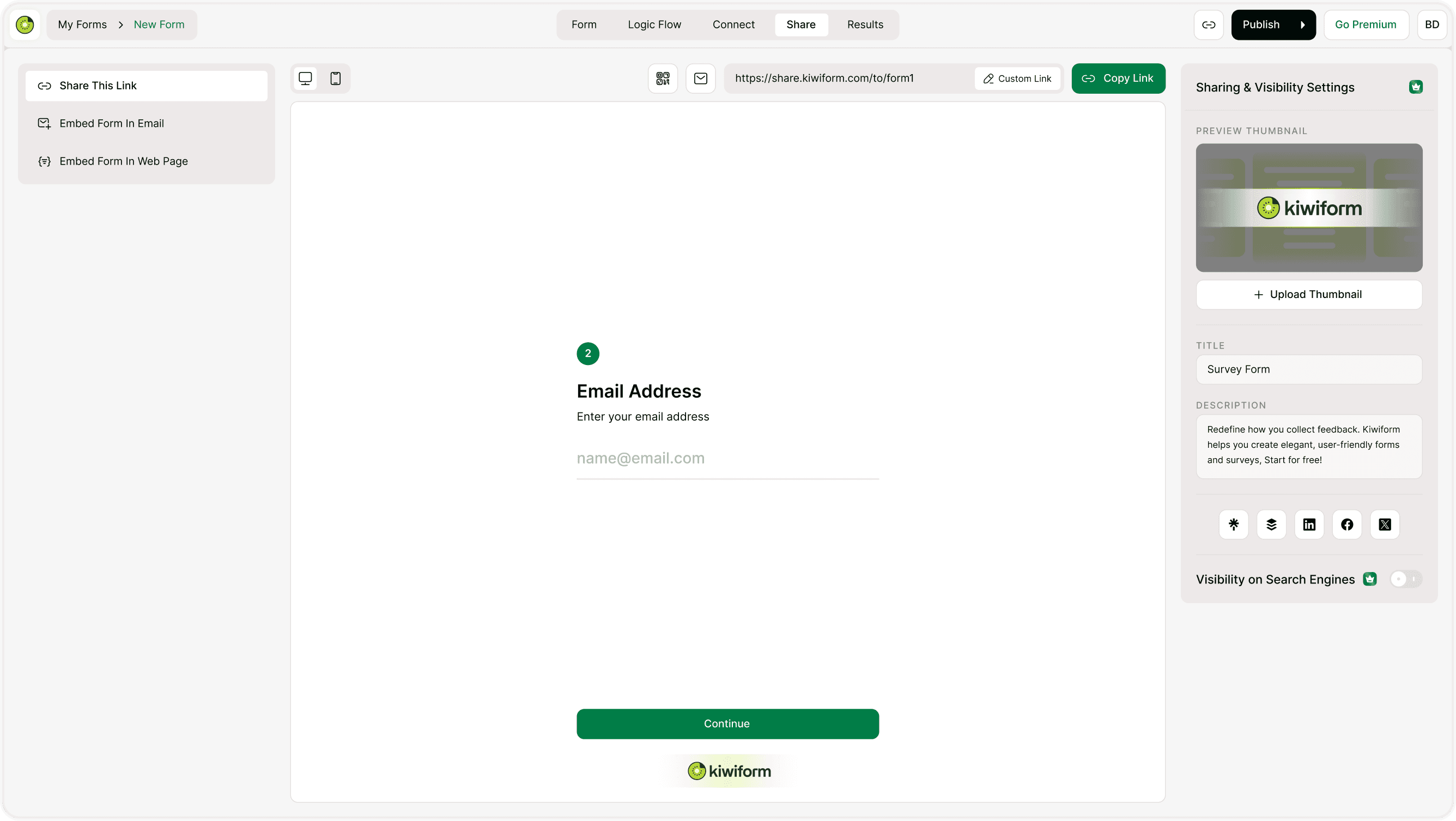
Go to your form dashboard in Kiwiform.Click on the Share Tab
Navigate to the Share section.View the Live Preview
You will see a real-time preview of your form exactly as it appears to respondents.
You can:
Click buttons
Fill out fields
Navigate between questions
Complete the form
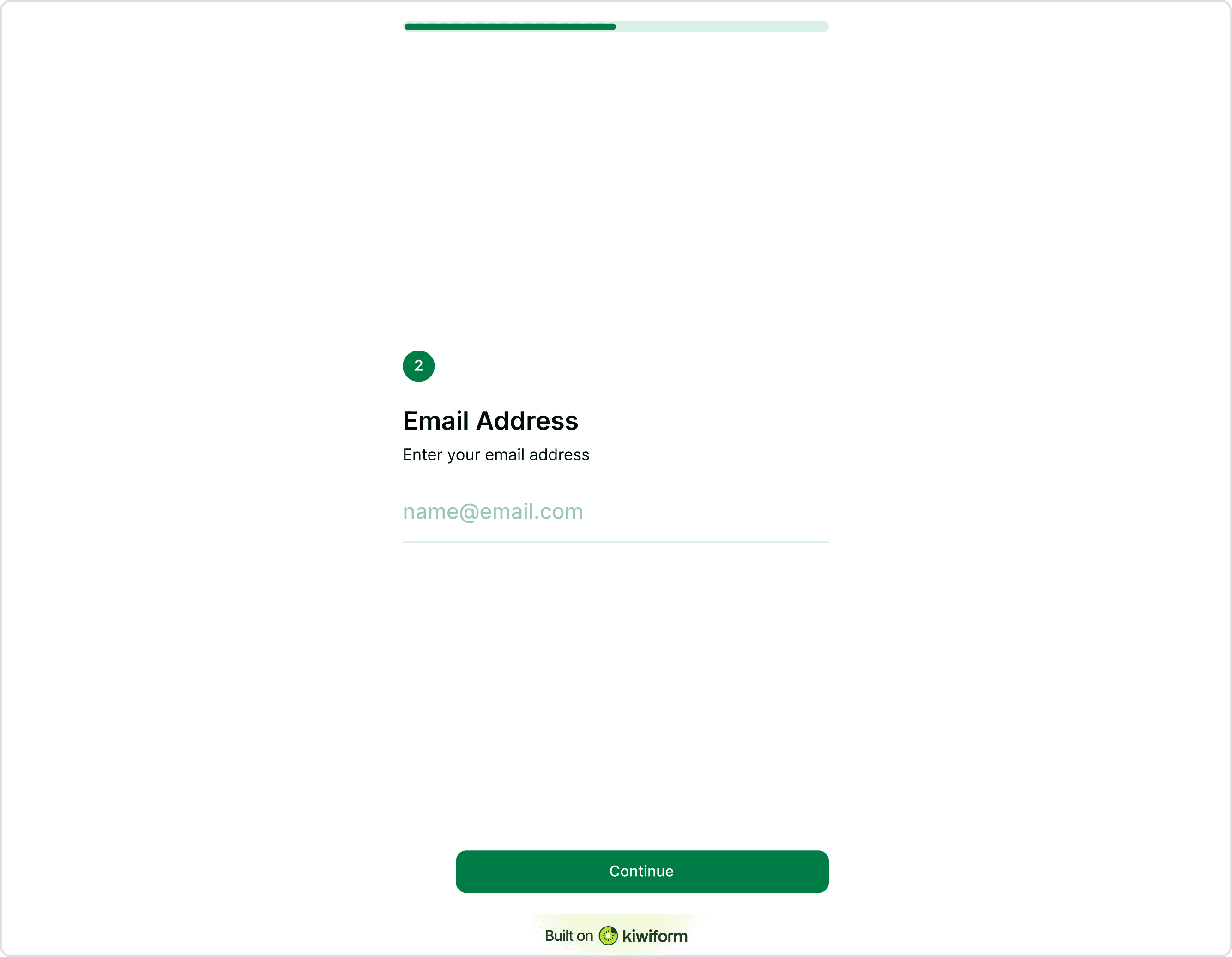
Device Preview Options
Kiwiform allows you to preview your form across different devices.
You can switch between:
Desktop view
Tablet view
Mobile view
This ensures your form looks perfect on every screen size.
What to Check During Preview
The form slides in from the side of the screen.
Question Clarity
Are questions easy to understand?
Required Fields
Are mandatory questions working correctly?
Logic Flow
Do conditional questions appear as expected?
Design Consistency
Does the form match your branding?
Mobile Experience
Is it easy to complete on small screens?
Testing improves completion rates significantly.
Why Form Preview Matters
Even small errors can reduce trust and conversion rates. Previewing ensures your form is polished, functional, and optimized before going live.
Kiwiform helps you test and refine your forms easily, making it a powerful free Typeform alternative for creators and businesses.
Best Practices Before Publishing
Run a full test submission
Check confirmation messages
Verify integrations (if connected)
Test on multiple devices
Review spelling and grammar
A final preview ensures a professional experience.
Summary
The Form Preview feature lets you test your form in real-time before sharing it. You can review design, functionality, logic flow, and responsiveness to ensure a smooth user experience.