How Google Analytics Integration Works
When connected, Google Analytics tracks activity on your published form.
This includes:
Page views
Form starts
Form submissions
User behavior and engagement
Traffic sources
Device informatio
Tracking helps you understand how users reach your form and how they interact with it.
When to Use Google Analytics
Google Analytics is useful when you want to:
Measure marketing campaign performance
Track conversion rates
Understand drop-offs
Analyze traffic sources
Monitor user devices and locations
Optimize form completion rates
It is especially helpful for lead generation forms, landing page forms, and paid campaign tracking.
How to Connect Google Analytics
Log in to Google Analytics.
Create or select a property.
Copy your Measurement ID (for GA4).
Open Form Settings in Kiwiform
Open your form in Kiwiform.
Click Connect in the top navigation.
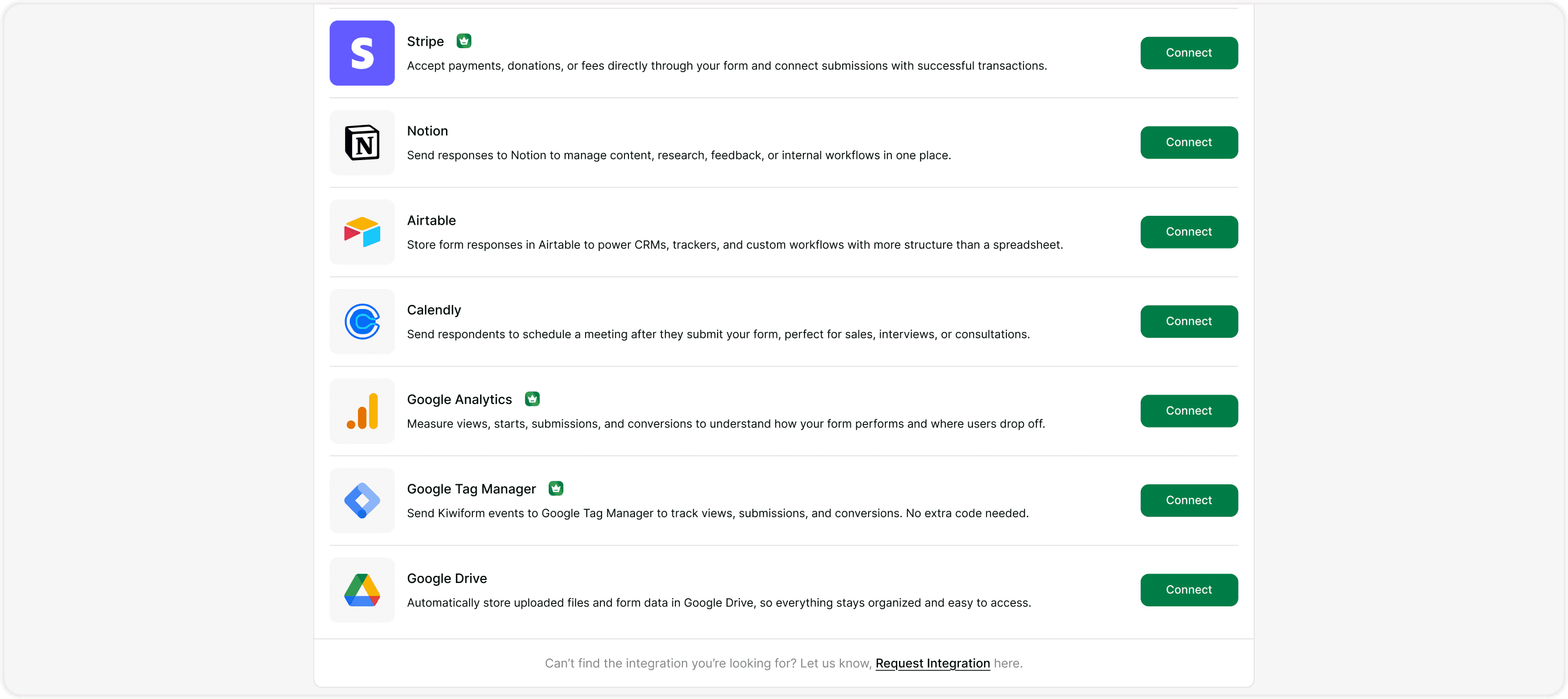
Select Google Analytics from the integration list.
Paste your Measurement ID.
Save changes.
Publish Your Form
After saving:
Publish or republish your form.
Submit a test response.
Verify tracking inside your Google Analytics dashboard.
Tracking begins once the form is live and accessed by users.
What Data Is Tracked?
Depending on configuration, Google Analytics can track:
Page views of your form
Session duration
Traffic source (organic, paid, referral)
Device type (mobile, desktop)
Location data
Form completion events
You can set up custom conversion events in Google Analytics for deeper insights.
Best Practices
For accurate tracking:
Connect Google Analytics before sharing your form publicly.
Use UTM parameters for marketing campaigns.
Test tracking with a real submission.
Monitor analytics regularly.
Keep Measurement ID correct and updated.
For GDPR-sensitive regions, ensure proper consent collection before tracking.
Summary
The Google Analytics integration allows you to track how respondents find and interact with your Kiwiform form. By adding your Google Analytics Measurement ID, you can monitor page views, traffic sources, device types, session data, and form submissions directly inside your Analytics dashboard. This helps you measure conversion rates, evaluate marketing campaigns, and identify drop-off patterns so you can optimize your form performance based on real user behavior.