How the Google Sheets Integration Works
When connected, Kiwiform sends every new form submission directly to a selected Google Sheet.
Here’s what happens:
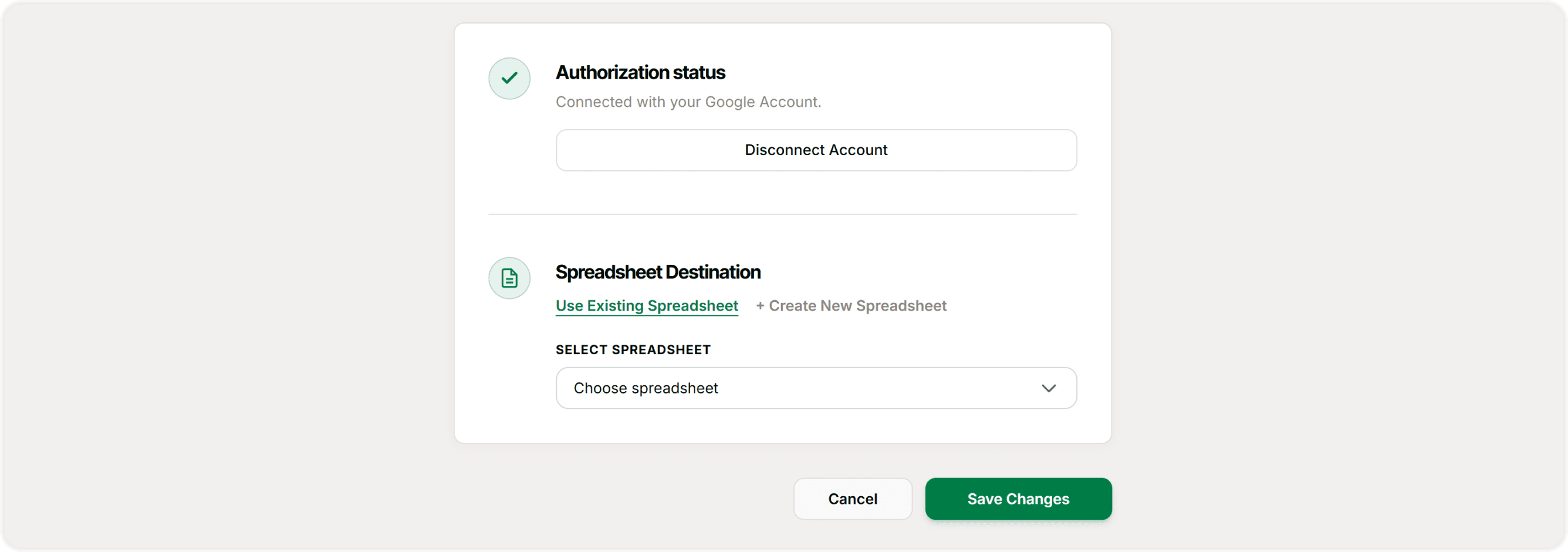
A spreadsheet is created (or selected) in your Google Drive
Column headers are automatically generated based on your form fields
Each new response is added as a new row
Data is updated in real time
This eliminates the need to export CSV files manually.
How to Connect Google Sheets to Your Form
Open your form in Kiwiform.
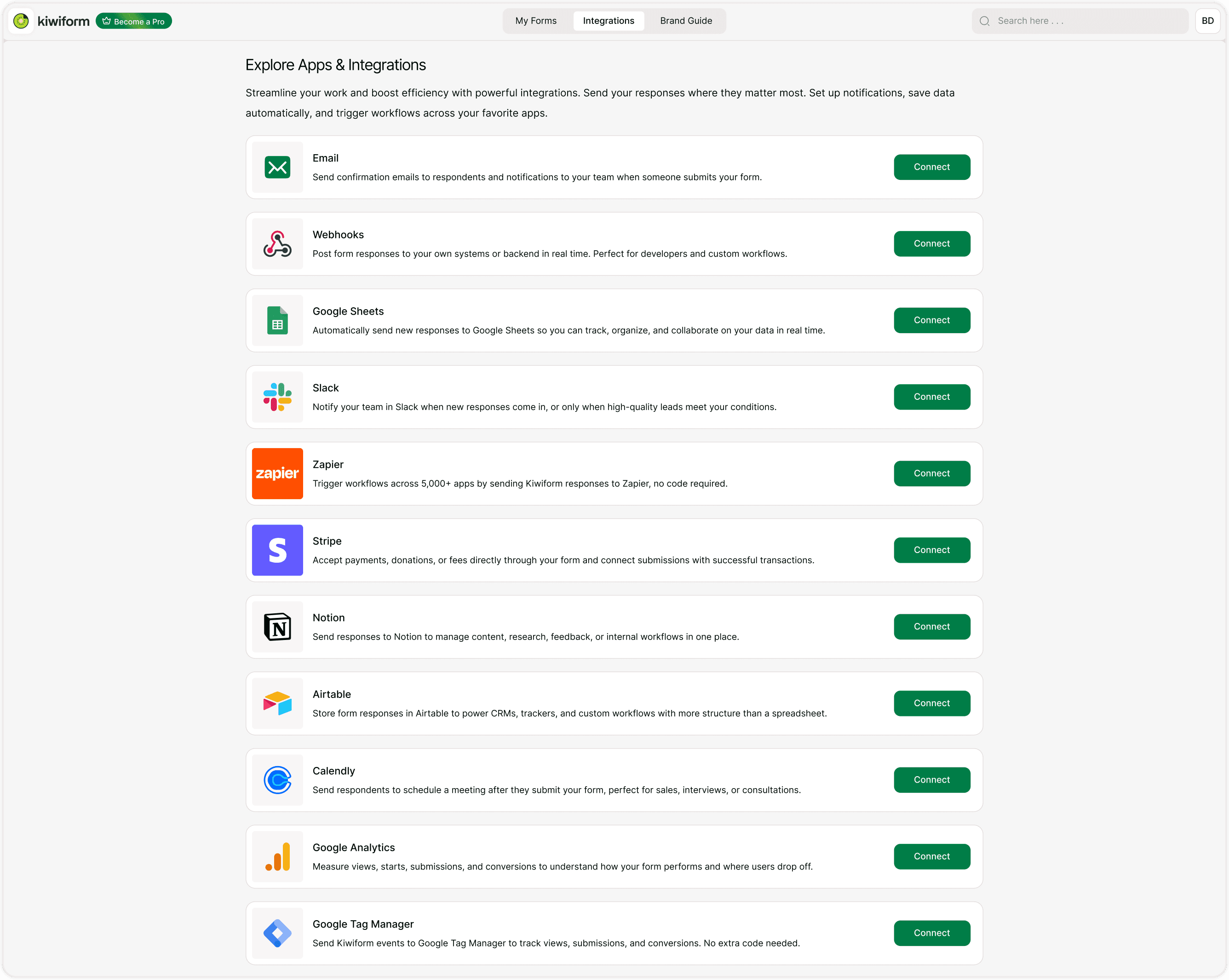
Click Connect in the top navigation bar.
Select Google Sheets from the integration list.
Click Connect.
Sign in to Google
You will be redirected to Google:
Choose your Google account.
Grant permission for Kiwiform to create and manage spreadsheets.
This allows Kiwiform to send data to your Google Drive.
Choose or Create a Spreadsheet
You will be redirected to Google:
Choose your Google account.
Grant permission for Kiwiform to create and manage spreadsheets.
This allows Kiwiform to send data to your Google Drive.
Confirm the Connection
Once configured:
The integration status will show as connected
A test submission may be used to verify data flow
New responses will start appearing automatically
No additional configuration is required unless your form structure changes.
Best Practices
For reliable data syncing:
Connect Google Sheets before sharing your form publicly
Keep field names clear and consistent
Avoid deleting connected spreadsheets
Use filters and protected ranges in Google Sheets if collaborating
Summary
The Google Sheets integration automatically sends every new Kiwiform form submission to a connected spreadsheet in real time. Each response is added as a new row, and each form field becomes a column, making it easy to organize, analyze, and share your data. This integration helps you track leads, manage registrations, review survey responses, and collaborate with your team without manually exporting or copying data.