How Google Tag Manager Integration Works
Google Tag Manager allows you to deploy tracking codes through a central container instead of placing scripts individually.
When connected:
Your GTM container loads on your form
Tags inside your GTM account fire based on configured triggers
You can manage and update tracking without editing the form again
This gives you flexibility and centralized control over tracking tools.
When to Use Google Tag Manager
Google Tag Manager is useful when you:
Use multiple analytics platforms
Manage marketing pixels (Facebook, LinkedIn, etc.)
Track custom events
Run paid ad campaigns
Need flexible event tracking
Work with marketing teams
If you want advanced tracking beyond basic analytics, GTM is recommended.
How to Get Your GTM Container ID
Log in to Google Tag Manager.
Open your container.
Copy your Container ID (e.g., GTM-XXXXXXX).
This ID connects your form to your GTM account.
How to Add Google Tag Manager in Kiwiform
Open your form in Kiwiform.
Click Connect in the top navigation.
Select Google Tag Manager from the integration list.
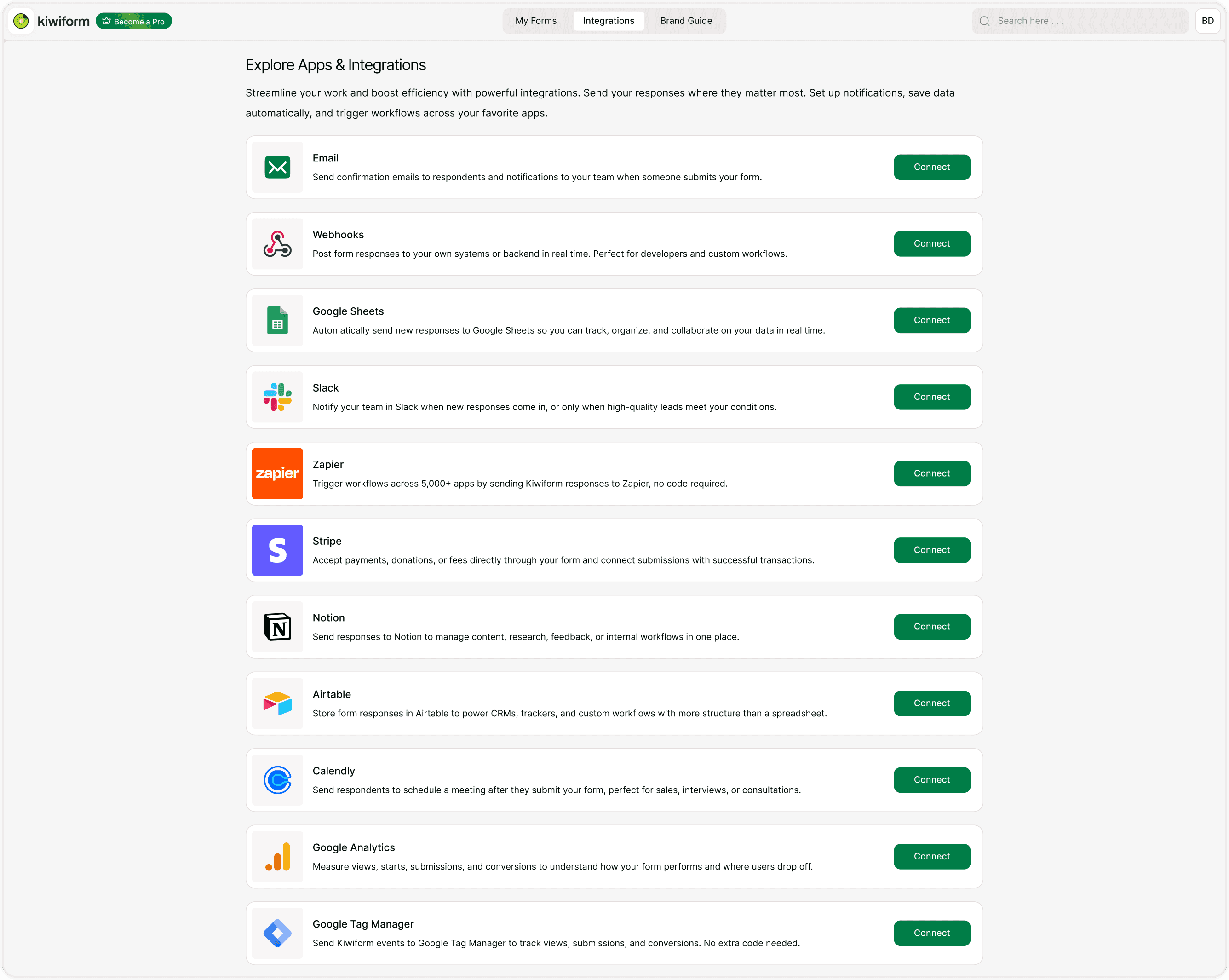
Paste Your Container ID
Paste your GTM container ID.
Save your changes.
Publish or republish your form.
Your container will now load when the form is accessed.
What You Can Track with GTM
Using Google Tag Manager, you can configure:
Google Analytics events
Conversion tracking
Ad platform pixels
Custom JavaScript events
Submission triggers
Page view tracking
You define triggers and tags inside your GTM dashboard.
Tracking Form Submissions
To track submissions:
Create a new trigger in GTM.
Configure it to fire on form submission events.
Attach the trigger to a tag (e.g., conversion tracking).
Publish your container.
Test the event using GTM Preview mode before going live.
Best Practices
For reliable tracking:
Install GTM before sharing your form publicly.
Use clear naming conventions for tags.
Test in GTM Preview mode.
Monitor real-time analytics after publishing.
Keep your container organized.
If tracking in regulated regions, ensure consent management is properly configured.
Summary
The Google Tag Manager integration allows you to add your GTM container ID to a Kiwiform form so you can manage tracking tags and marketing scripts from a centralized dashboard. Once connected, your GTM container loads on the form, enabling you to configure analytics events, conversion tracking, and advertising pixels without modifying the form again. This provides flexible and scalable tracking for marketing campaigns and performance measurement.