What Are Integrations in Kiwiform?
Integrations allow your form data to automatically flow into other apps and systems.
Instead of manually downloading responses or copying data, Kiwiform sends submissions directly to the tools you connect — in real time.
This means:
No manual exports
No repetitive data entry
No delays in follow-ups
Faster workflows
Better team collaborations
Whether you’re managing leads, processing payments, tracking orders, or notifying your team, integrations help you automate everything.
Where to Find Integrations
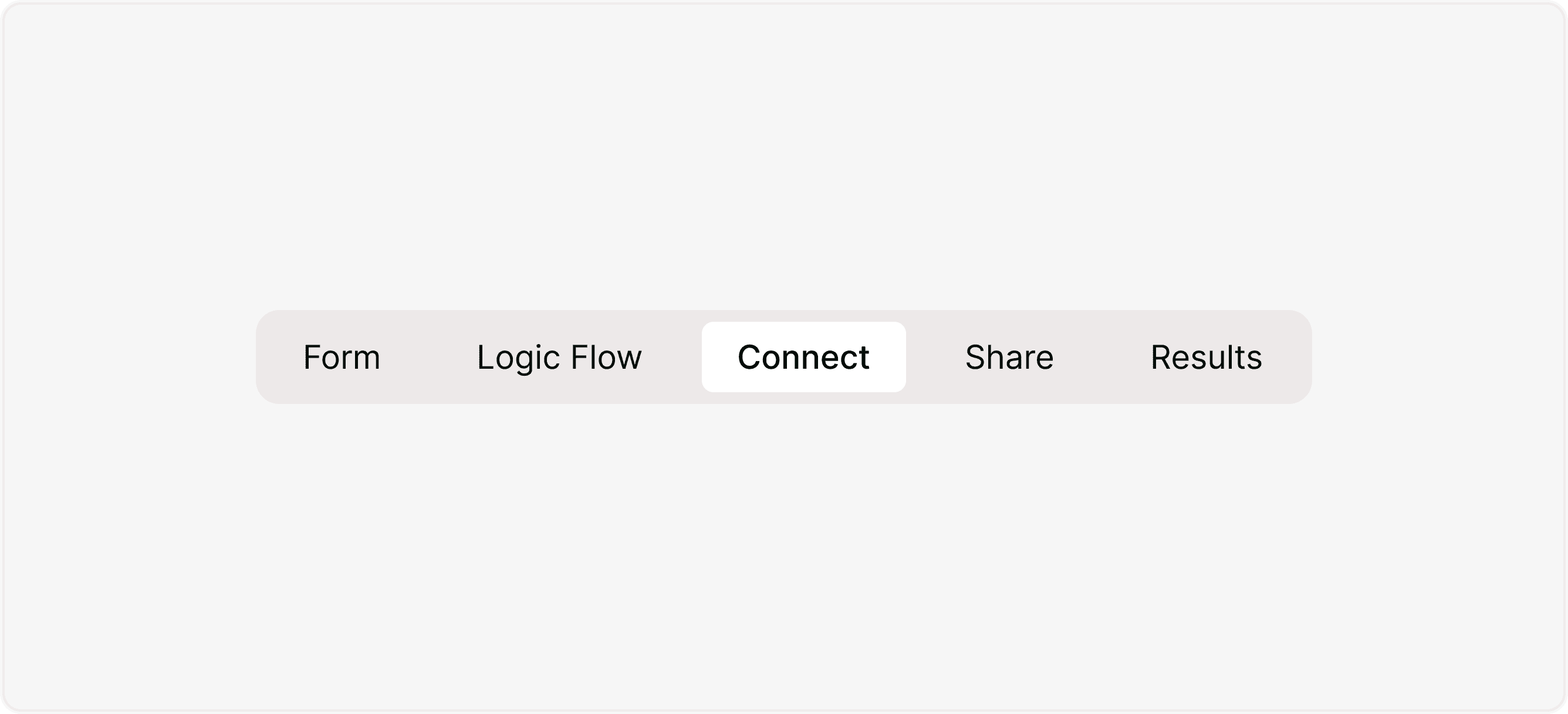
You can access integrations directly inside your form:
Open your form
Click on the Connect tab
Choose the integration you want to configur
From here, you can connect, manage, or disconnect any tool linked to your form.
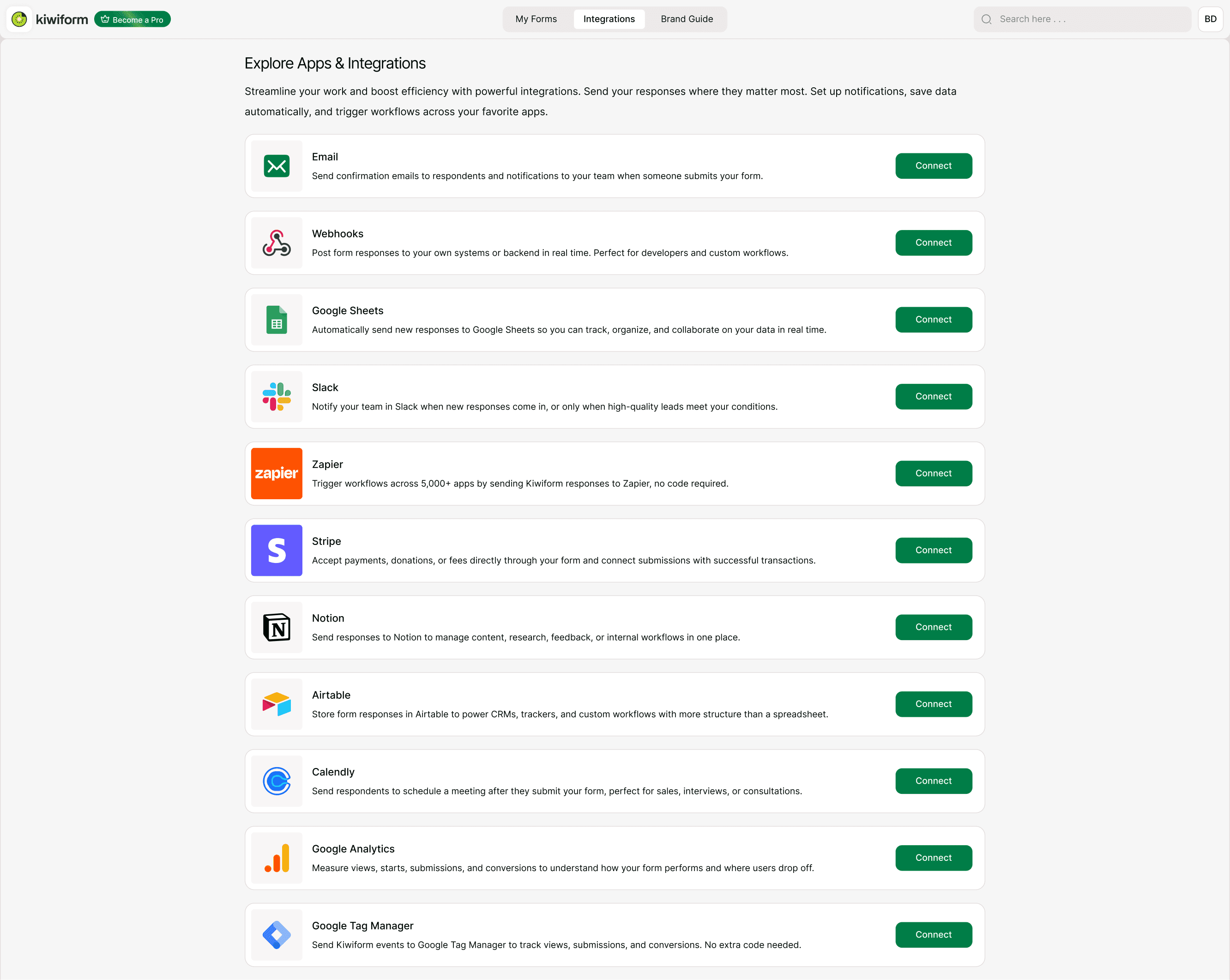
Available Integrations
Email Notifications
Send confirmation emails to respondents and instant notifications to your team when someone submits a form.
Webhooks
Send real-time data to any external system using custom webhook URLs. Ideal for advanced or custom workflows.
Google Sheets
Automatically send submissions to a spreadsheet for tracking, organizing, and collaboration.
Slack
Notify your team in Slack whenever new responses come in.
Zapier
Connect Kiwiform to thousands of apps and automate multi-step workflows without coding.
Stripe
Accept payments directly through your form and link successful payments to submissions.
Notion
Send responses to Notion databases for structured collaboration and workflow management.
Airtable
Store form responses in structured Airtable bases to power CRMs and custom workflows.
How Integrations Work
The process is simple:
Connect your account
Authorize access
Select destination (if applicable)
Map your form fields
Test the integration
Publish your form
Once connected, every new submission follows the automation rules you’ve set.
This is one of the reasons many teams choose Kiwiform as a free Typeform alternative — it combines ease of use with powerful automation.
When Should You Use Integrations?
Use integrations when you want to:
Automatically store responses
Notify your team instantly
Accept payments
Trigger workflows
Reduce manual work
Improve response time
Build scalable systems
If you’re handling more than a few submissions per week, automation quickly becomes essential.
Best Practices for Seamless Automation
To ensure your integrations work smoothly:
Finalize your form structure before mapping fields
Use clear field names
Test with sample submissions
Review required fields in connected apps
Monitor your first few live submissions
These small steps prevent errors and ensure reliable automation.
Summary
The Integrations Overview explains how Kiwiform connects your forms to tools like Google Sheets, Slack, Zapier, Stripe, Notion, and Airtable to automate workflows and manage responses in real time. With simple setup and no coding required, you can send data, trigger actions, accept payments, and streamline operations making Kiwiform a powerful free Typeform alternative for automation-driven teams.