How multi-page forms work in Kiwiform
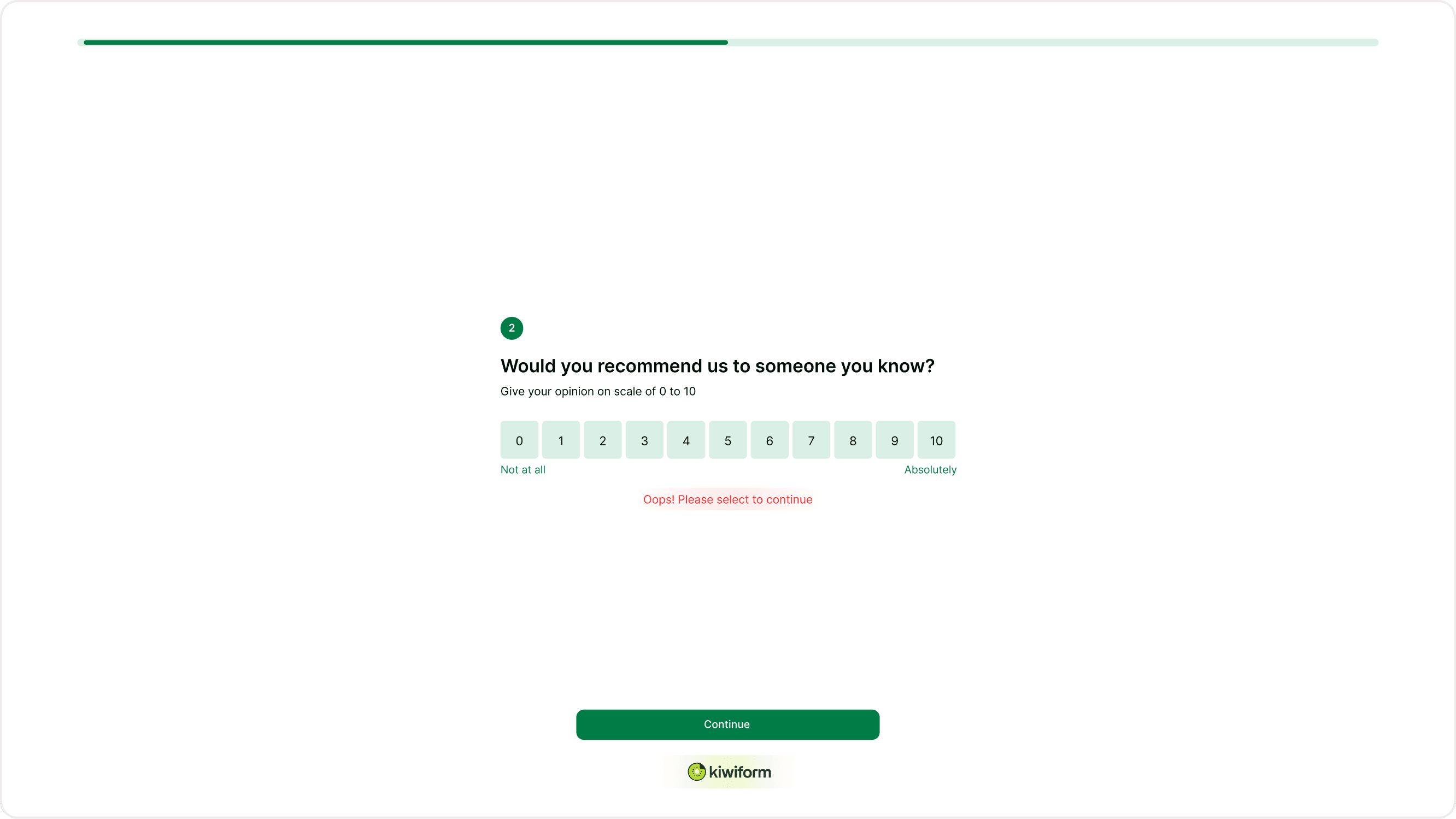
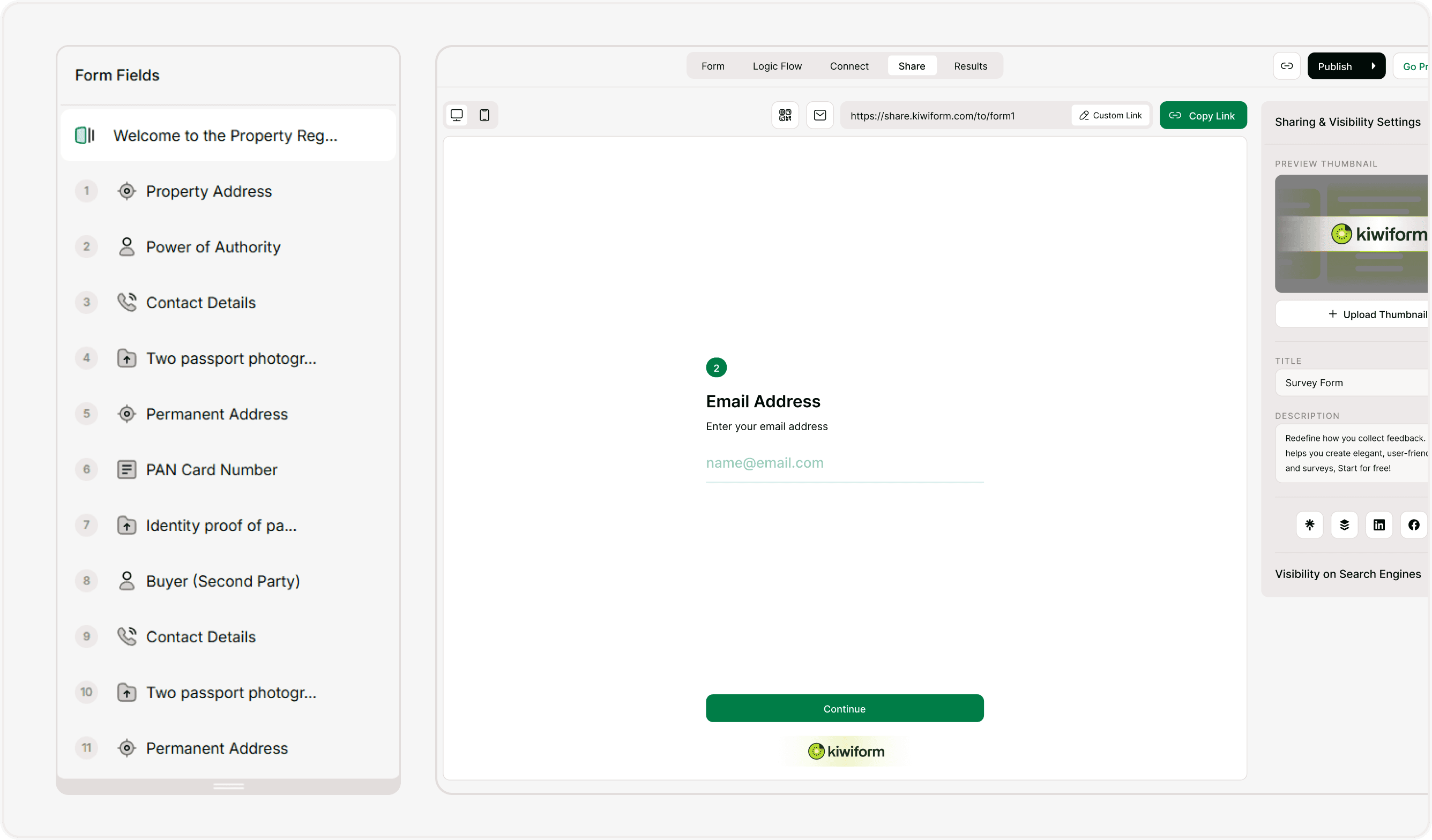
Kiwiform forms are built to show one step at a time instead of displaying all questions on a single screen. Each question or content block appears in sequence, guiding respondents forward with clear navigation and progress indicators. This structure reduces overwhelm, improves completion rates, and makes longer forms easier to finish.
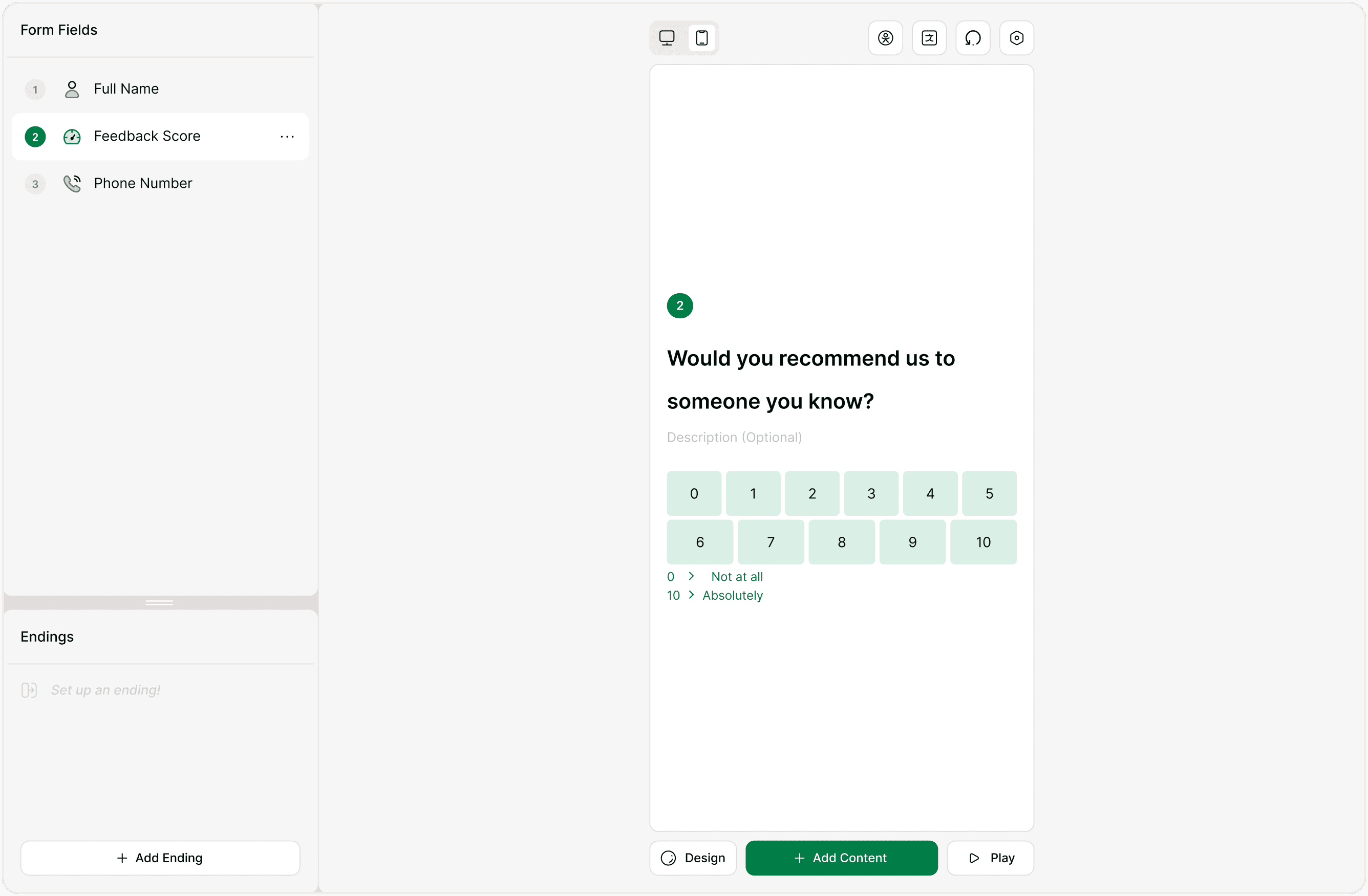
When you add fields in the builder, each one becomes its own step in the form flow. Respondents move forward using navigation controls, while you maintain full control over the order, logic, and structure of the form.
Why multi-page forms improve responses
Breaking a form into multiple steps creates a smoother experience for respondents. Instead of scrolling through a long list of questions, they focus on one step at a time. This approach works especially well for lead generation forms, feedback surveys, applications, onboarding flows, and quizzes.
Multi-page forms also make it easier to introduce logic. You can guide respondents to different questions or endings based on their answers without cluttering the form with unnecessary fields. Each step feels intentional and relevant, which helps maintain engagement from start to finish.
Structuring your form across steps
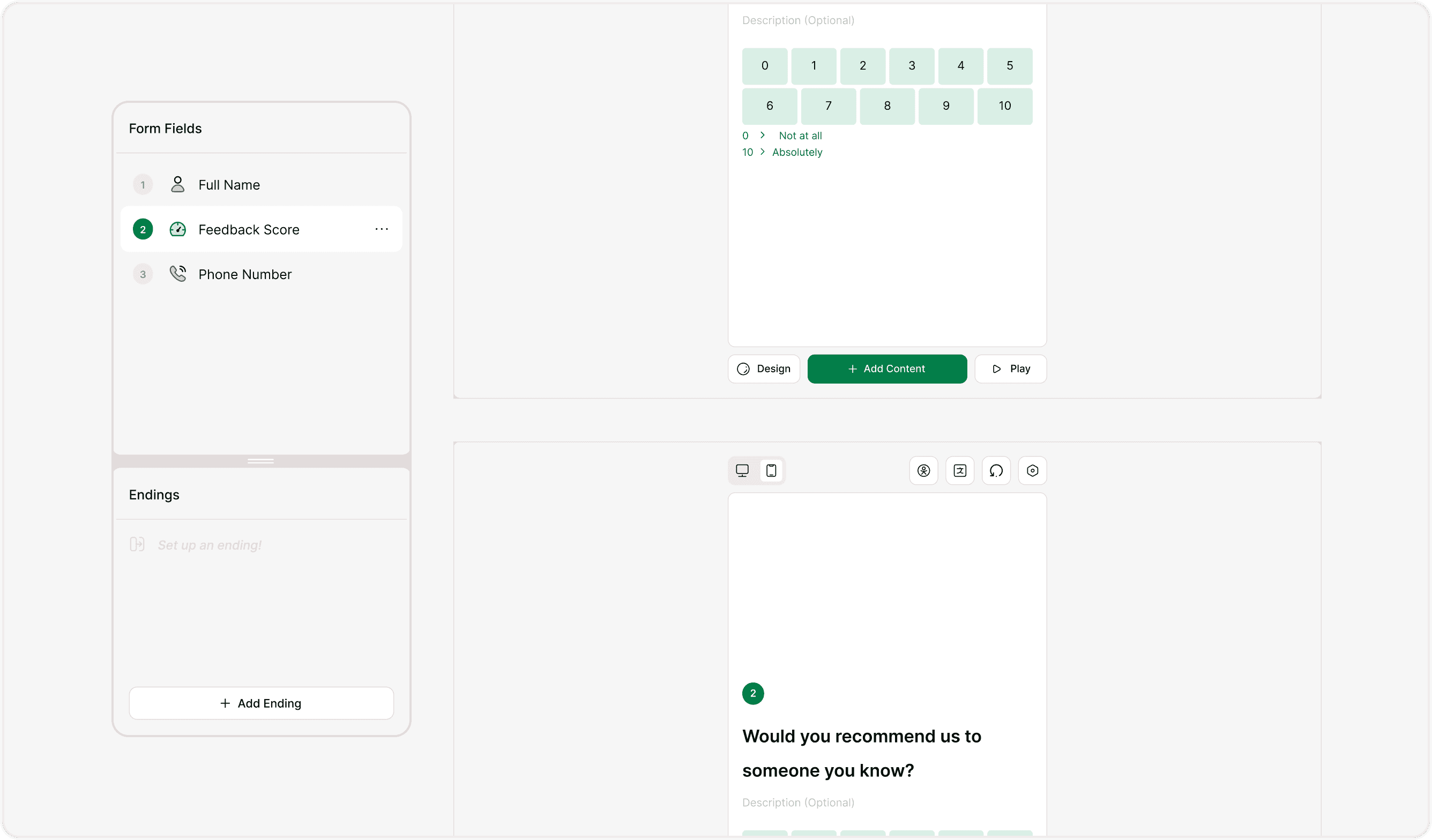
Each field you add becomes part of the form’s sequence. You can reorder fields, group related questions, and place welcome or ending screens to create a clear journey from start to submission. Keeping related questions together and maintaining a logical flow helps respondents understand what’s coming next.
For longer forms, consider grouping questions by topic and using clear transitions between sections. This keeps the experience structured without overwhelming the respondent. You can also combine multi-page structure with logic to skip unnecessary steps based on previous answers.
Previewing the form experience
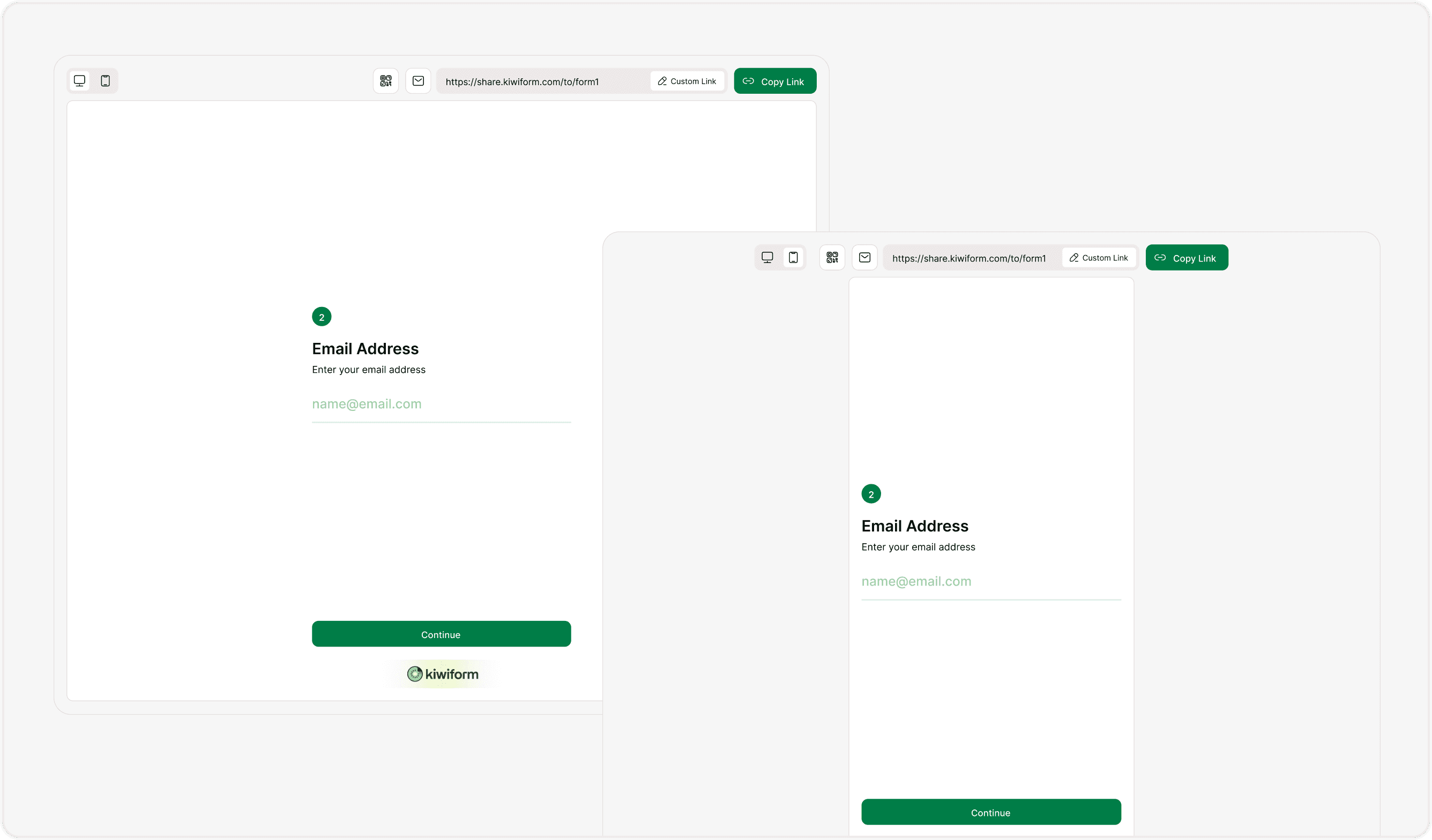
You can preview your form at any time to see how it behaves as a multi-page flow. Use the preview option to check navigation, pacing, and readability across devices. This helps you confirm that the form feels natural and that each step appears in the correct order.
Testing the form before publishing ensures that transitions between steps are smooth and that logic paths lead respondents to the right questions or endings.
When to use multi-page forms
Multi-page forms are ideal when you want a focused, guided experience. They work well for surveys, applications, onboarding flows, registrations, and feedback collection. Any time a form includes multiple questions or sections, breaking it into steps can improve clarity and completion rates.
Using a multi-page structure also makes forms feel more conversational. Respondents move through one step at a time instead of scanning a long page, which keeps attention focused and reduces drop-off.
Summary
Kiwiform uses a multi-page structure by default so forms feel simple, focused, and easy to complete. Each step appears in sequence, helping you guide respondents through questions in a clear and structured way. With the ability to reorder fields, add logic, and preview the flow, you can design forms that are both easy to build and easy to complete.