What the Opinion Scale field does
The Opinion Scale field allows respondents to select a numeric value from a defined range to express their opinion or experience.
It is useful when you want:
Consistent, structured responses
Quick ratings instead of long text answers
Easy comparison across responses
Data that can be measured and analyzed
This field is commonly used in feedback forms, surveys, and evaluation flows where numeric ratings are easier to interpret than written answers.
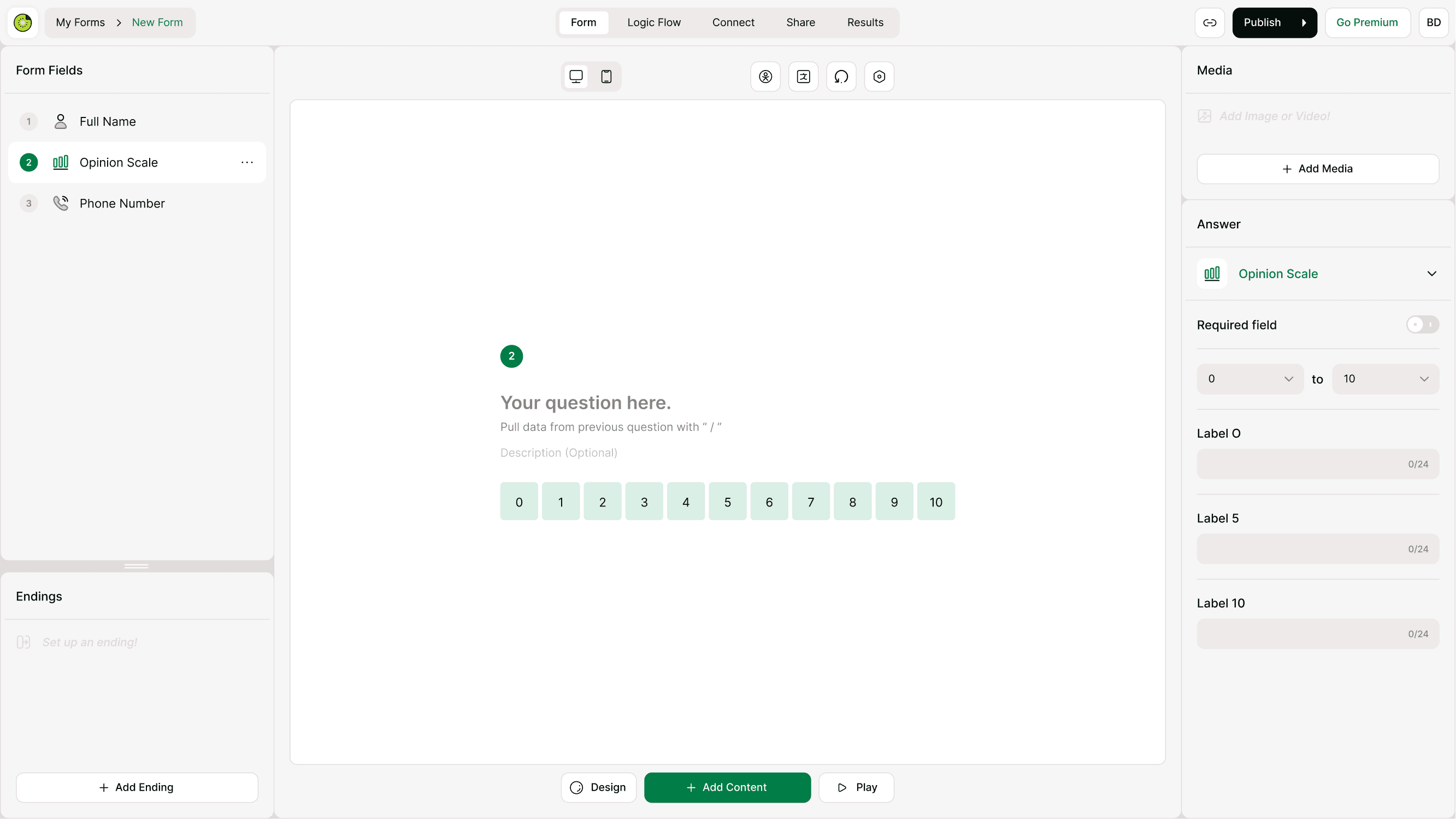
When to use the Opinion Scale field
Use the Opinion Scale field whenever you need measurable feedback.
Common use cases:
Customer satisfaction surveys
Product or feature feedback
Event or workshop feedback
Net promoter–style questions
Internal team or employee feedback
Service quality ratings
Course or training evaluations
If your goal is to measure sentiment or satisfaction on a scale, this field is usually the best option.
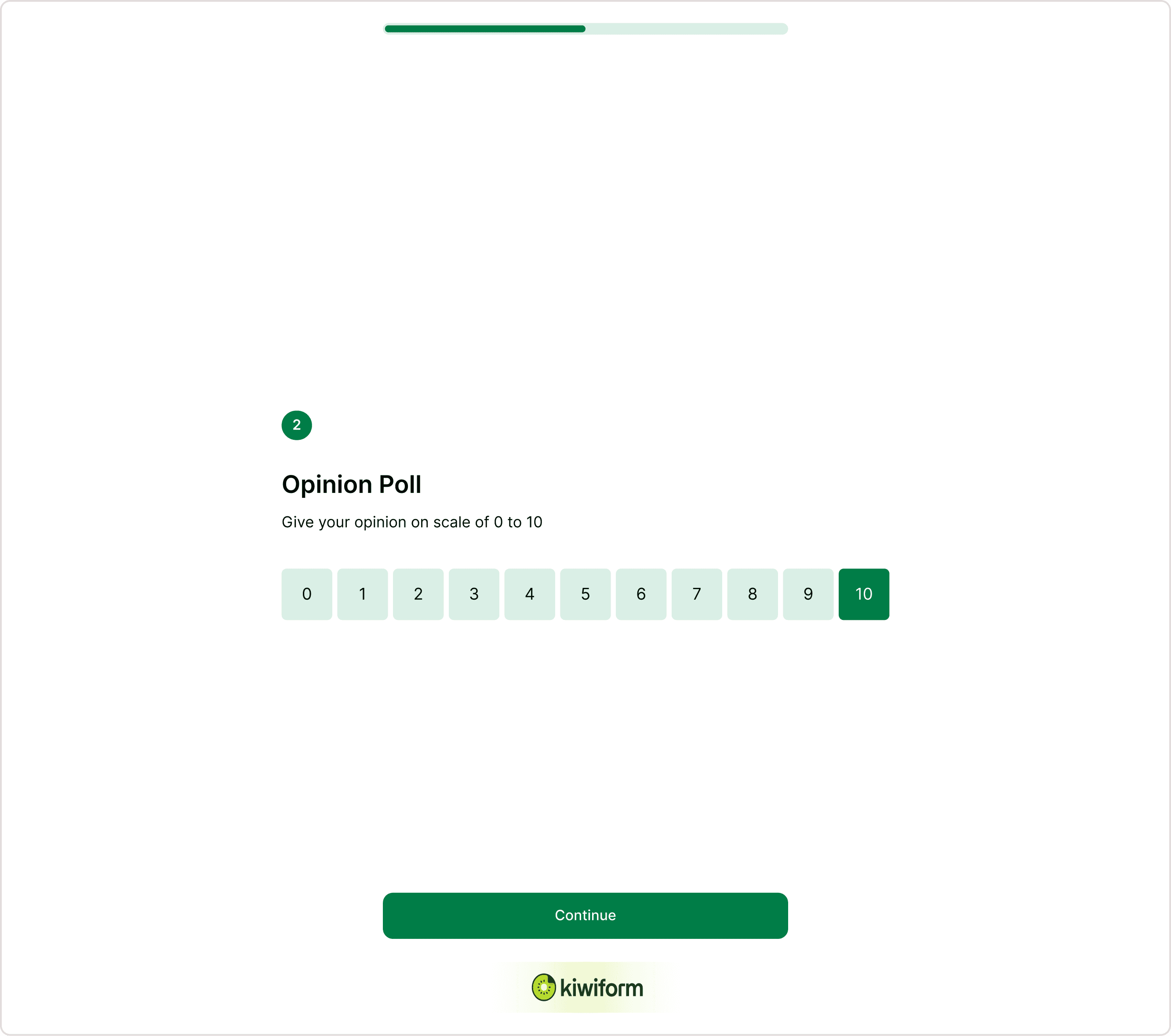
Add the Opinion Scale field to your form
Follow these steps to insert the field:
Open your form in the builder
Add a new field
Select Opinion Scale from the Form Building panel
Place it where you want respondents to rate
Enter your question text and optional description
You can now configure the scale from the Answer panel.
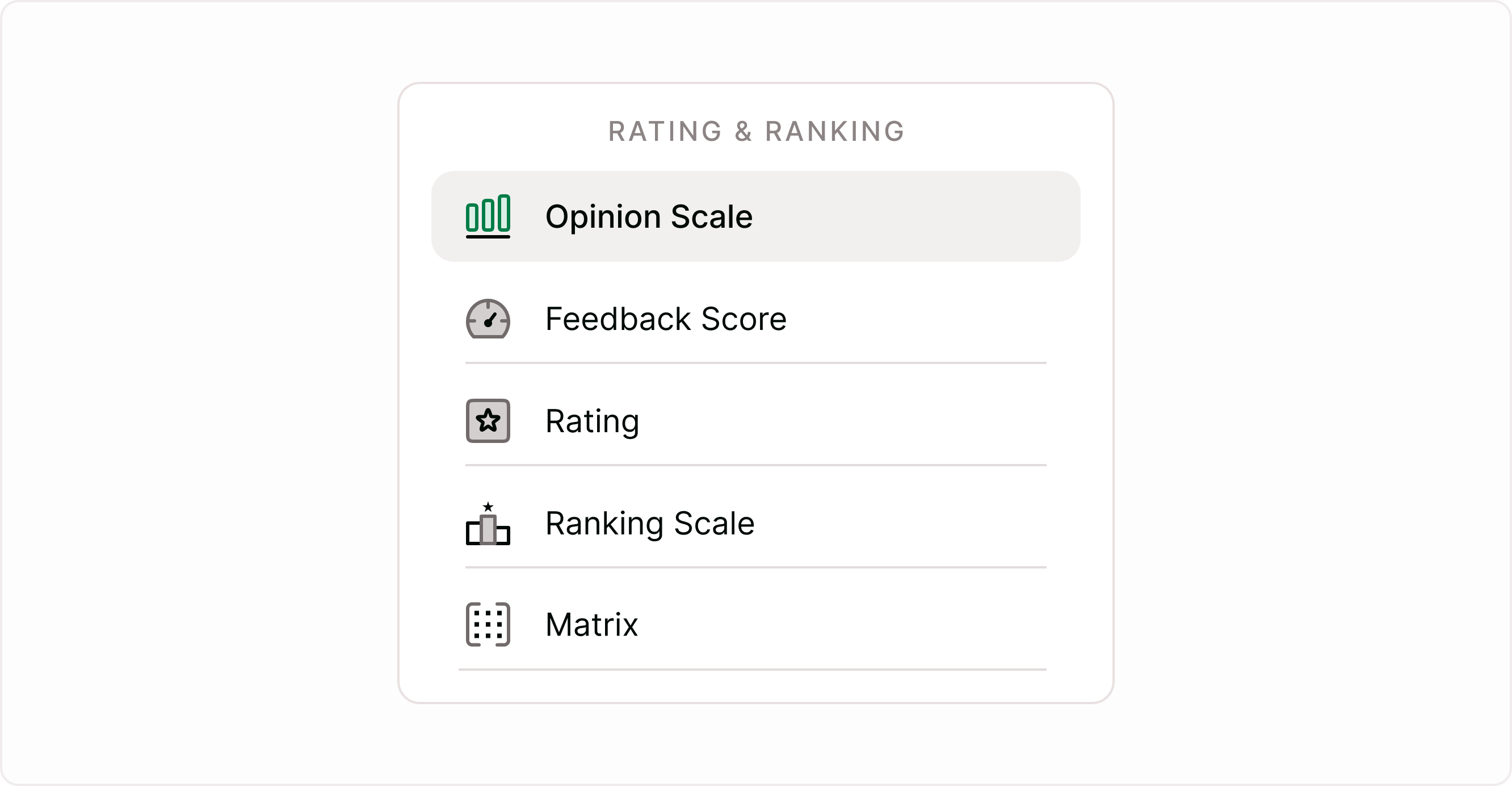
Configure the scale range
You can define the start and end of the scale depending on the type of feedback you want.
Common ranges:
0 to 10 for detailed satisfaction or likelihood
1 to 5 for quick rating questions
0 to 5 for simple feedback scales
Choose a range that matches how detailed you want the responses to be. Larger ranges allow more nuance, while smaller ranges are quicker for respondents.
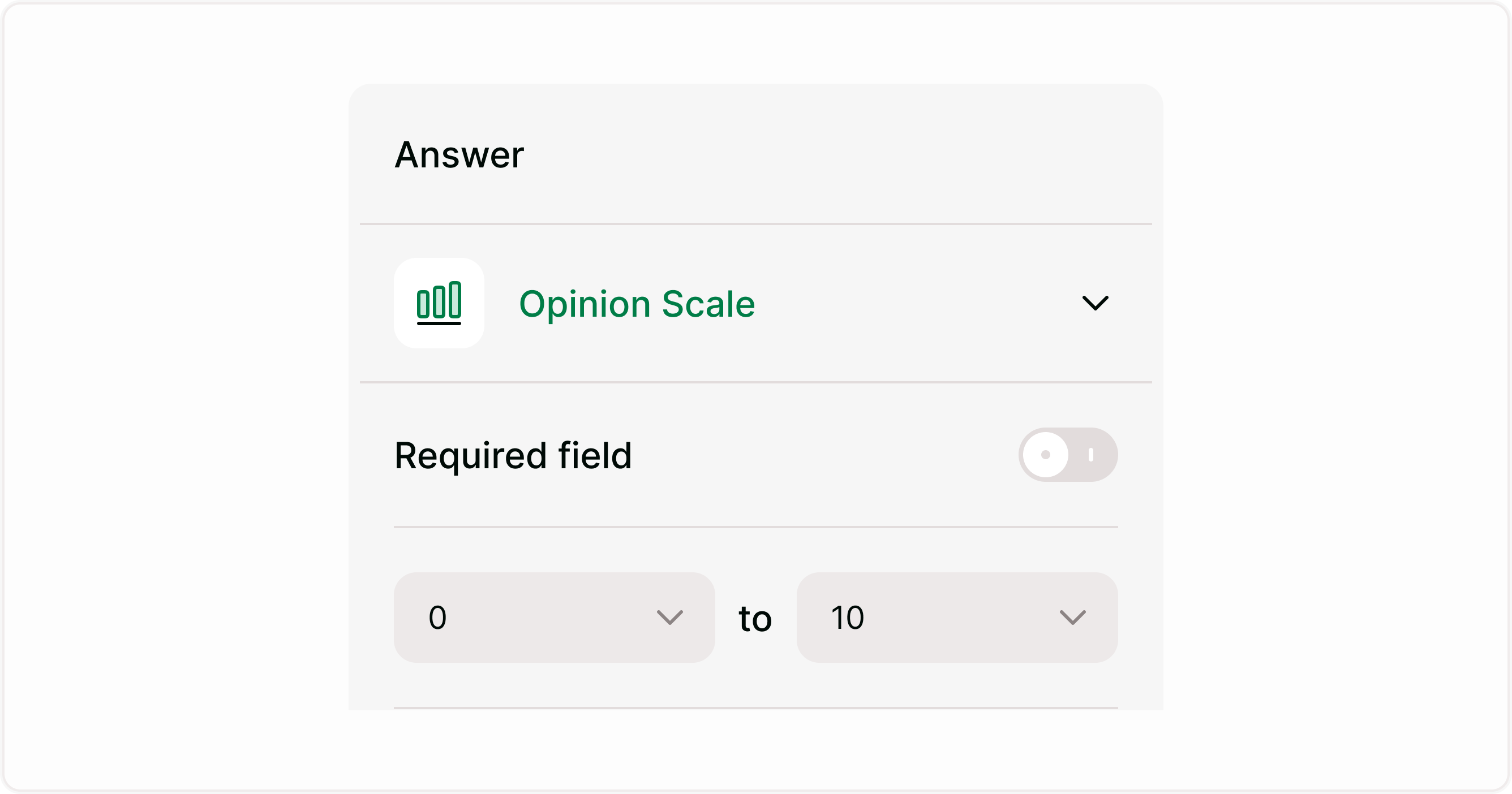
Add labels for clarity
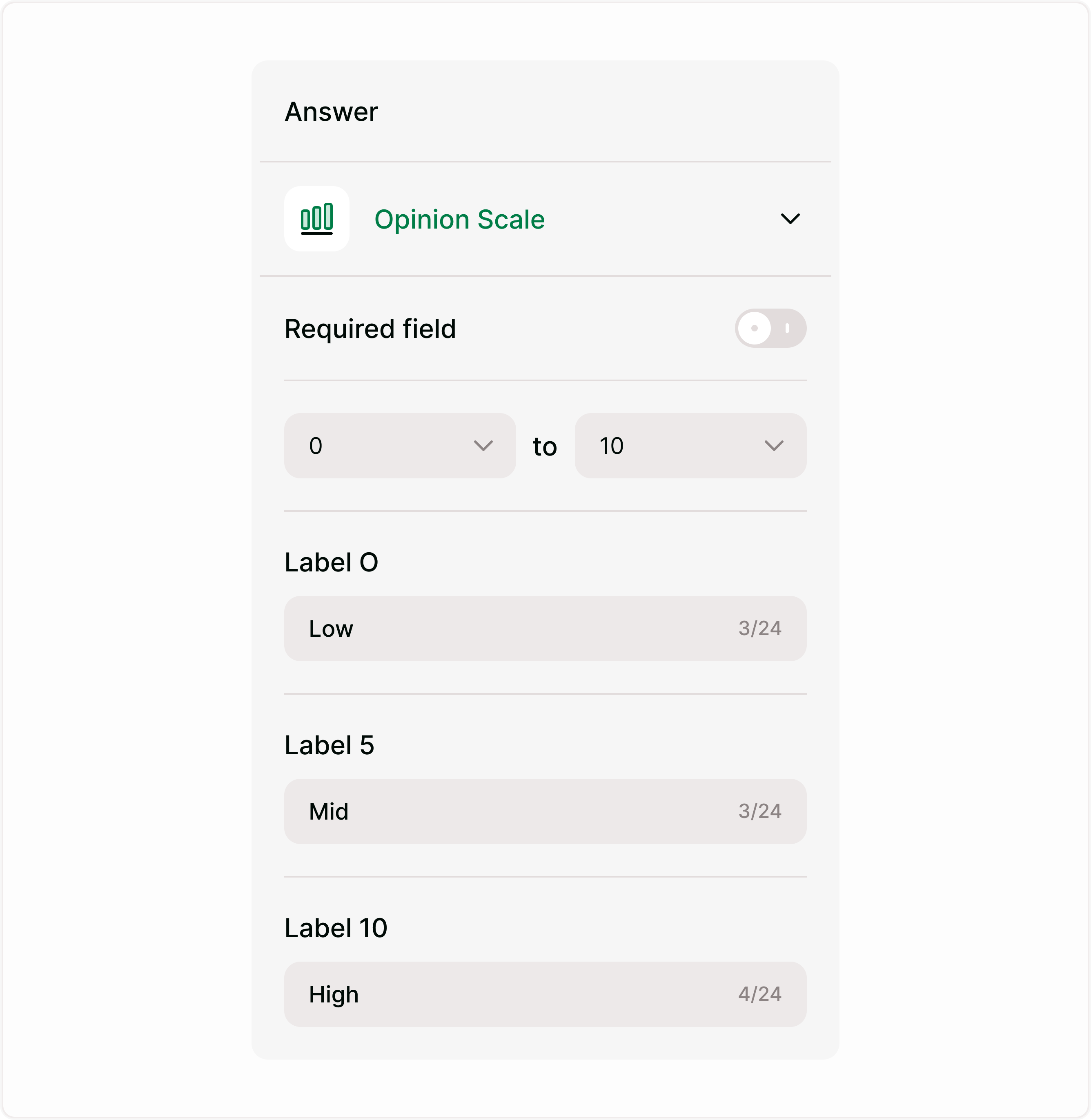
Labels help respondents understand what the numbers represent. You can add labels to the start, midpoint, and end of the scale.
Examples:
Low – Mid – High
Not satisfied – Neutral – Very satisfied
Unlikely – Maybe – Very likely
Adding labels improves response accuracy and reduces confusion.
Make the field required
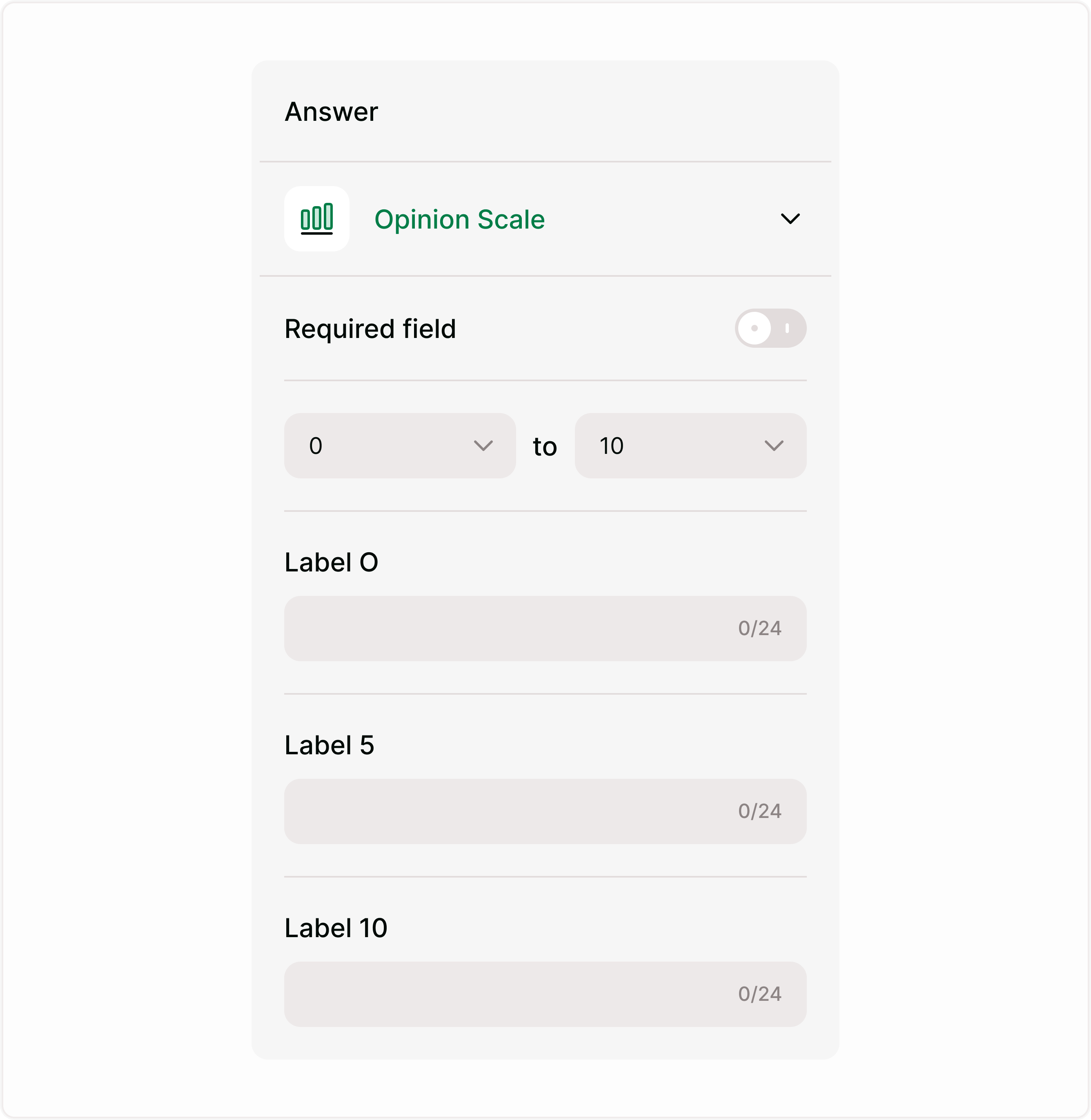
Enable the Required field toggle if every respondent must provide a rating.
Use required mode when:
Ratings are essential to your form
You need complete feedback data
You are running surveys or evaluations
If optional feedback is acceptable, leave the field optional.
Writing effective Opinion Scale questions
Clear questions lead to better data.
Focus each scale on one specific topic.
Good examples:
How satisfied are you with your experience
How likely are you to recommend our product
How would you rate the quality of support
How easy was it to complete this process
Avoid vague questions like “What do you think?” without context.
How responses appear in results
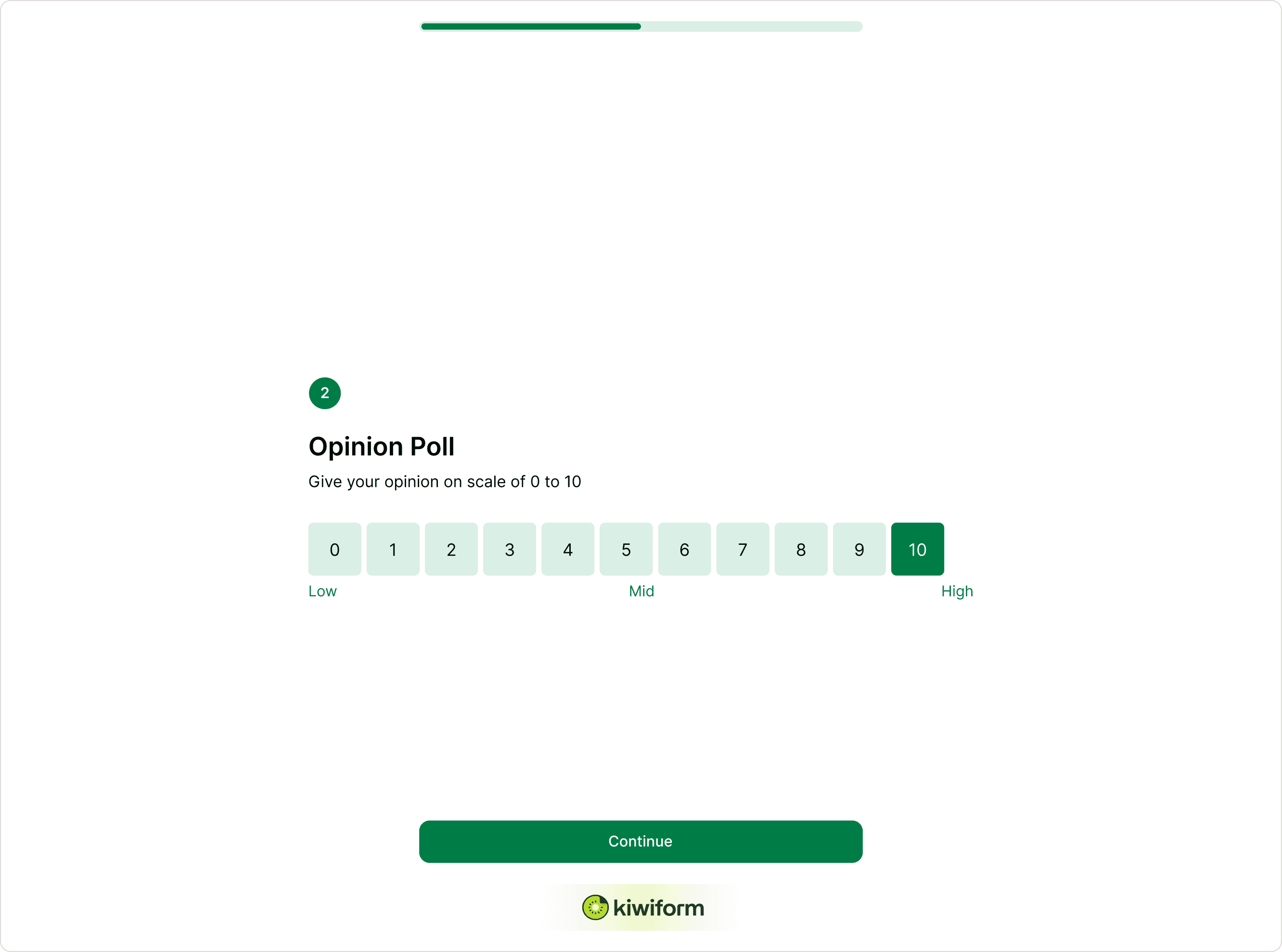
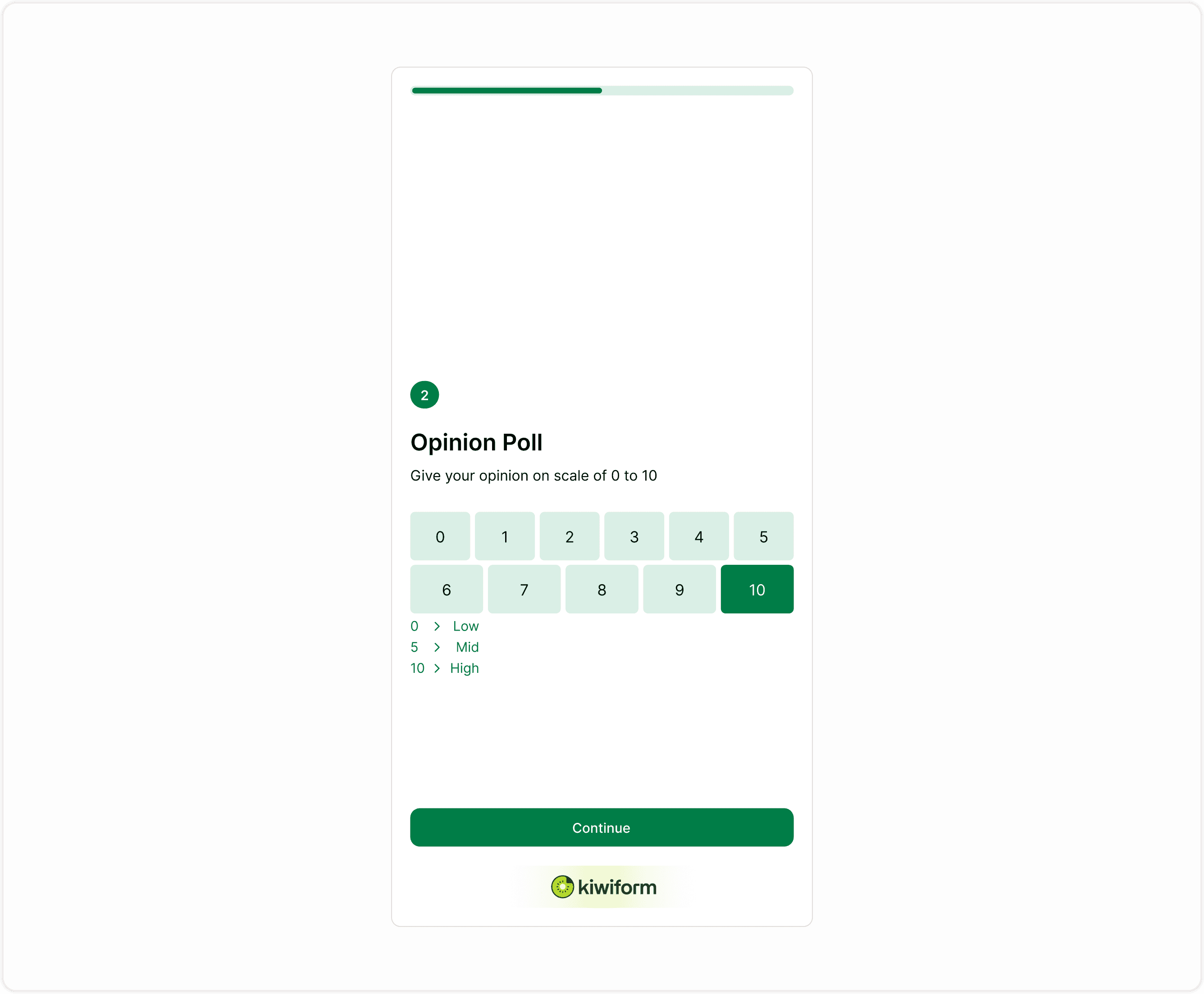
Opinion Scale responses are stored as numeric values.
This makes them easy to:
Filter and segment
Calculate averages
Compare over time
Visualize in charts
Identify trends
Structured numeric data helps teams make faster decisions based on feedback.
Common Use Cases
Marketing
Measure campaign satisfaction
Track brand perception
Product
Collect feature feedback
Measure usability
Support
Rate support interactions
Track resolution satisfaction
HR
Employee engagement surveys
Training feedback
Operations
Process quality ratings
Service experience tracking
Best practices
Use consistent scale ranges across your forms
Add labels to clarify meaning
Keep the question focused on one topic
Place rating questions after context questions
Avoid too many rating fields in a row
Use shorter ranges for quick forms and longer ranges for detailed feedback
These practices help improve response quality and completion rates.
Summary
The Opinion Scale field lets respondents choose a number from a defined range (for example, 0–10 or 1–5) to express satisfaction, likelihood, or overall experience. You can customize the range, add labels to explain what each value represents, and mark the field as required to ensure every respondent answers. This page explains how to add and configure the Opinion Scale field, when to use it, and best practices for collecting clear rating-based feedback. It also covers common use cases, configuration options, and how responses appear in results so you can turn ratings into meaningful insights.