What is the Phone field?
What is the Phone field?
It’s designed for:
Lead generation forms
Contact and inquiry forms
Event registrations
Support requests
Appointment bookings
SMS or WhatsApp follow-ups
Instead of collecting phone numbers in a basic text box, the Phone field ensures consistent formatting and country-based validation for better data accuracy.
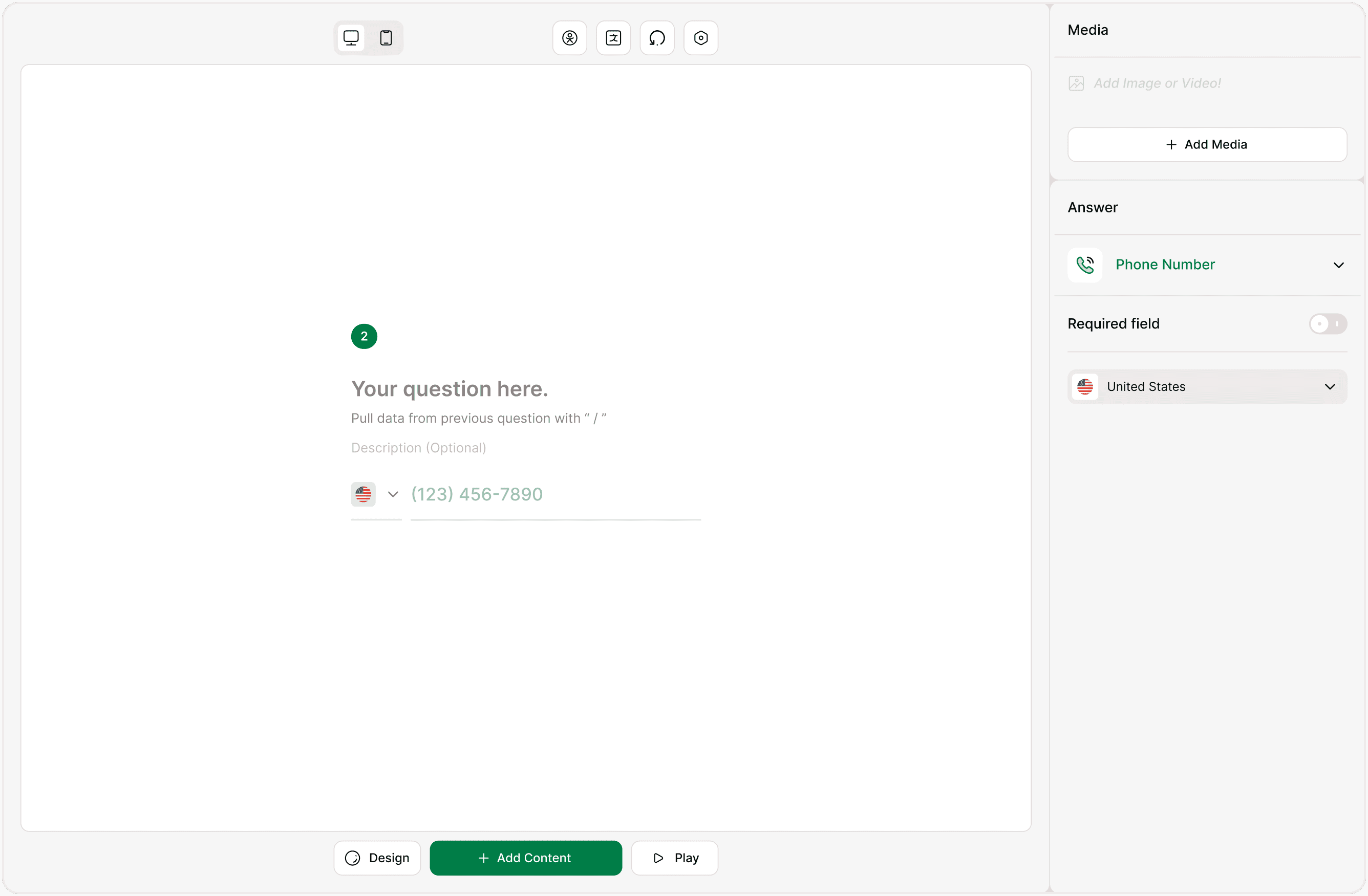
How to Add a Phone Field
Open your form in the Form Builder
Click + Add Content
Select Phone Number under Contact Information
The field will be added to your form
Click the field to configure it from the Answer Panel
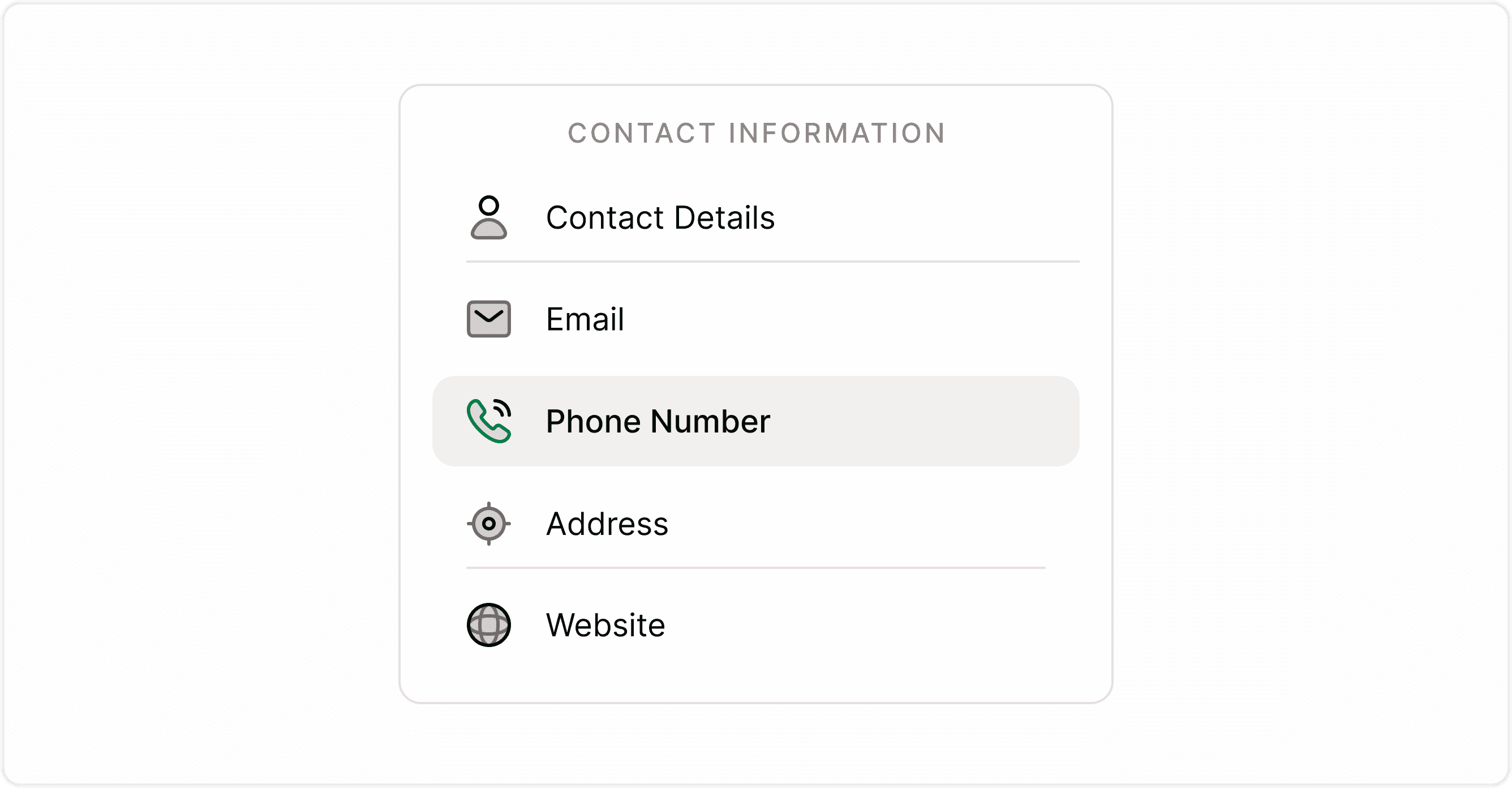
How the Phone Field Looks to Respondents
In the live form (respondent view), the Phone field includes:
A country flag selector (dropdown)
Automatic country dialing code
Structured phone number input
Clean, formatted display
Respondents can:
Search and select their country
Automatically apply the correct country code
Enter their number in a guided format
This reduces formatting errors and improves submission quality.
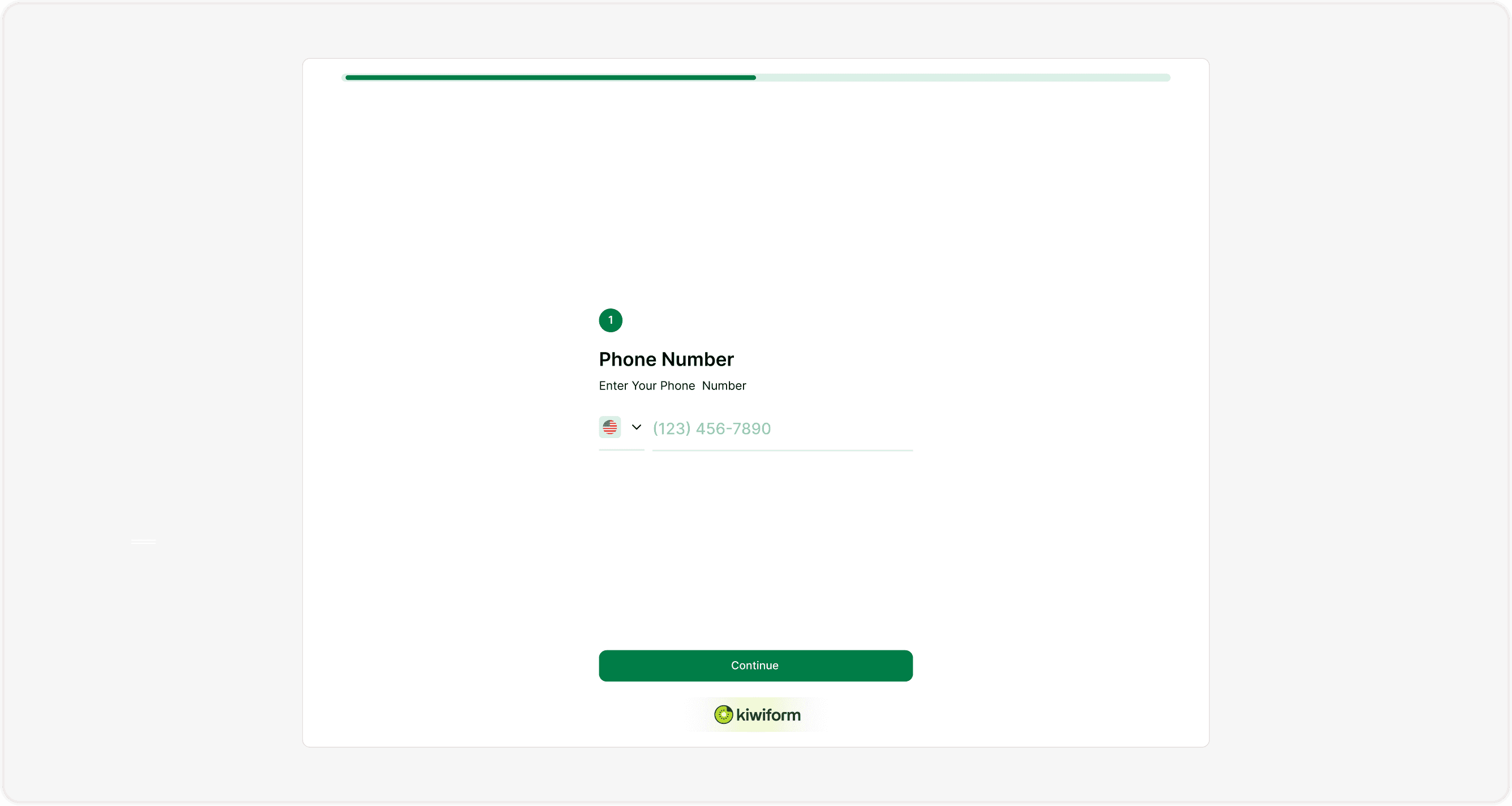
Configuring the Phone Field (Answer Panel)
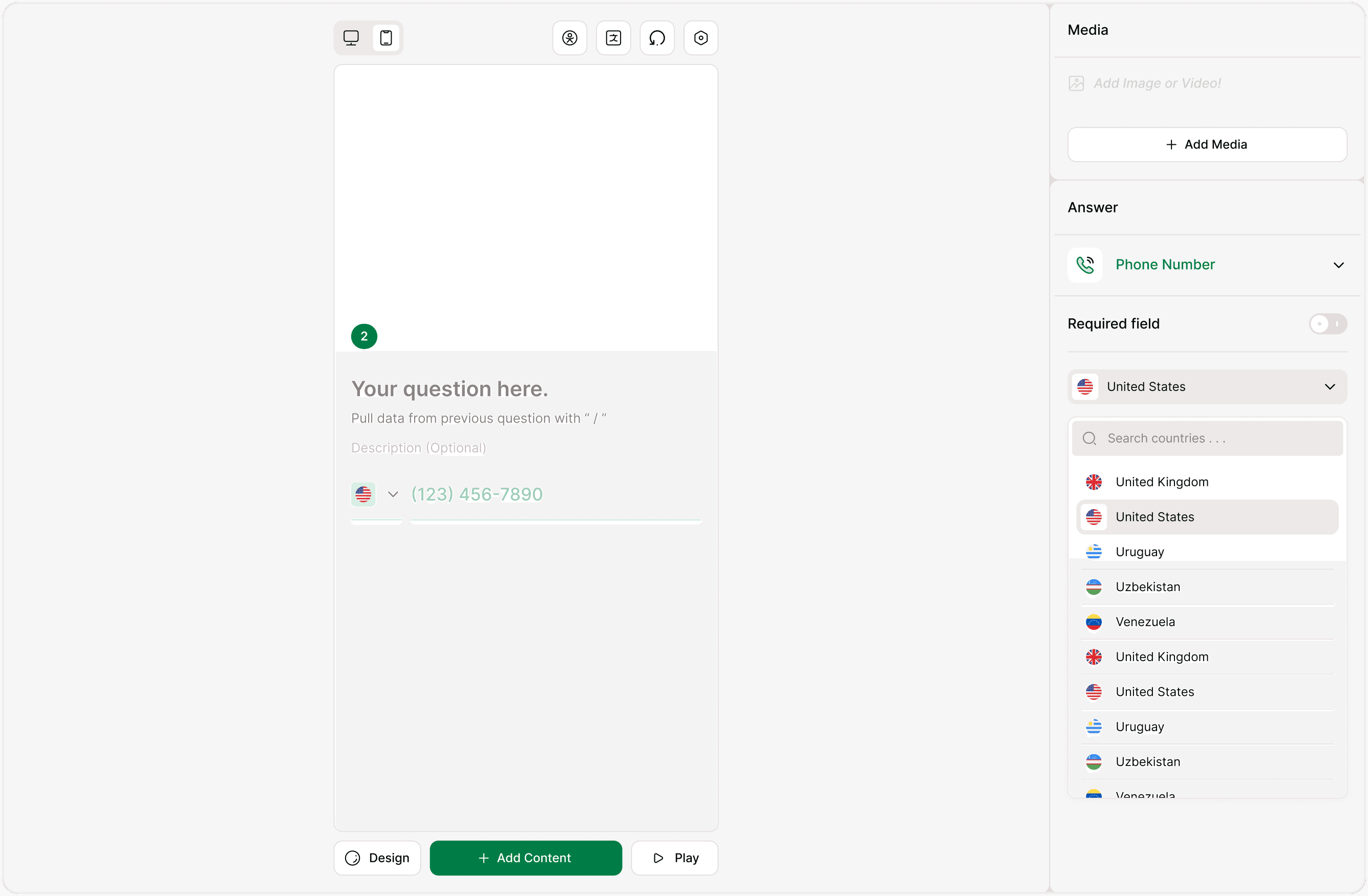
When you select the Phone field in the builder, you can configure it from the Answer Panel on the right.
Required Field
You can toggle Required field ON or OFF.
ON → Respondents must enter a phone number before submitting
OFF → Phone number becomes optional
Use required mode when:
You need to call respondents
You send SMS confirmations
You verify leads manually
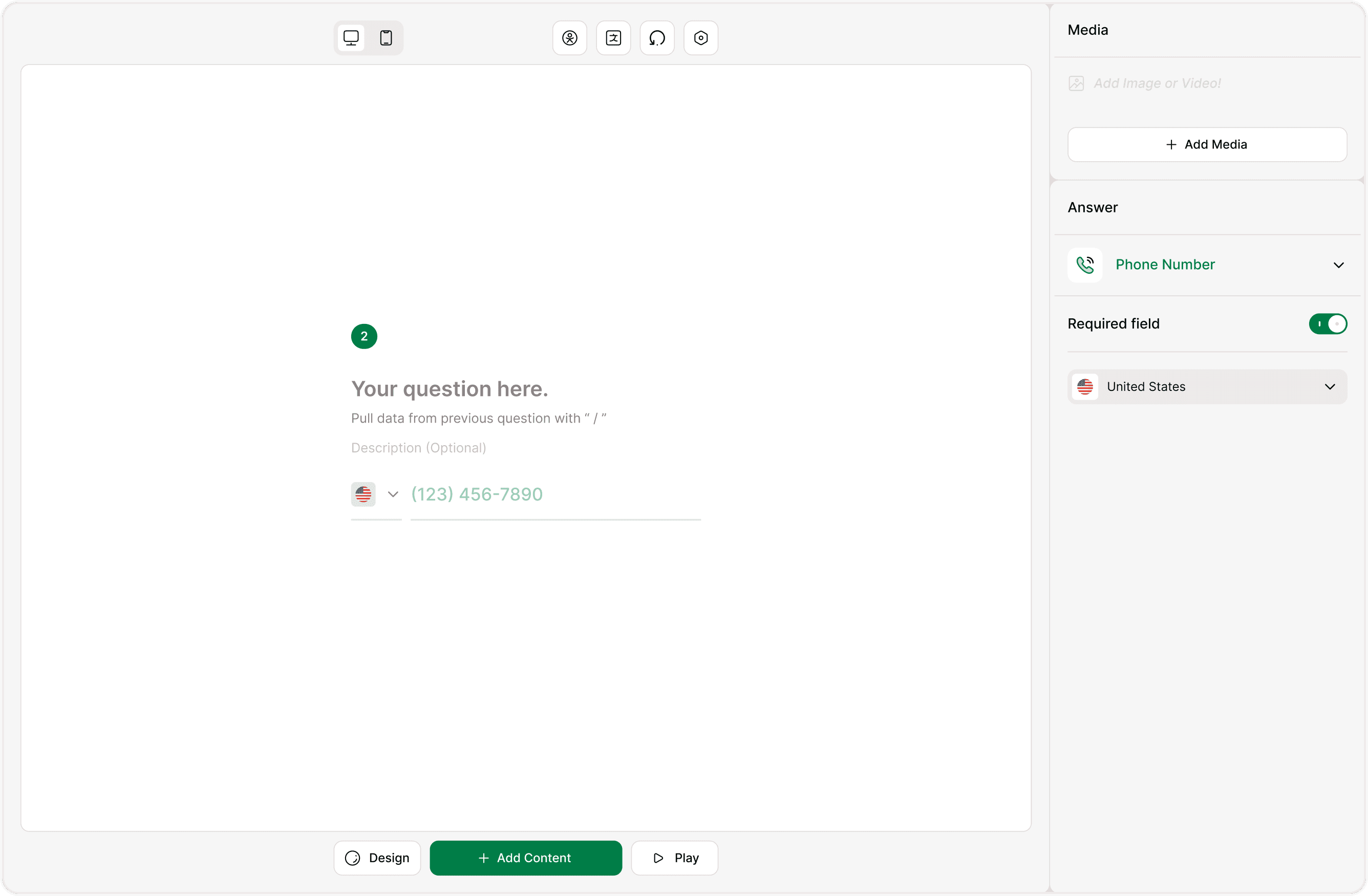
Country Code Selection
The Phone field includes a built-in country selector:
Displays flag icons
Includes search functionality
Automatically applies dialing code
Supports international numbers
This works similarly to modern international phone input systems, ensuring accurate and globally compatible data collection.
Respondents can:
Search for their country
Switch country codes
Enter numbers correctly formatted per region
Phone Field vs Contact Details Field
You may wonder:
When should I use Phone instead of Contact Details?
Use Phone field when:
You only need a phone number
You want a simple, single-purpose field
Use Contact Details field when:
You want to collect name + phone + email together
You need structured contact information in one block
Both use the same international country code selector for phone input.
When to Use the Phone Field
Use the Phone field when:
You need direct communication with users
You run WhatsApp or SMS campaigns
You verify customer identity
You follow up manually with leads
You schedule appointments
You provide service-based businesses (consulting, agencies, healthcare, etc.)
If you only need email communication, use the Email field instead. If you need both, include both fields separately for structured contact collection.
Best Practices for Collecting Phone Numbers
Make the field required only if truly necessary
Add a short description like: “We’ll only use your number for important updates.”
Avoid collecting phone numbers without clear purpose
Combine with consent (Legal Text field) when required
Clear communication improves completion rates and builds trust.
Summary
The Phone field in Kiwiform helps you collect accurate, internationally formatted phone numbers with built-in country code selection and validation. It ensures structured data, reduces formatting errors, and improves communication workflows for SMS, calls, and messaging campaigns.