What is a Ranking Scale field?
A Ranking Scale field allows respondents to reorder a list of items based on their preference, importance, or relevance. Instead of selecting just one option, respondents can compare multiple items and rank them from highest to lowest priority. This gives you deeper insight into how people value different choices.
Ranking questions are commonly used in product research, customer feedback, event planning, hiring processes, and feature prioritization. By seeing how respondents order options, you can identify patterns and make more informed decisions.
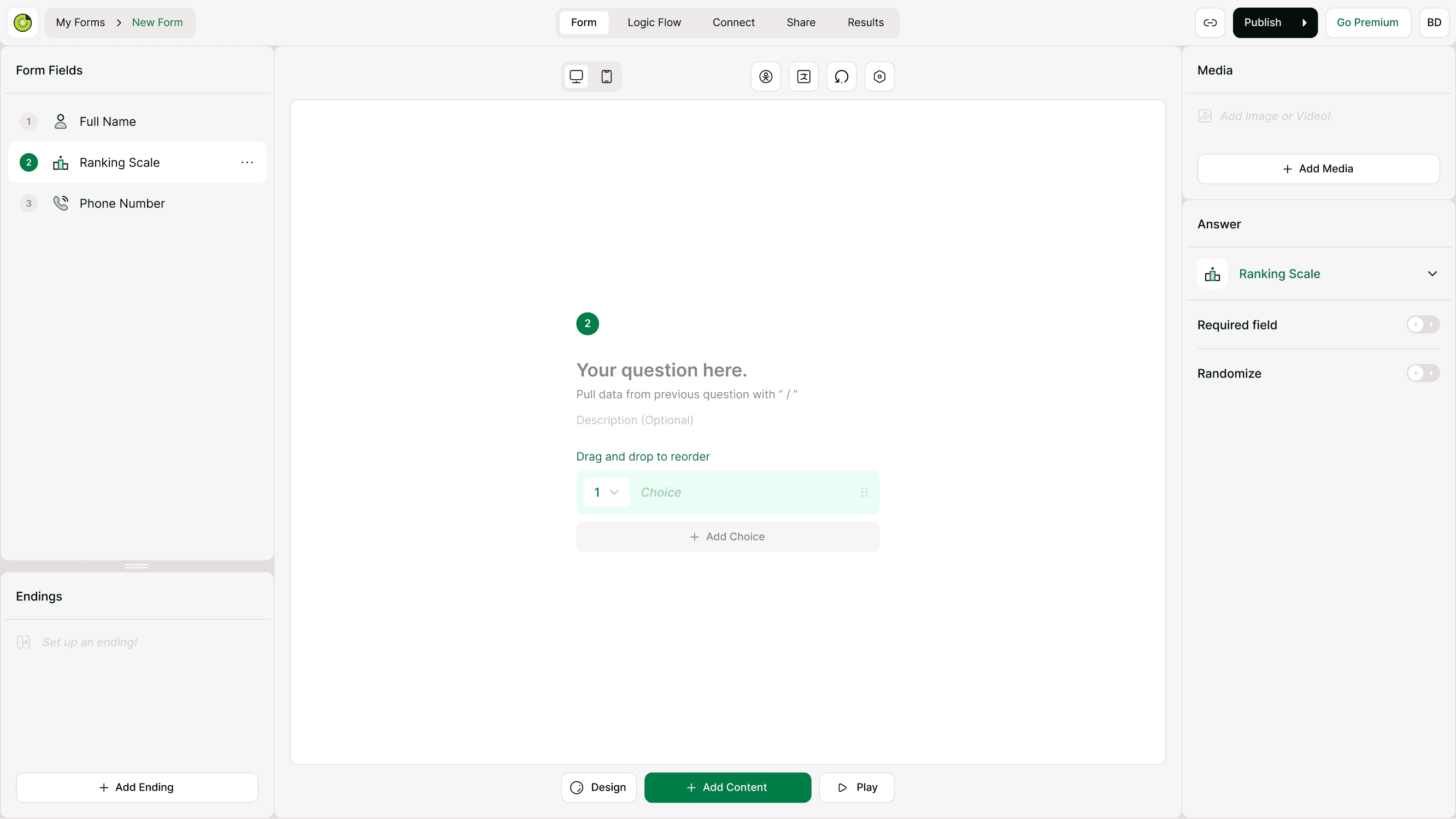
When to use a Ranking Scale field
Use the Ranking Scale field when you need respondents to compare options directly. It works well in situations where order matters more than a simple selection.
Common use cases include:
Ranking product features by importance
Prioritizing support requests or improvements
Ordering event preferences
Comparing service options
Understanding user priorities in research surveys
Ranking training topics or learning goals
This field helps you capture relative preferences rather than isolated answers, making it easier to see which options matter most overall.
How to add a Ranking Scale field
Add the field
Open your form in the builder.
Click Add Content.
Select Ranking Scale from the list of form fields.
Enter your question text.
Add the choices you want respondents to rank.
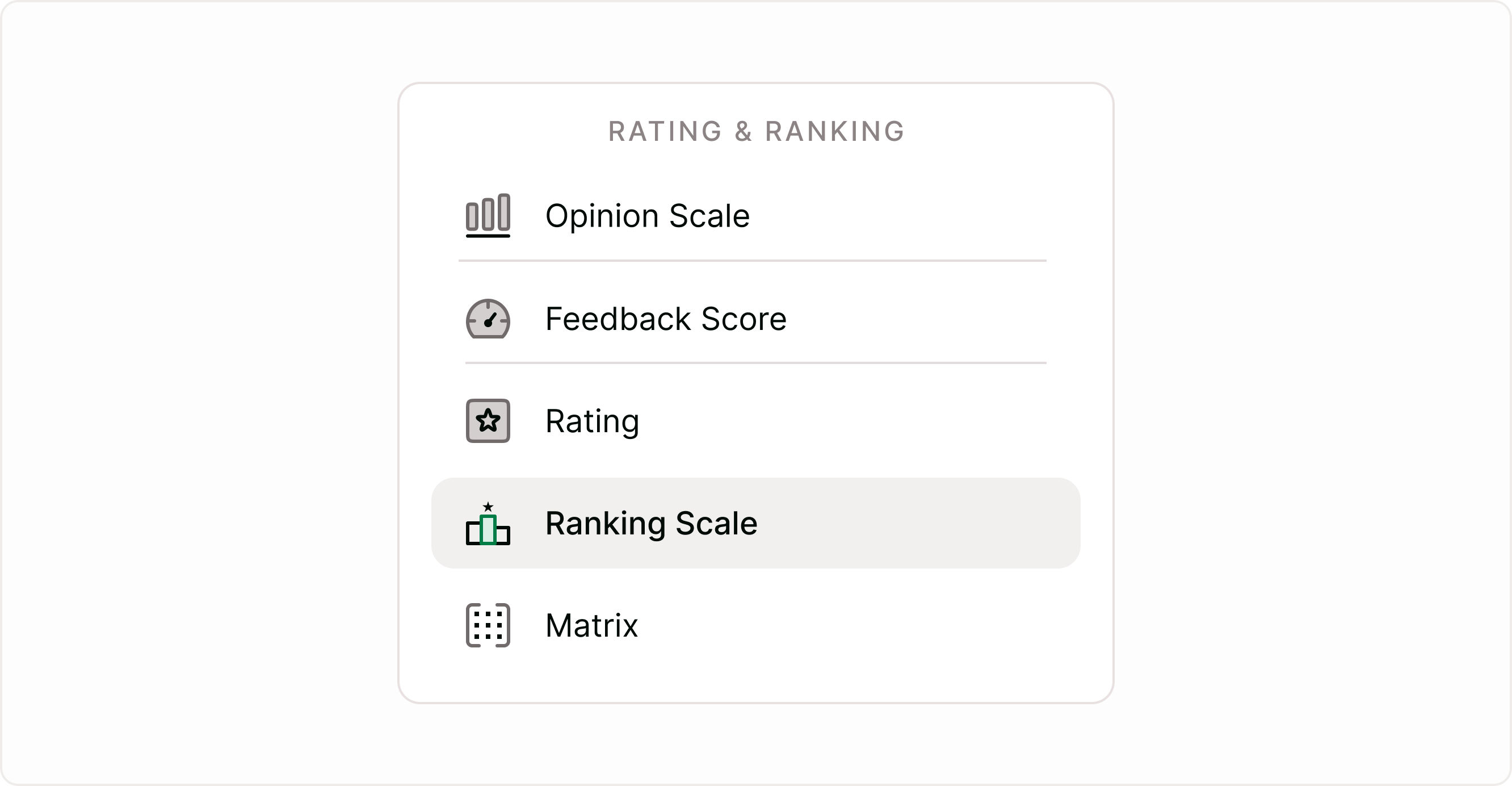
Set up choices to rank
Each choice represents an item respondents can reorder. You can add as many choices as needed, depending on how detailed you want the ranking to be. Keep the list manageable so respondents can easily compare options without feeling overwhelmed.
Clear and concise labels help respondents rank items quickly and accurately.
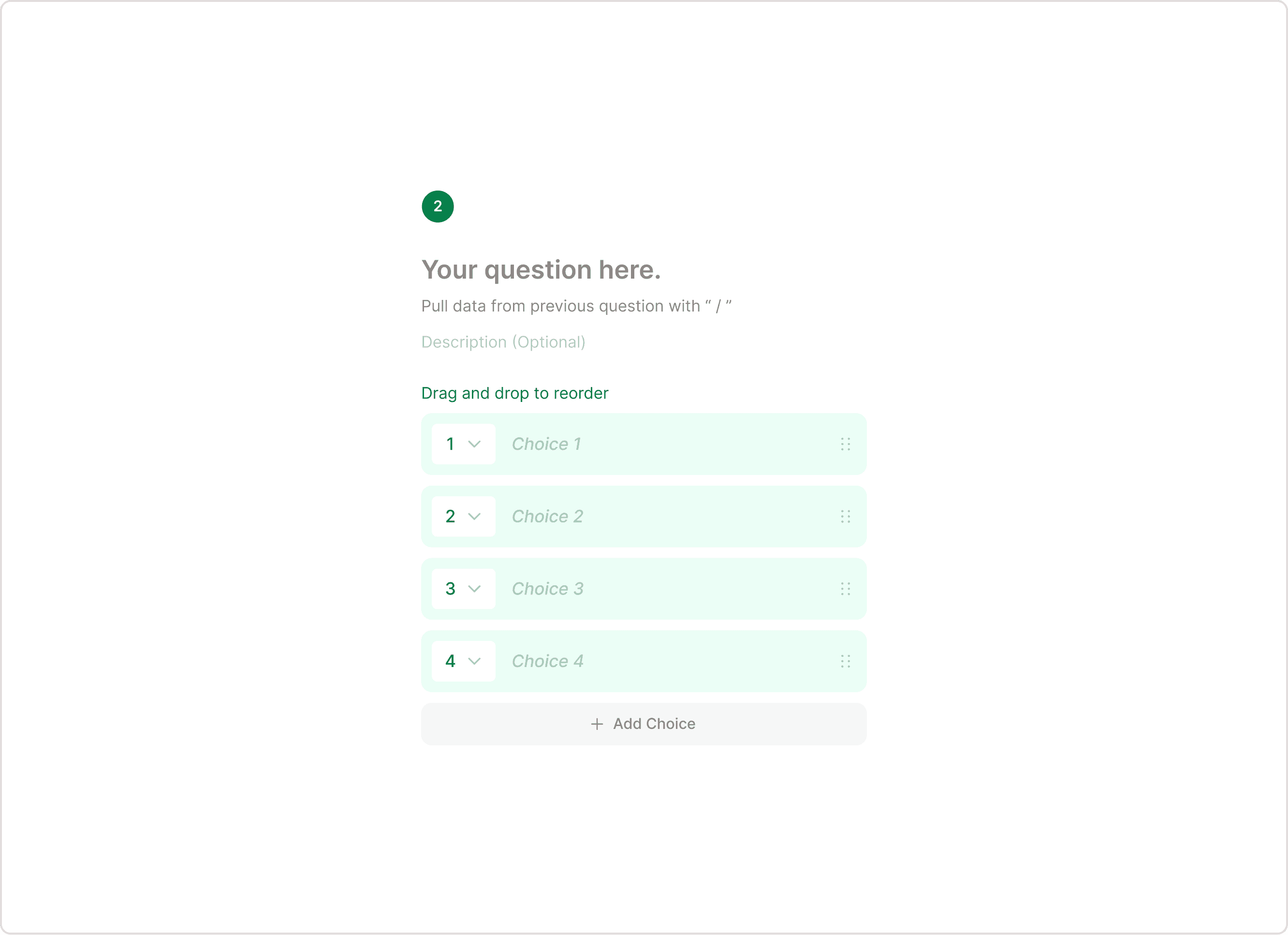
Field settings
Required field
Enable the Required field toggle if respondents must complete the ranking before submitting the form. This ensures you receive complete ranking data from each submission.
Randomize
Turn on Randomize to display choices in a different order for each respondent. This helps reduce bias caused by fixed ordering and ensures more reliable results when collecting preference data.
How responses are recorded
Each response stores the final order selected by the respondent. You can view rankings in the Responses section and analyze patterns across submissions. This makes it easy to identify which options consistently rank highest or lowest.
Ranking data can help you prioritize decisions, understand preferences, and guide improvements based on real user input.
Best practices
Keep the number of options reasonable.
Write clear, short labels.
Use ranking when order matters.
Avoid mixing unrelated items.
Ranking works best when all choices belong to the same category.
Summary
The Ranking Scale field helps you understand how respondents prioritize options by letting them arrange items in order. It is ideal for collecting structured preference data and identifying what matters most to your audience. With simple setup and clear results, it supports decision-making across surveys, research, and feedback workflows.