What Is Recall Answers?
Recall Answers allows you to insert information that a respondent has already provided earlier in the form.
Instead of repeating questions or keeping your form generic, you can dynamically display:
Previous answers
Default variables
Custom variables
Quiz variables
Scores
This makes your form feel conversational, personal, and intelligent.
Example:
“Thanks, John. We’ve sent the details to [email protected].”
Instead of manually typing this, Kiwiform automatically pulls the respondent’s name and email using Recall.
How Recall Works in Kiwiform
In Kiwiform, you recall answers by typing:
/
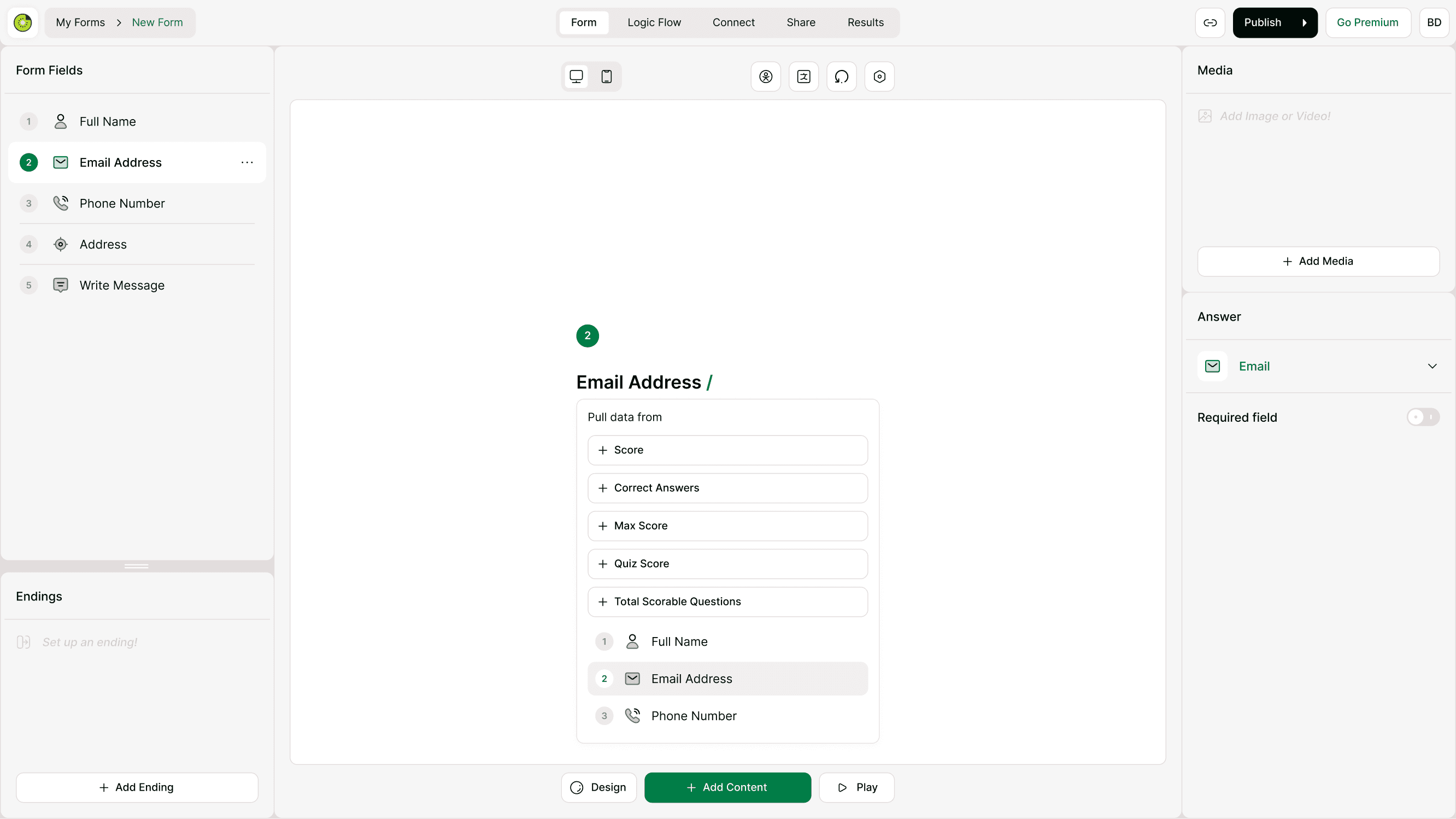
When you type “/” inside a question title, description, or ending screen, a dropdown appears showing:
Previous questions
Default variables (like @score)
Custom variables
Quiz variables
Simply click what you want to insert.
This is different from Typeform (which uses “@”). In Kiwiform, everything works using the forward slash “/”.
Where You Can Use Recall
You can recall answers in:
Question titles
Question descriptions
Ending screens
Quiz results (inside Logic Flow)
This gives you flexibility to personalize the entire experience.
How to Recall a Previous Answer
Follow these steps:
Open your form
Click on the question where you want to insert data
Click inside the question title or description
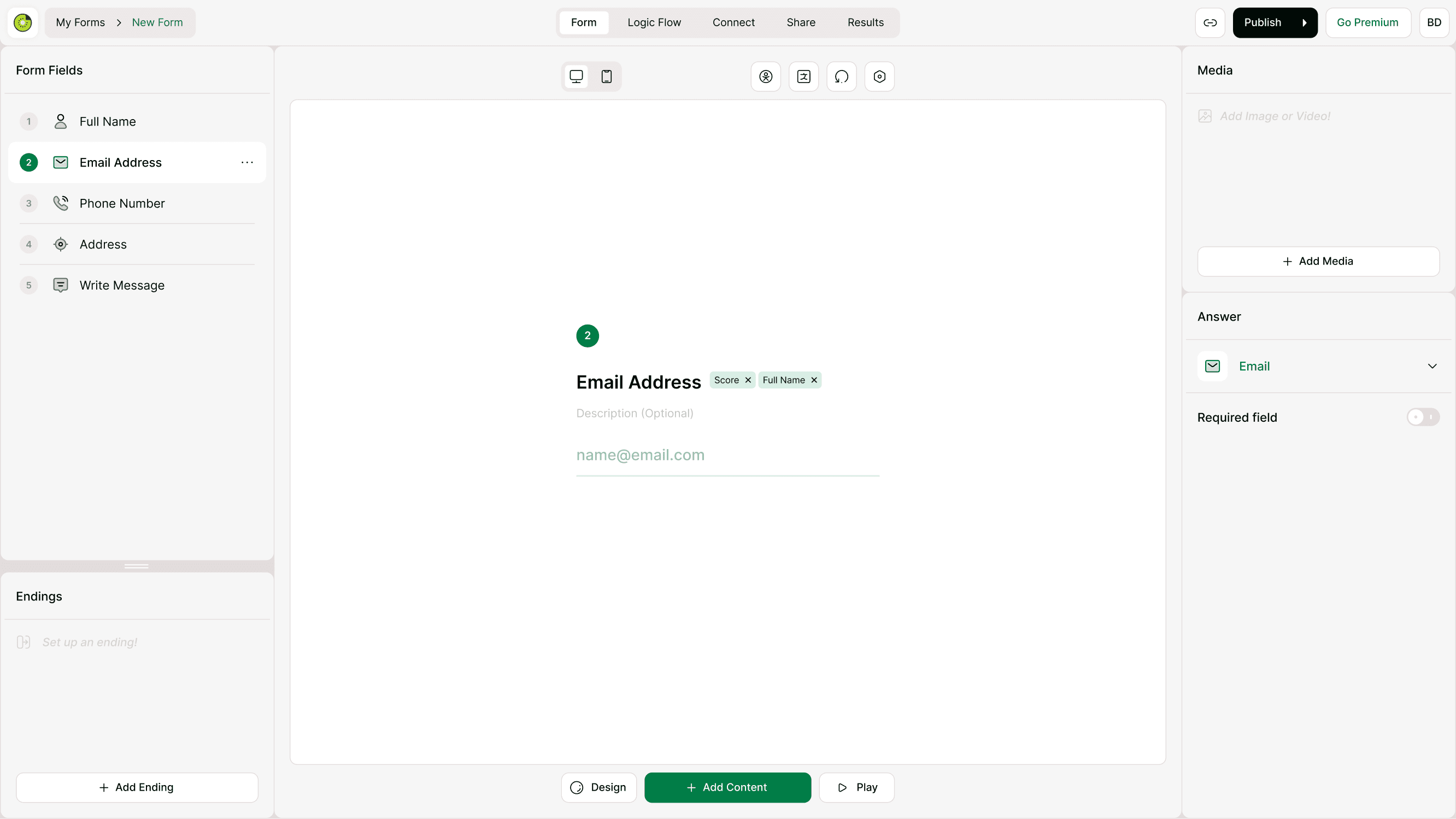
Type “/”
Select the answer or variable from the dropdown
The selected value will appear as a tag inside the text.
Example:
“Hi /Full Name, here’s your summary.”
When the respondent sees the form, it will display:
“Hi John, here’s your summary.”
Recalling Variables and Scores
Recall works not just with answers, but also with variables.
You can insert:
Score
Correct Answers
Max Score
Quiz Score
Total Scorable Questions
Custom variables
This is especially powerful for quizzes and assessments.
Example:
“You scored /Quiz Score out of /Max Score.”
Using Recall in Quiz Results
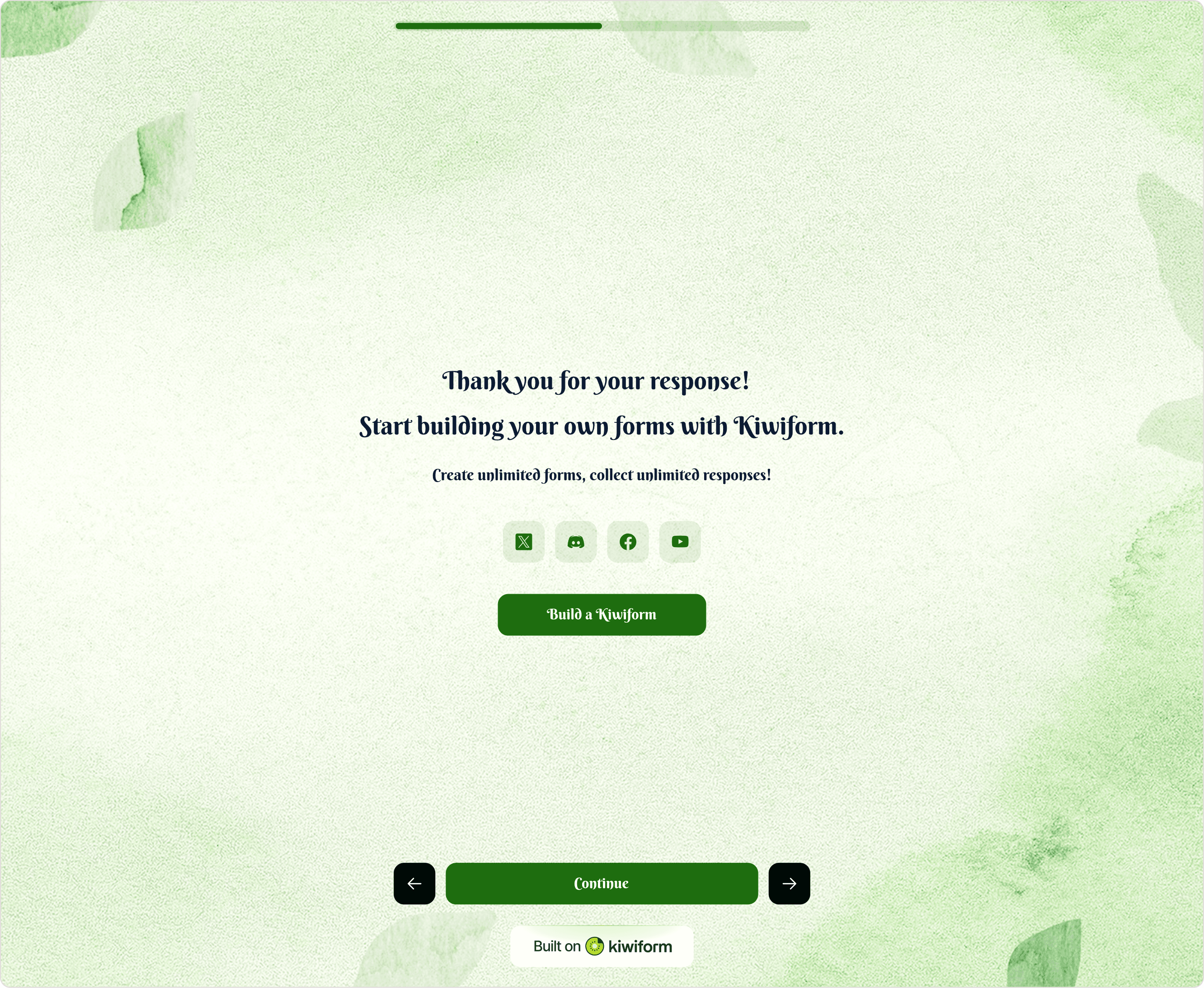
Inside Logic Flow → Quiz Result, you can display dynamic results using recalled values.
For example:
“Congratulations! You scored /Quiz Score and answered /Correct Answers correctly.”
This makes quiz endings dynamic and tailored to each respondent.
You can also combine recall with multiple endings to create personalized result screens.
Practical Examples
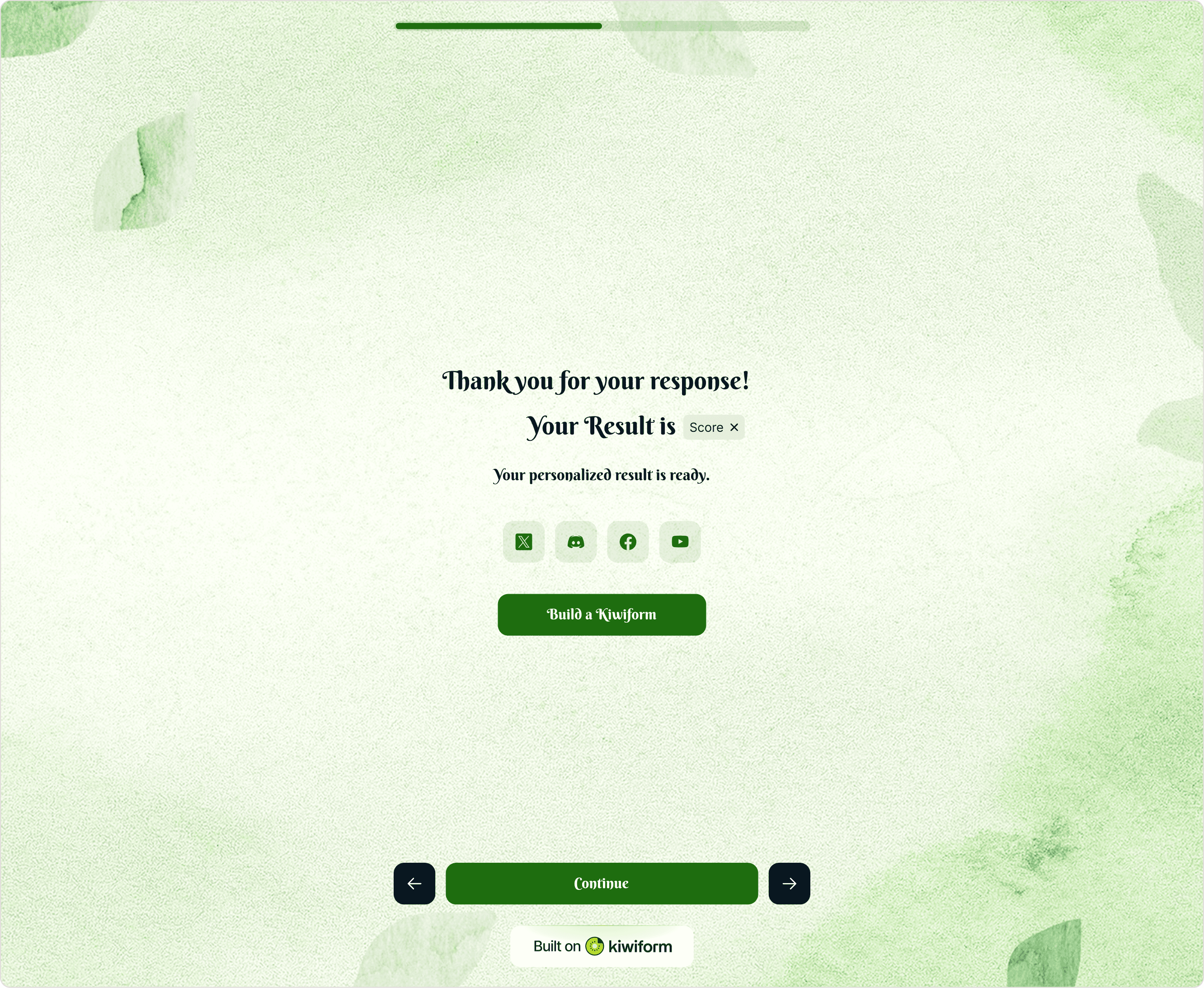
Here are real-world examples of Recall in action:
Lead Generation:
“Thanks /Full Name! We’ll contact you at /Email Address soon.”
Quiz:
“You got /Correct Answers out of /Total Scorable Questions.”
Onboarding:
“Welcome to the /Plan Type plan.”
Pricing Form:
“Your final price is /Total Price.”
These small touches significantly increase engagement and completion rates.
What Recall Cannot Do (Version 1.0)
In Kiwiform Version 1.0:
Recall does not support URL parameters
You cannot pre-fill answers via link parameters
Recall only works with answers collected within the same form session
Future updates may expand this functionality.
Common Use Cases
Recall is commonly used for:
Personalizing thank-you screens
Displaying quiz scores
Showing calculated results
Creating dynamic confirmations
Addressing respondents by name
Showing selected plan or product
Reinforcing user choices
It transforms static forms into personalized conversations.
Best Practices
To use Recall effectively:
Keep text natural and conversational
Don’t overload a single sentence with too many variables
Test the form to ensure variables display correctly
Use recall strategically in endings for stronger impact
Combine with custom variables for advanced personalization
Always preview and test your form before publishing.
Summary
Recall Answers in Kiwiform allows you to dynamically pull previous answers and variables directly into your form content using the “/” command.
It works across questions, descriptions, and quiz results, helping you create personalized, interactive, and engaging form experiences.
By combining Recall with Logic Flow features like Branching, Scoring, and Custom Variables, you can build smart forms that feel tailored to every respondent.