Overview
Search visibility determines whether your published form can appear in search engine results like Google. By default, forms are accessible through a shareable link, but you can choose whether they should be indexed and discoverable publicly. This setting is especially useful when you want to control who can find your form and how widely it’s distributed.
Use search visibility when:
You want a public survey or signup form to be discoverable online
You’re sharing forms for events, registrations, or campaigns
You need to keep internal or private forms hidden from search engines
This feature helps you manage exposure while maintaining control over your form’s accessibility.
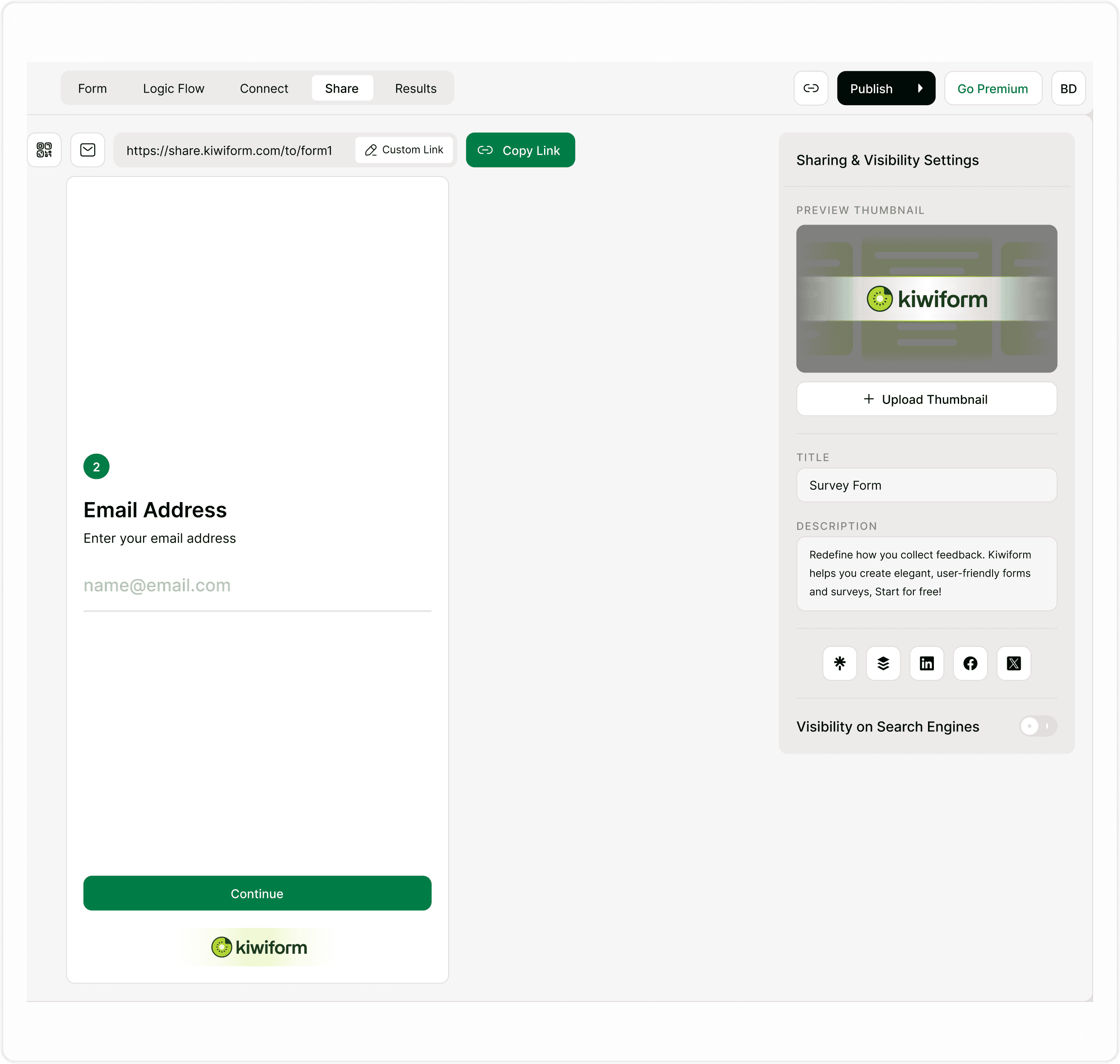
Where to find Search Visibility settings
To manage search visibility:
Open your form in the builder.
Click Publish in the top navigation if your form isn’t already published.
After publishing, go to the Share tab in the top navigation.
On the right side, locate Sharing & Visibility Settings.
Toggle Visibility on Search Engines ON or OFF.
Click Save if prompted.
Once enabled, search engines can index your form link. When disabled, your form remains accessible only via direct link sharing.
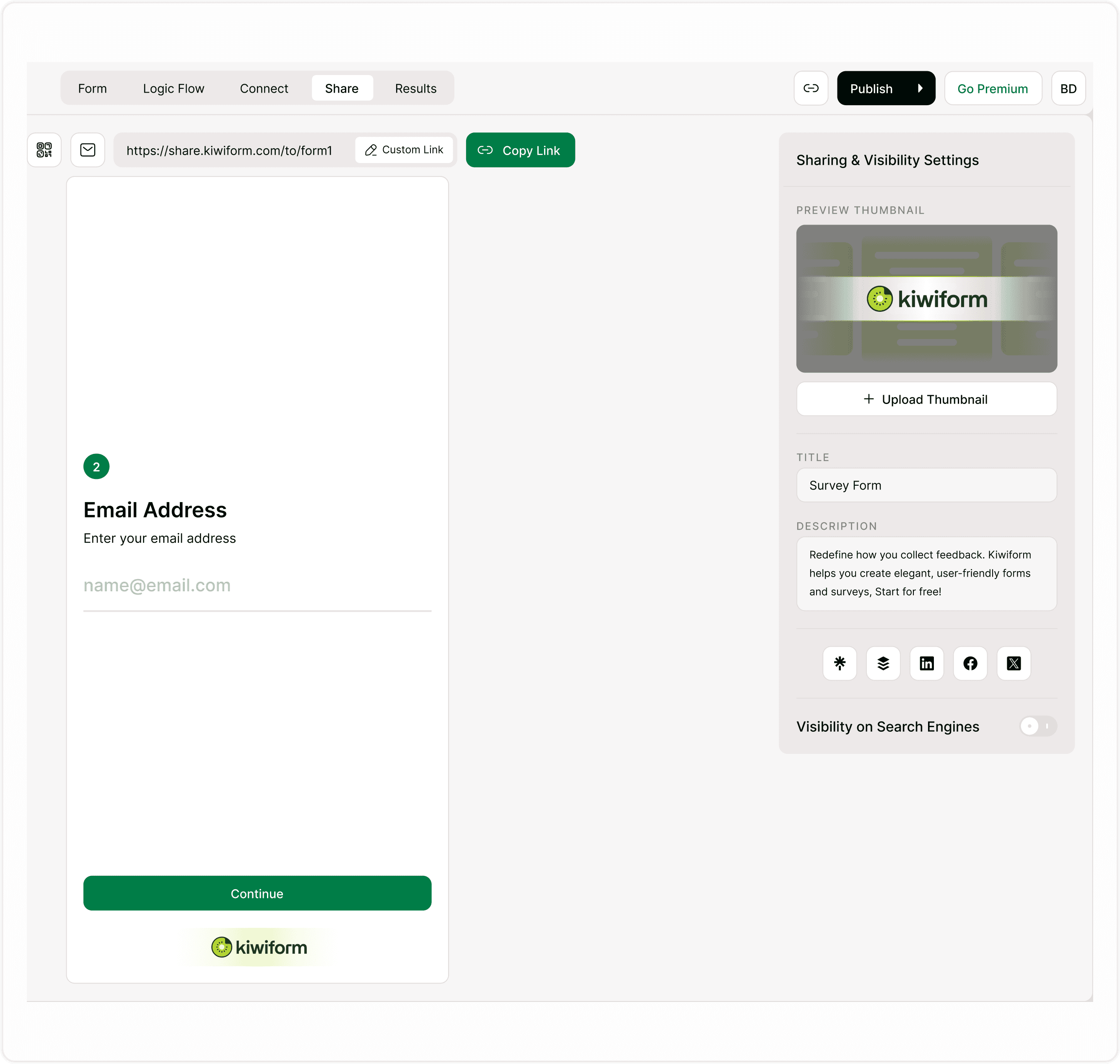
Enable search engine indexing
Turning this setting ON allows search engines to crawl and index your form page. This can help people discover your form organically through search results.
Use this when:
Running public surveys or feedback forms
Collecting signups or leads from broader audiences
Promoting a form through content or marketing campaigns
When enabled, your form title, description, and thumbnail may appear in search previews and link shares.
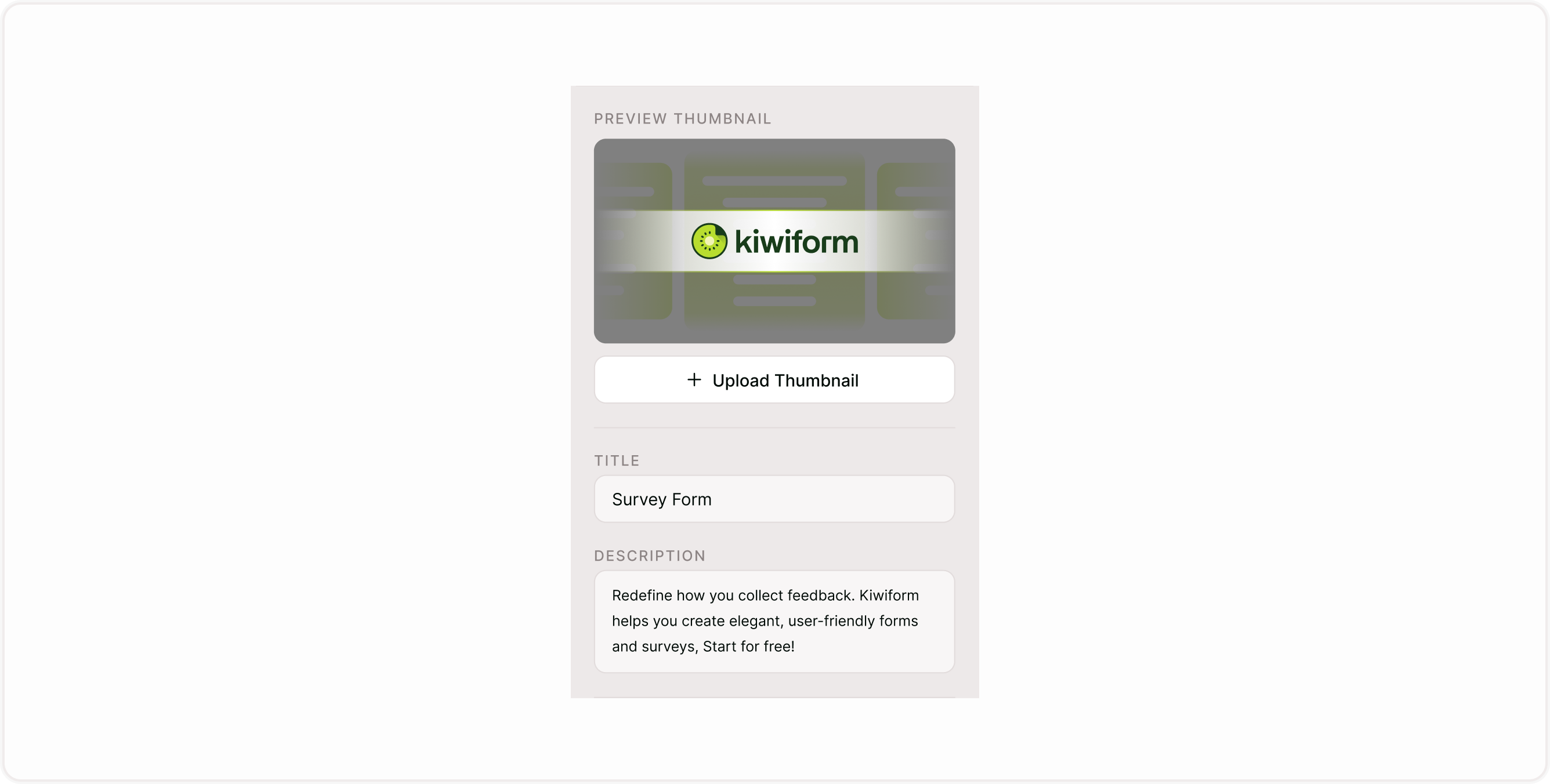
Disable search engine indexing
Turning this setting OFF prevents search engines from indexing your form. The form will still work and can be shared via direct link, but it won’t appear in search results.
Use this when:
Collecting internal team feedback
Sharing forms privately with clients or limited groups
Running temporary campaigns
Handling sensitive or restricted submissions
This is recommended for forms that shouldn’t be publicly discoverable.

Best practices for search visibility
Enable visibility only for forms intended for public audiences
Keep private forms hidden to avoid unintended access
Update form title and description to improve discoverability when visibility is enabled
Combine with custom links and meta settings for better sharing previews
These steps help ensure your forms appear where you want them and stay hidden where you don’t.
Troubleshooting
Form not appearing in search results?
Search engines may take time to index pages after enabling visibility. Ensure the form is published and visibility is turned on.
Want to remove a form from search?
Disable visibility and republish the form. It may take some time for search engines to update.
Summary
Learn how to control whether your form appears in search engines like Google. Adjust search visibility settings to decide if your form should be publicly discoverable or remain private, and understand when to enable or disable indexing for better reach, privacy, or campaign control.