Where to Find the QR Code
To generate your form’s QR code:
Open your form.
Click the Share tab.
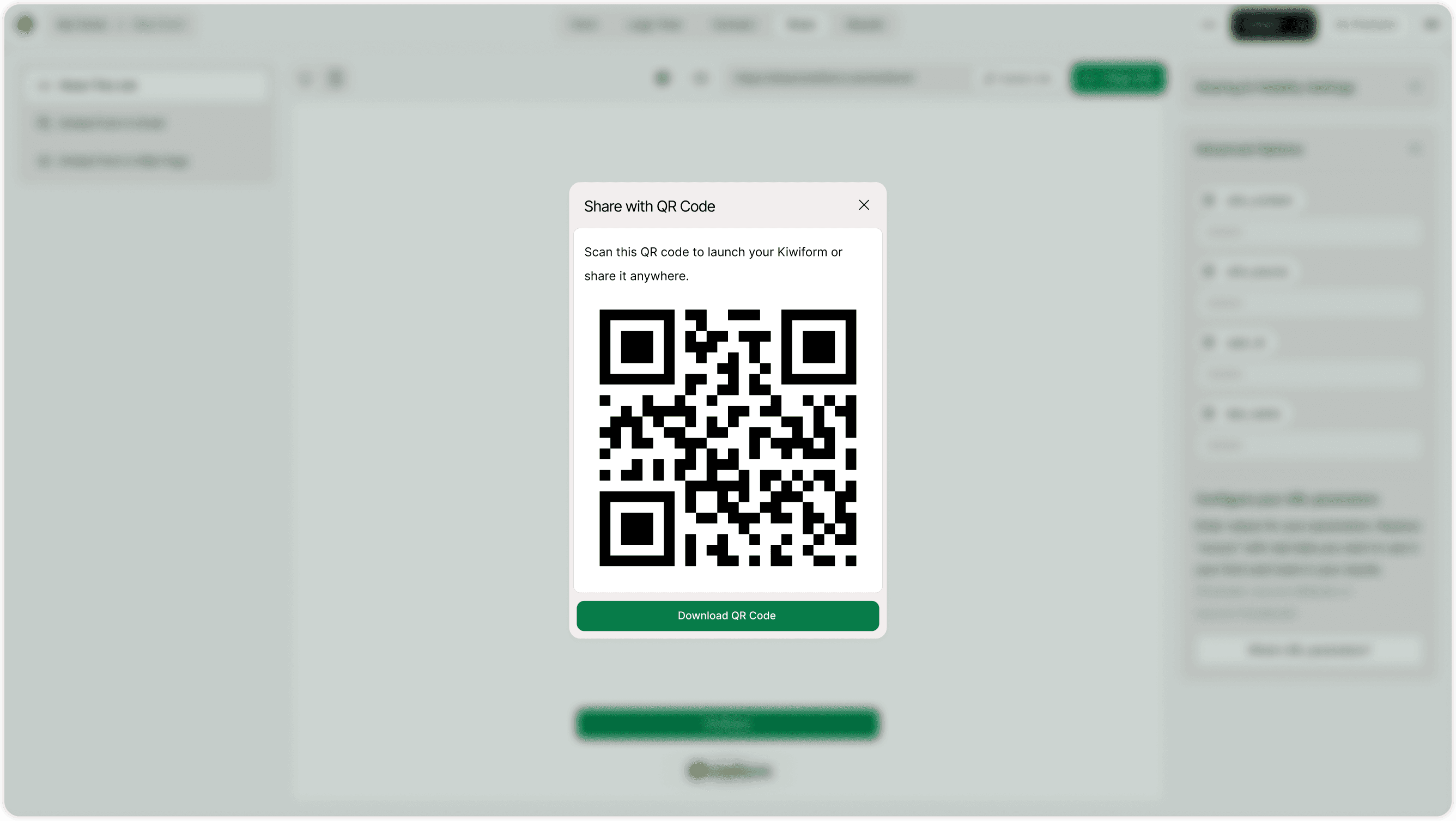
Click the QR Code icon near your public link.
A QR code popup will appear.
Click Download QR Code to save it.
How the QR Code Works
Each QR code is automatically linked to your form’s public share URL. When someone scans it:
The form opens instantly in their browser.
It works on both Android and iOS devices.
No app installation is required.
The QR code always reflects your latest published version of the form.
When to Use a Shareable QR Code
QR codes are perfect for:
Conferences and events
Workshops and seminars
Product packaging
Restaurant tables
Posters and banners
Business cards
Retail counters
Trade shows
Classroom feedback forms
Instead of asking people to manually type a URL, a quick scan increases participation.
Benefits of Using QR Codes
Faster Access
Users scan and open your form instantly without typing.
Higher Engagement
Reducing friction increases response rates.
Offline Distribution
Perfect for printed marketing materials.
Professional Presentation
QR codes look modern and credible in event setups.
Does the QR Code Change?
The QR code is linked to your form’s public share link.
If you update your form, the QR code still works.
If you unpublish the form, the QR code stops working.
If you change the custom link, a new QR code may be generated.
Always download the latest QR code after major link updates.
Is the QR Code Secure?
Yes.
The QR code simply directs users to your published form link. No sensitive data is embedded inside the code itself.
Access depends on your form’s visibility settings.
Why QR Codes Matter for Modern Forms
In-person engagement is powerful. Whether you're collecting customer feedback, registrations, or survey responses, QR codes remove friction and increase participation.
Kiwiform simplifies offline-to-online data collection, making it a practical free Typeform alternative for businesses, educators, and event organizers.
Best Practices for Higher Response Rates
To maximize scans and responses:
Place the QR code at eye level.
Add a short call-to-action like:
“Scan to give feedback”
“Scan to register”
“Scan to participate”
Ensure strong internet connectivity at event locations.
Test the QR code before printing.
Use high-resolution files for large banners.
Small adjustments can significantly increase scan rates.
Summary
The Shareable QR Code feature lets you generate and download a scannable code linked to your form. It’s ideal for events, print materials, and offline campaigns to increase participation quickly.