Find templates for your use case
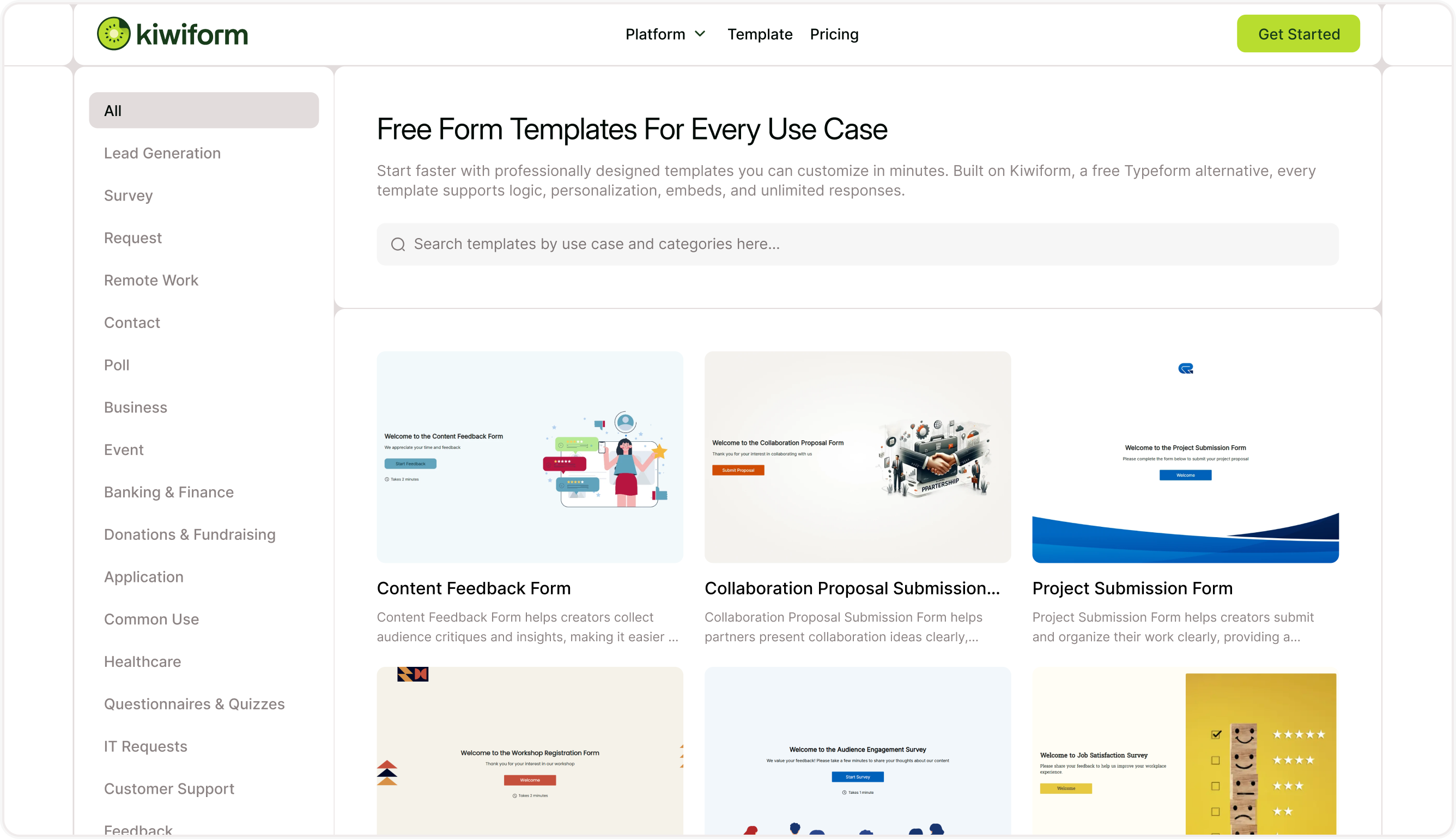
Templates help you begin with a working structure instead of building every form from scratch. In Kiwiform, templates are organized by use case so you can quickly find the one that fits your goal. Whether you’re collecting leads, running surveys, gathering feedback, or creating applications, each template includes a suggested flow, field setup, and layout designed for that purpose.
You can access templates from the templates library and browse categories such as lead generation, feedback, events, and more. Opening a template lets you review how it works before you decide to use it.
Preview before using a template
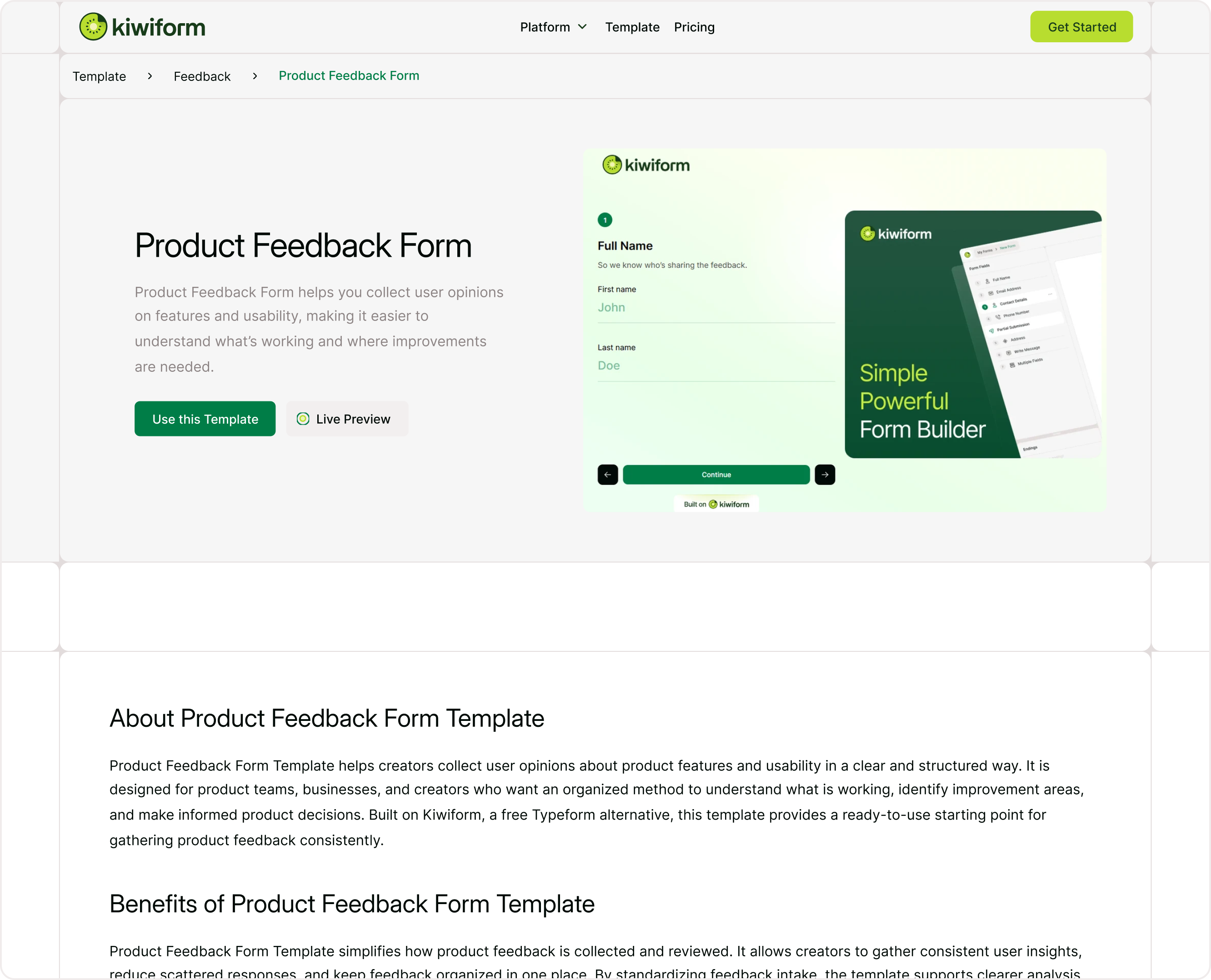
Each template includes a preview screen that shows how the form will look to respondents. You can open a live preview to experience the form exactly as users will see it. This helps you understand the flow, number of questions, and overall structure before adding it to your workspace.
The preview also includes a short description explaining what the template is designed for and how it can be used. Reviewing this helps you choose the right starting point for your form.
Use a template and open it in the builder
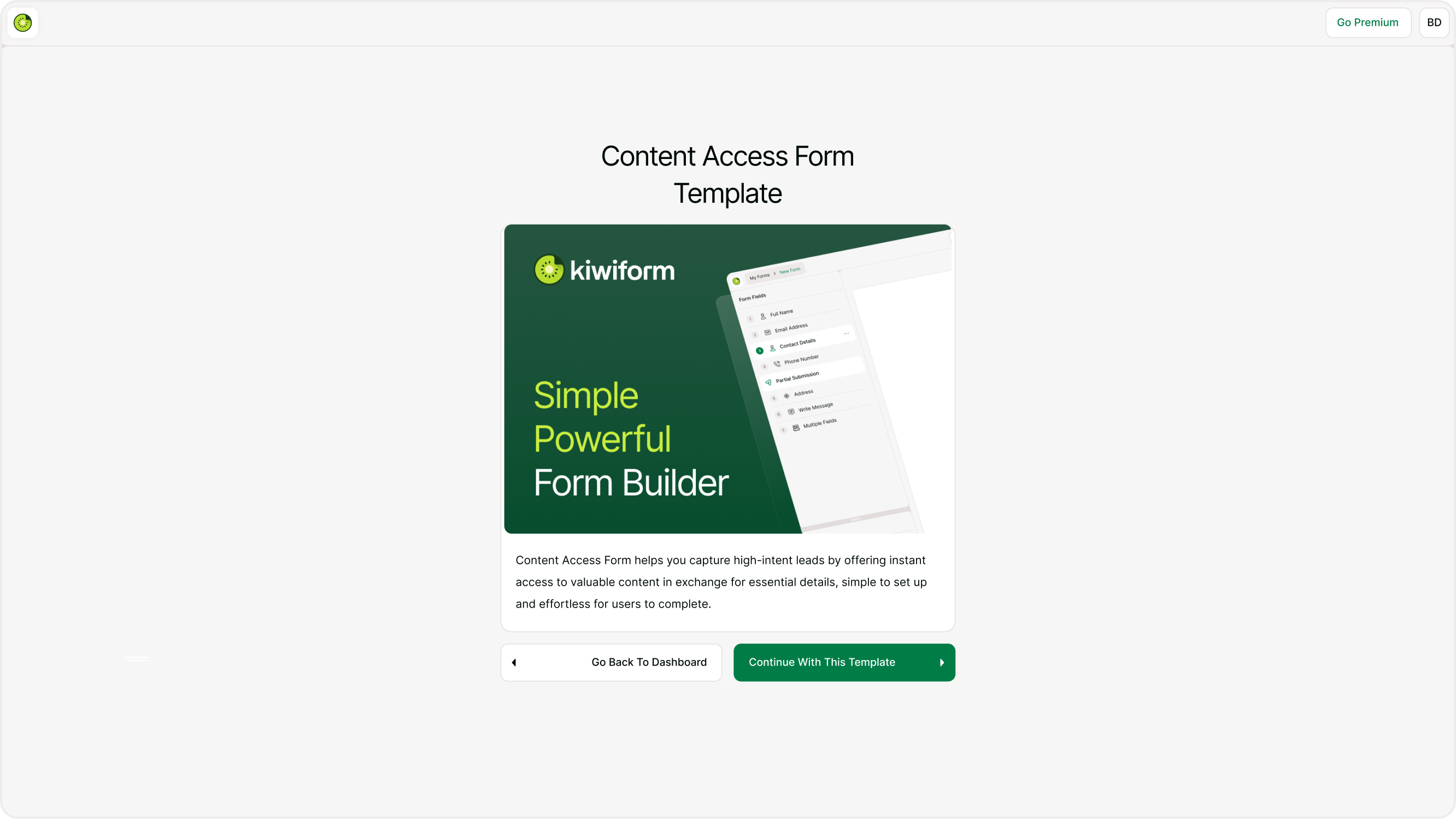
When you click Use this template, you’ll see a confirmation screen with a preview and option to continue. Selecting Continue with this template opens the template directly in the Kiwiform builder. From there, the template becomes your working form and can be edited freely.
All fields, content elements, and structure inside the template can be changed. You can rename questions, reorder fields, add logic, and adjust design settings to match your exact requirements. Templates provide a starting point, but the final form is completely yours.
Customize the template content
After opening the template in the builder, update the content to match your use case. Replace placeholder text, adjust questions, add or remove fields, and reorder sections as needed. You can also insert new content elements, add media, or change the flow of questions.
If your form requires conditional paths, scoring, or multiple endings, you can add logic just like you would in any other form. Templates are flexible and support all builder features, so you can expand them as much as needed.
Apply design and branding
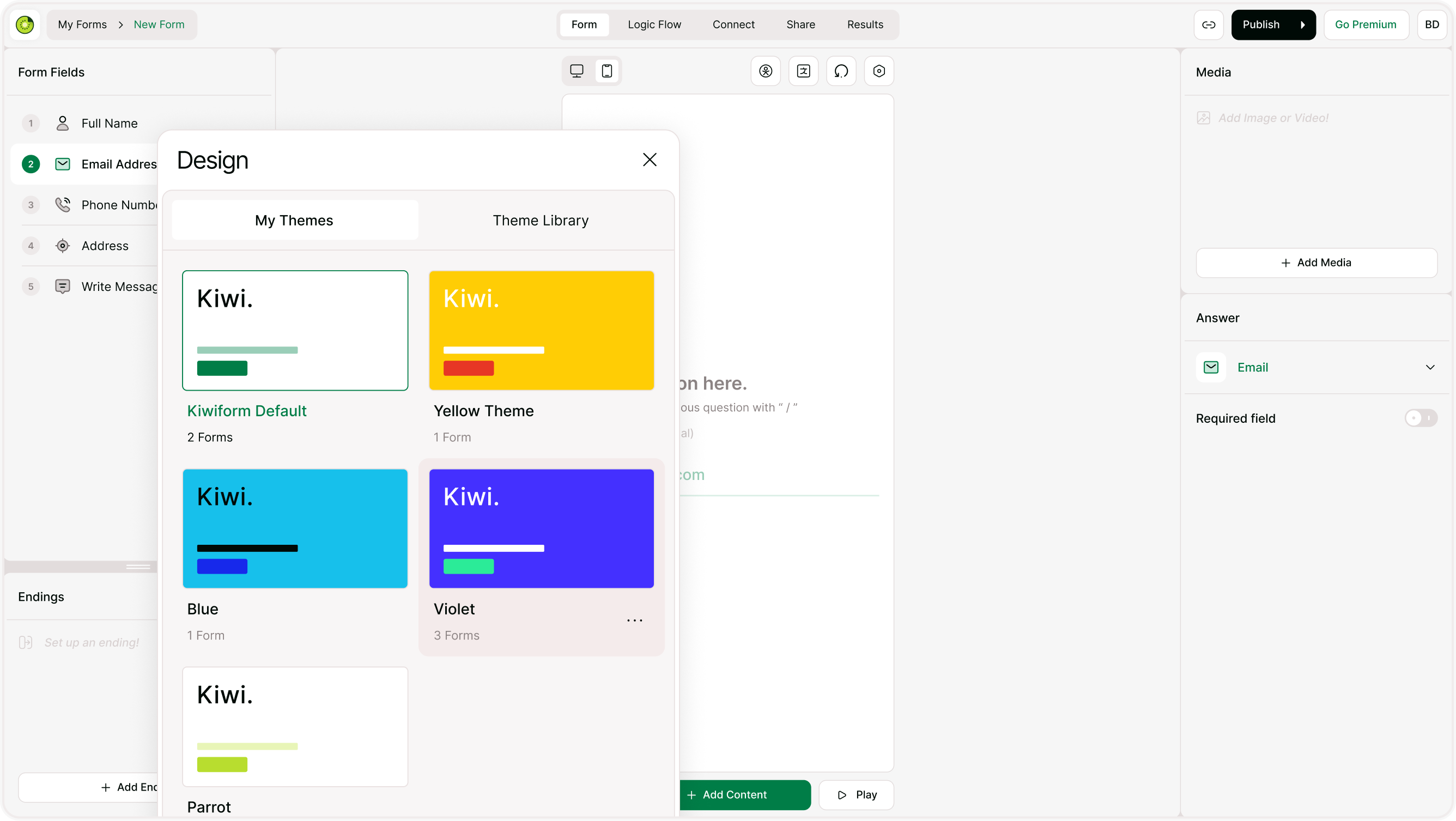
Once your content is ready, adjust the visual appearance to match your brand. Apply a theme, change fonts and colors, add a logo, or set a background image. Templates include basic styling, but design settings can be customized fully so your form feels consistent with your website or campaign.
You can also save your design as a theme and reuse it across future forms.
Preview and publish your form
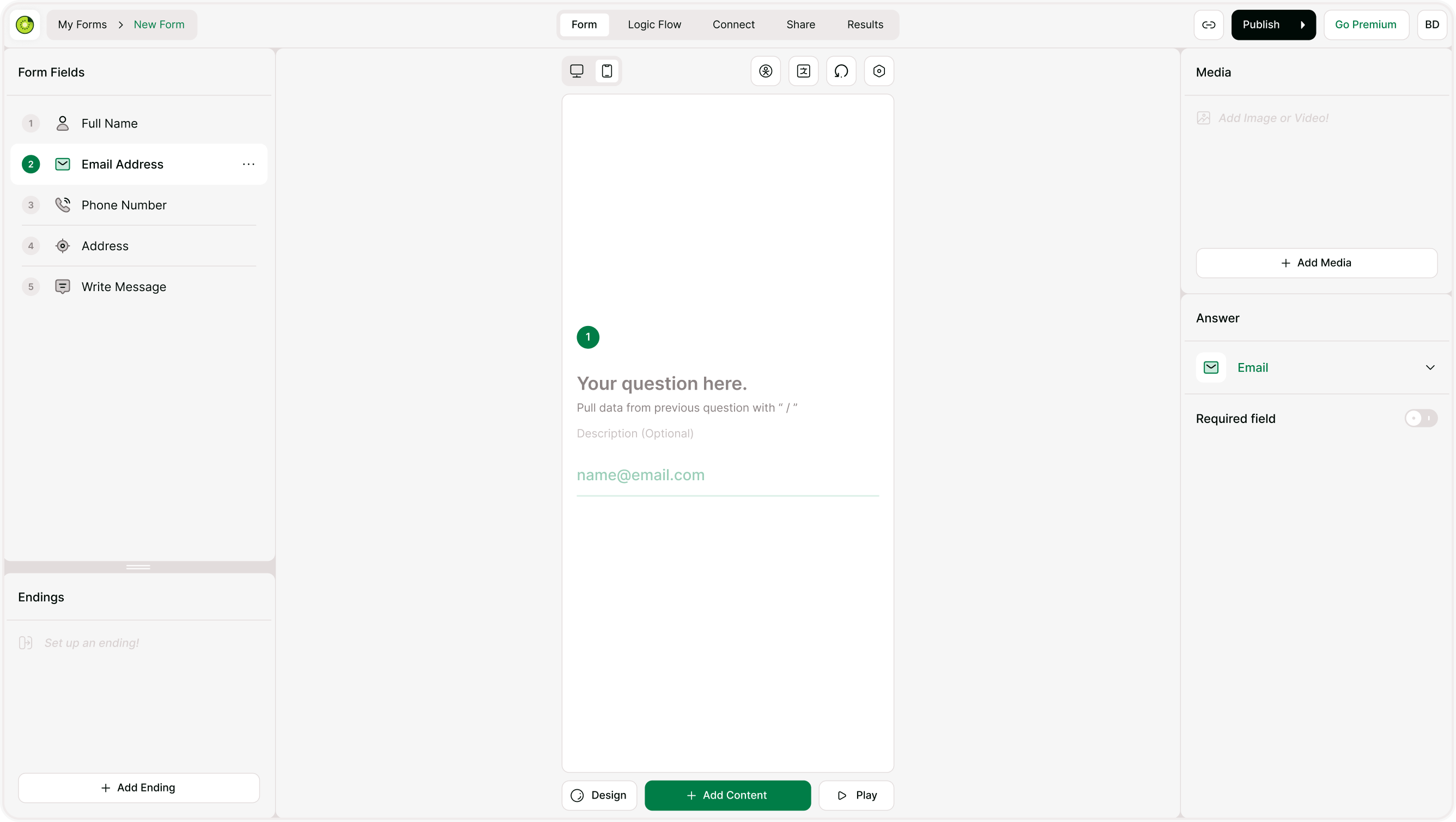
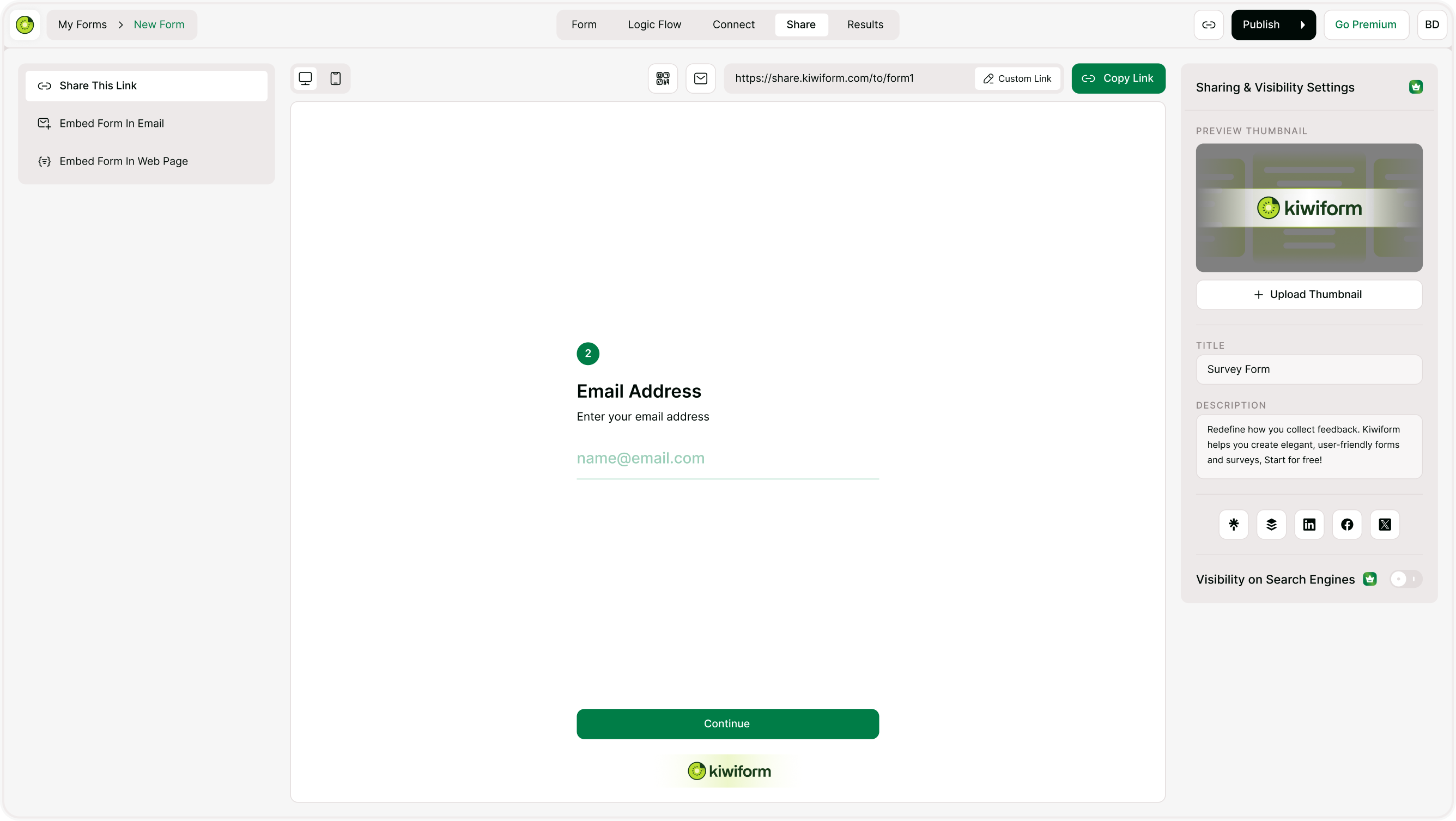
Before sharing, preview the form to check how it works on both desktop and mobile. Test the flow, confirm required fields, and review endings or redirects. Once everything looks right, publish the form and share it using a link, embed, or QR code.
Templates help you move from idea to live form quickly while still giving you full control over edits and structure.
When templates are useful
Templates are ideal when you want to launch quickly, follow a proven structure, or avoid starting from a blank form. They are especially helpful for common workflows such as feedback collection, registrations, applications, and lead capture. You can also duplicate your own forms later and use them as reusable internal templates.
Summary
Templates give you a fast starting point with a ready-made structure that you can fully customize. Browse categories, preview a template, continue into the builder, and adjust everything to match your needs. This approach helps you create polished forms faster using Kiwiform, a free Typeform alternative built for flexible form creation and unlimited responses.