What Are Templates?
Templates are pre-built form layouts designed around specific goals or workflows. Each template includes:
Pre-added form fields
Structured question flow
Suggested field labels
Optimized layout
Logical grouping of questions
For example, a Content Feedback Form template includes rating fields, feedback sections, and structured questions to help creators gather meaningful insights efficiently.
Templates reduce setup time while maintaining clarity and professional structure.
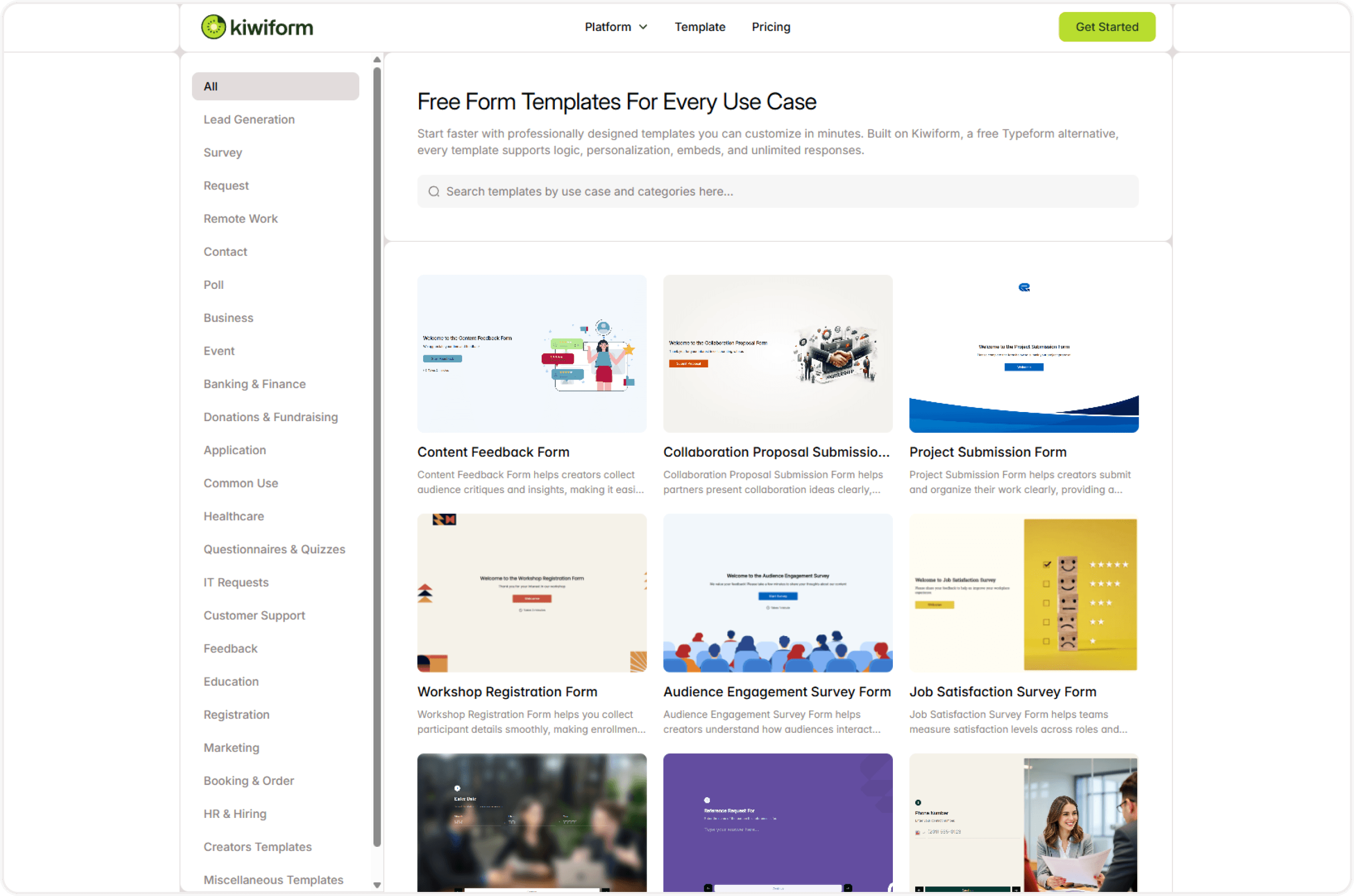
Where to Find Templates
Inside your dashboard when creating a new form:
Click Create New Form
Select Start with Template
Browse or search
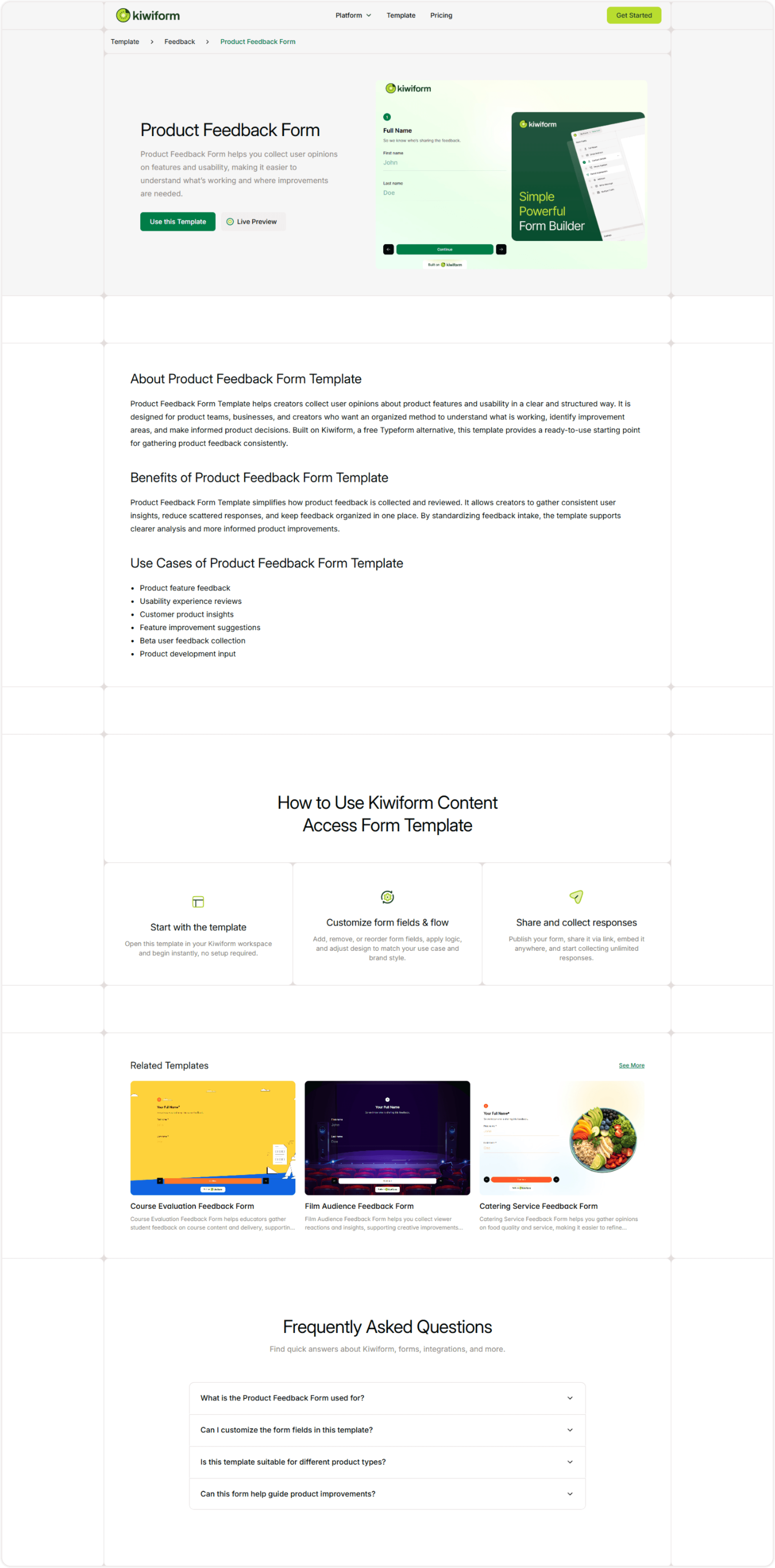
Preview the template
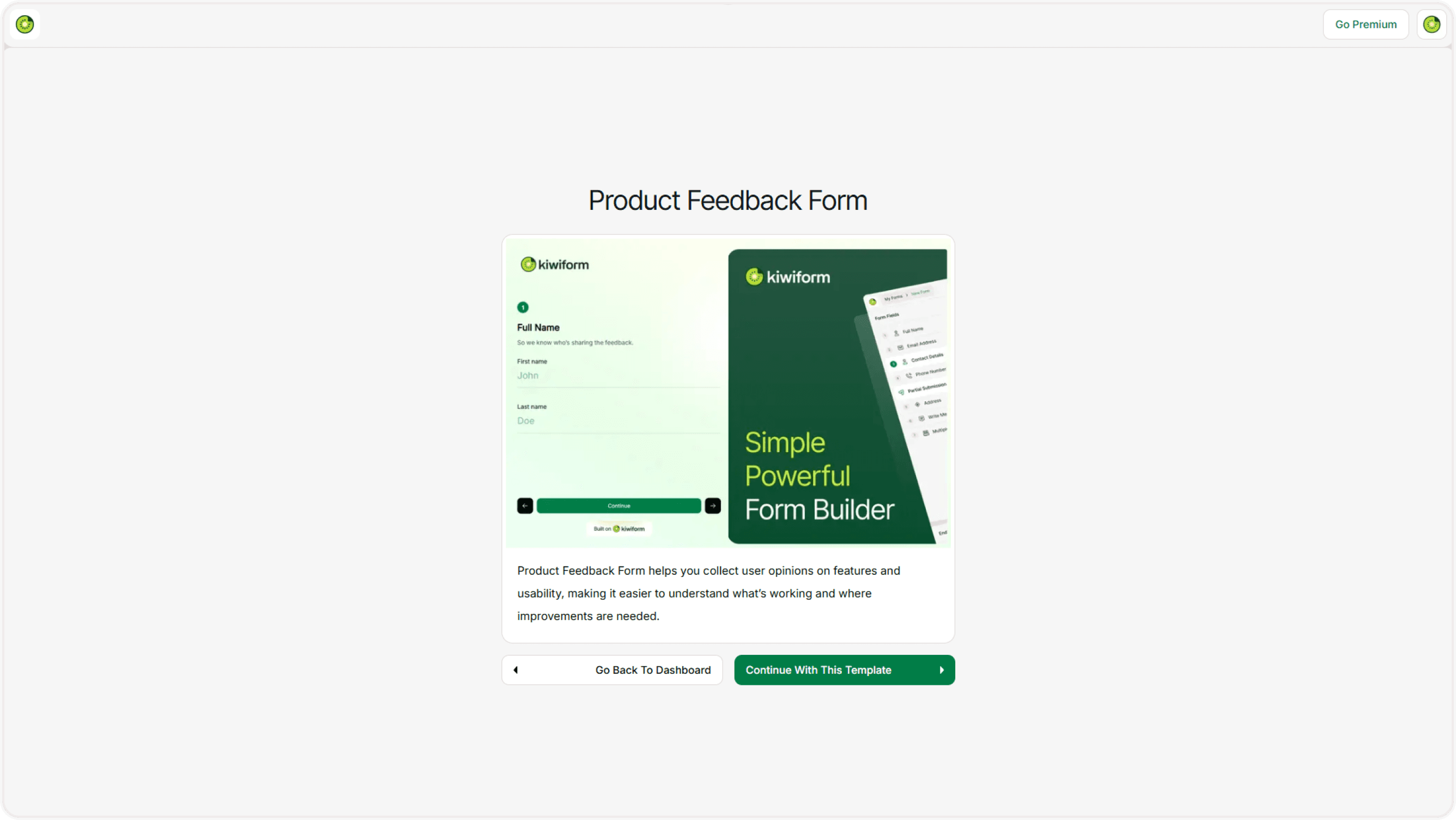
Click Continue With This Template
A new editable version will be added to your workspace.
Fully Customizable Templates
Templates are not locked.
After selecting a template, you can:
Edit all questions
Add or remove fields
Modify text and descriptions
Apply your own theme
Update fonts and colors
Add logic or conditions
Connect integrations
Configure form settings
Templates are starting points — not restrictions.
Popular Template Use Cases
Templates are designed around practical business and creator needs, such as:
Feedback & Surveys
Content Feedback Form
Customer Satisfaction Survey
Product Feedback Form
Lead Generation
Contact For
Newsletter Signup
Demo Request
Applications
Job Application Form
Scholarship Application
Volunteer Registration
Events & Registrations
Event Signup Form
Webinar Registration
Workshop Application
Each template is structured to follow best practices for clarity and conversion.
Why Use Templates Instead of Starting Blank?
Starting from scratch can be time-consuming and inconsistent.
Templates help you:
Save setup time
Avoid missing important questions
Follow proven form structures
Launch faster
Maintain professional presentation
For new users especially, templates reduce confusion and speed up onboarding.
Customizing Templates for Your Brand
To align a template with your brand:
Open the form editor
Go to Design
Apply your theme
Adjust fonts and colors
Add your logo
Update welcome and ending screens
This ensures the form reflects your identity while keeping the structure intact.
Searching for the Right Template
If you know what you need:
Use the search feature on the Templates page
Filter by category
Preview multiple options
Compare structures before selecting
Always choose the template closest to your intended goal — it minimizes editing time.
Best Practices When Using Templates
Before publishing:
Review every field
Remove unnecessary questions
Adjust tone and language
Test logic rules
Preview on desktop and mobile
Submit a test response
Templates are optimized, but small adjustments ensure they match your exact needs.
Summary
Templates in Kiwiform allow you to launch structured, professional forms quickly without building from scratch. You can browse, preview, customize, and publish in minutes. Whether you're collecting feedback, generating leads, or managing registrations, templates help you move faster with confidence.