What are Webhooks?
A webhook is an automated HTTP request that sends form response data to a specified endpoint URL when a form is submitted.
Instead of manually exporting data or waiting for integrations to sync, webhooks push data instantly to your server.
This is ideal for:
Custom CRM integrations
Internal dashboards
Backend automation systems
Custom email workflows
Database storage
Advanced analytics pipelines
How Webhooks Work in Kiwiform
When someone submits your form:
Kiwiform captures the response
The webhook triggers automatically
A POST request is sent to your configured endpoint
Your server receives the submission data in real time
How to Set Up a Webhook
Follow these steps:
Open the Connect Tab
Click Connect Webhooks
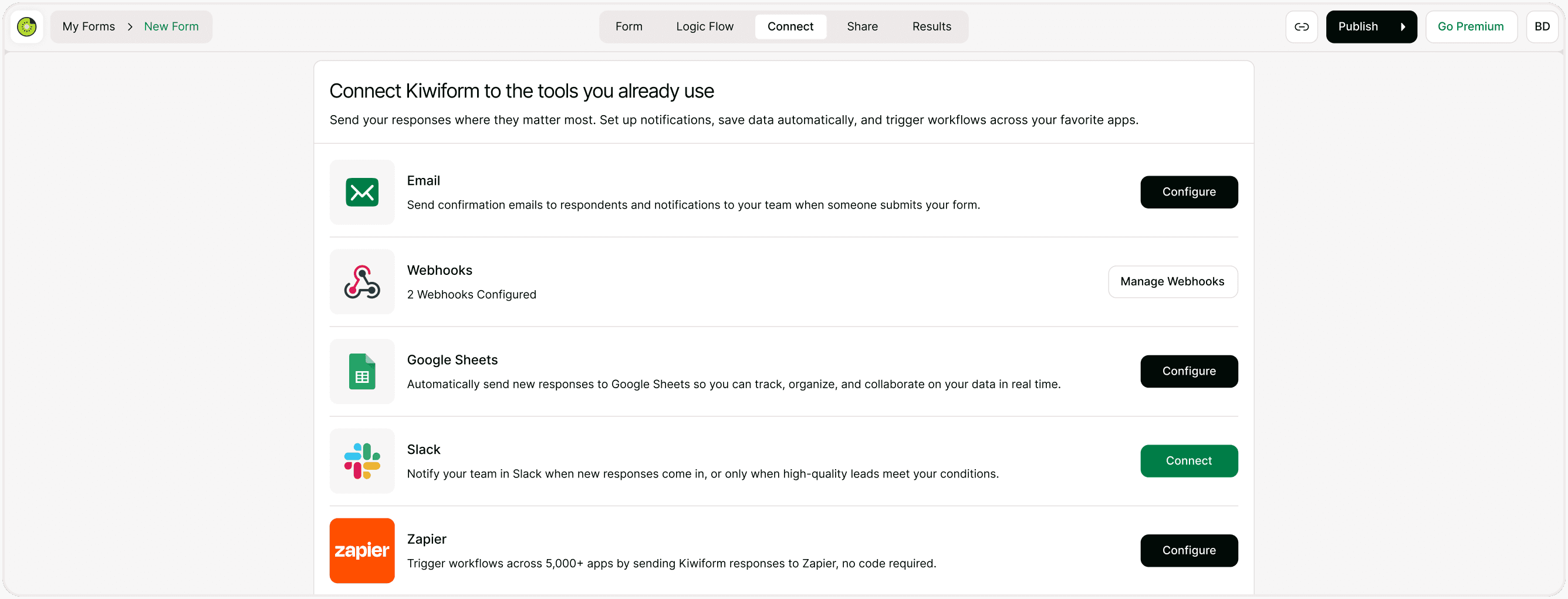
Enter Endpoint URL
Paste your server endpoint URL where you want to receive the data. Example format: https://your-api.com/webhook
This must be a valid HTTPS endpoint that can receive POST requests.
Click Submit to save the webhook configuration.
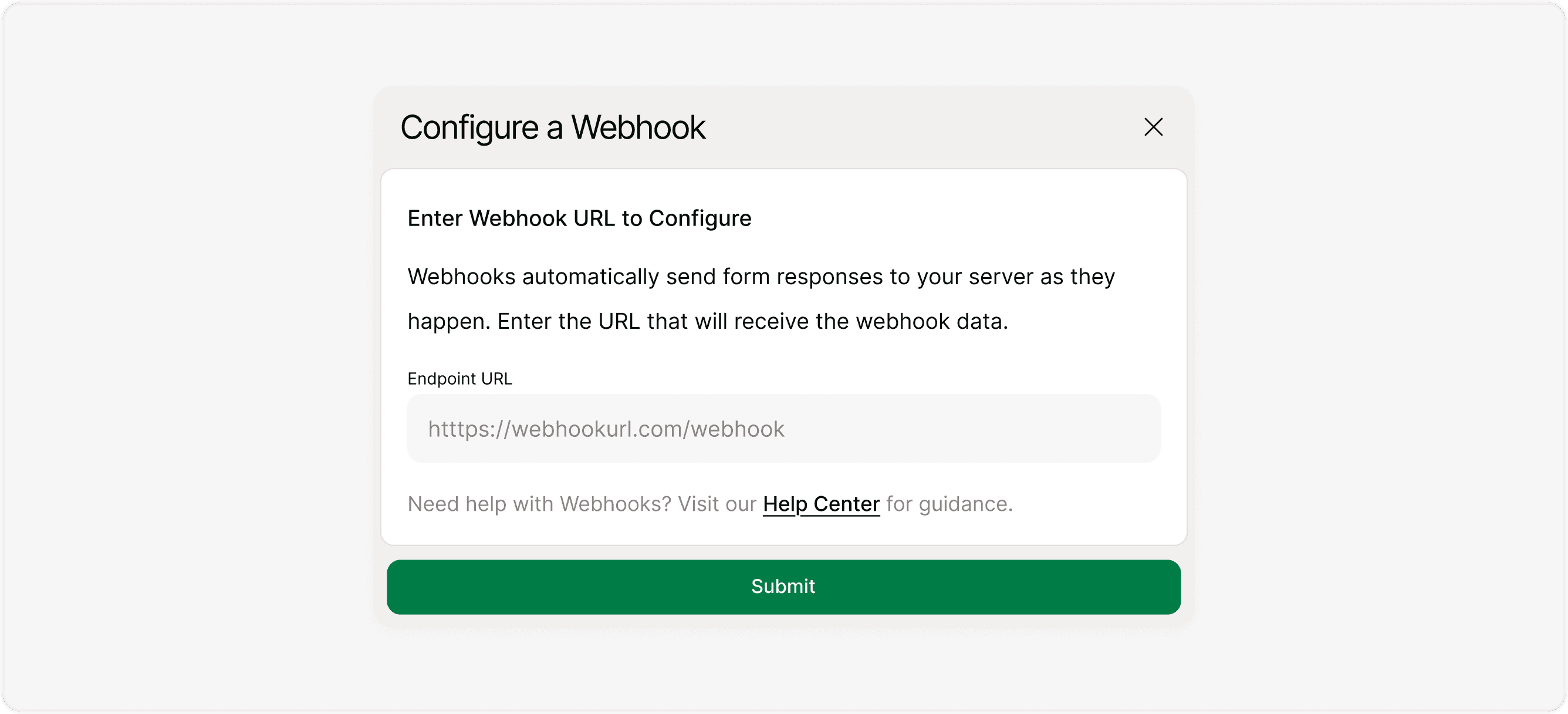
Test Your Webhook
Before activating your workflow, it is recommended to test the webhook.
After configuration, you can:
Send a test event
Verify your server receives the data correctly
Confirm response format and structure
Click Test This Webhook to send a sample payload.
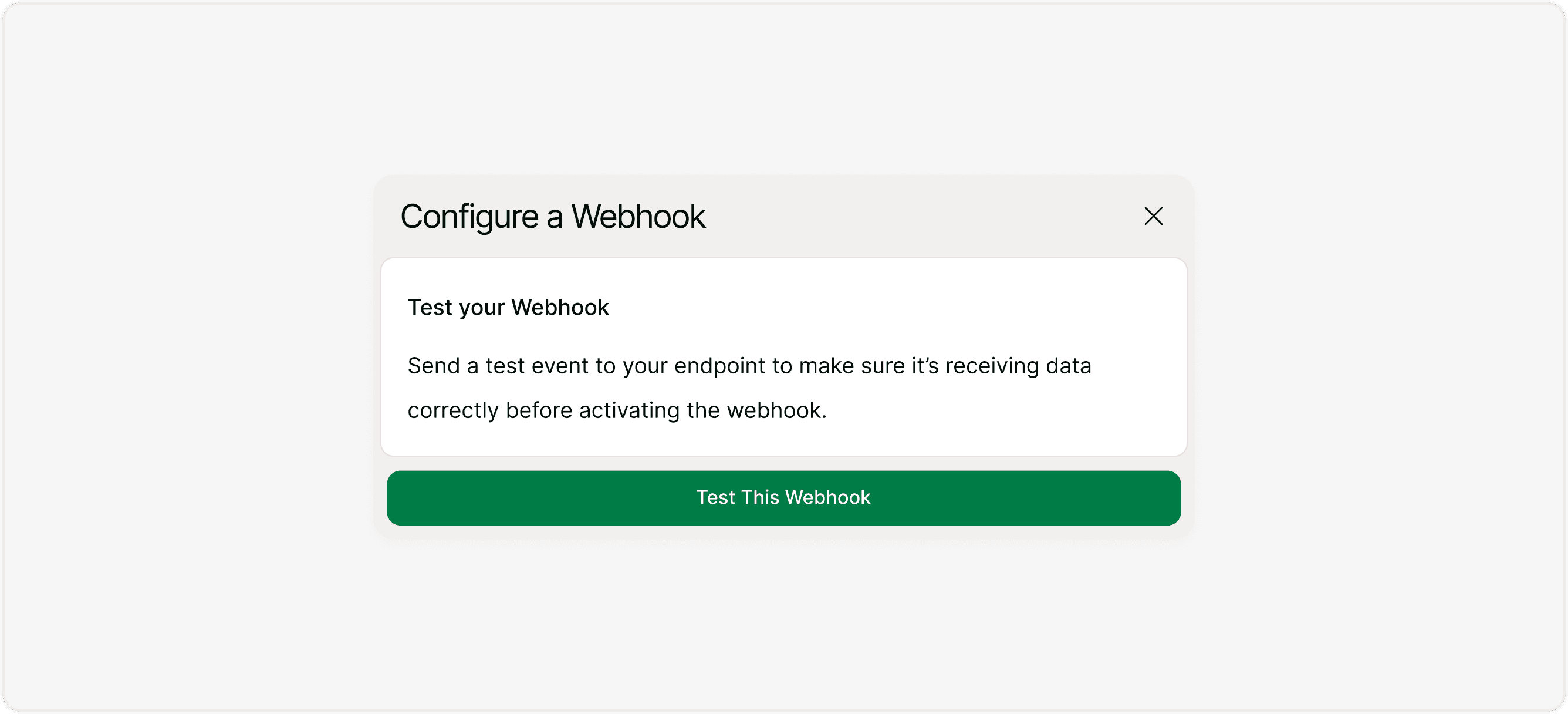
Managing Webhooks
Inside the Webhooks section, you can:
Edit existing webhook endpoints
Delete webhooks
Add multiple webhooks (if supported by plan)
Re-test endpoints anytime
What Data is Sent?
Webhook payloads typically include:
Form ID
Submission ID
Timestamp
All form field answers
Metadata (if applicable)
Your server must be configured to handle JSON POST requests.
When to Use Webhooks
Webhooks are ideal when you:
You can include:
Need full control over data handling
Want to trigger custom backend logic
Integrate with internal systems
Build real-time automation pipelines
Avoid third-party automation tools
If you prefer no-code workflows, you may use Zapier or other integrations instead.
Best Practices
This feature is ideal for:
Always test your webhook before publishing
Ensure your endpoint supports HTTPS
Handle JSON parsing correctly
Implement authentication or validation on your server
Monitor logs to catch errors early
Summary
Webhooks in Kiwiform allow you to send form submissions directly to your own server in real time. They provide complete flexibility for developers who need advanced automation, backend integration, or custom workflows beyond standard integrations.