Bug Tracker Form Template
Start with Bug Tracker Form Template to document and track software issues clearly. Built on Kiwiform, a free Typeform alternative.

About Bug Tracker Form Template
Bug Tracker Form Template helps creators collect software bug reports in a clear and structured way. It is designed for product teams, developers, and organizations that want to document issues accurately while keeping reporting simple for respondents. Built on Kiwiform, a free Typeform alternative, this ready-to-use template provides a practical starting point for tracking bugs without unnecessary complexity.
Benefits of Bug Tracker Form Template
Bug Tracker Form Template helps standardize how software issues are reported and reviewed. It allows creators to capture relevant details upfront, reduce unclear or incomplete reports, and keep communication consistent between teams. By keeping the form focused and easy to complete, the template supports better prioritization, clearer debugging context, and faster issue resolution.
Use Cases of Bug Tracker Form Template
Software bug reporting
Product issue tracking
QA testing feedback
User-reported defects
Feature malfunction reports
Internal development tracking
How to Use Bug Tracker Form Template
Start with the template
Open this template in your Kiwiform workspace and begin instantly, no setup required.
Customize form fields & flow
Add, remove, or reorder form fields, apply logic, and adjust design to match your use case and brand style.
Share and collect responses
Publish your form, share it via link, embed it anywhere, and start collecting unlimited responses.
Related Templates
See More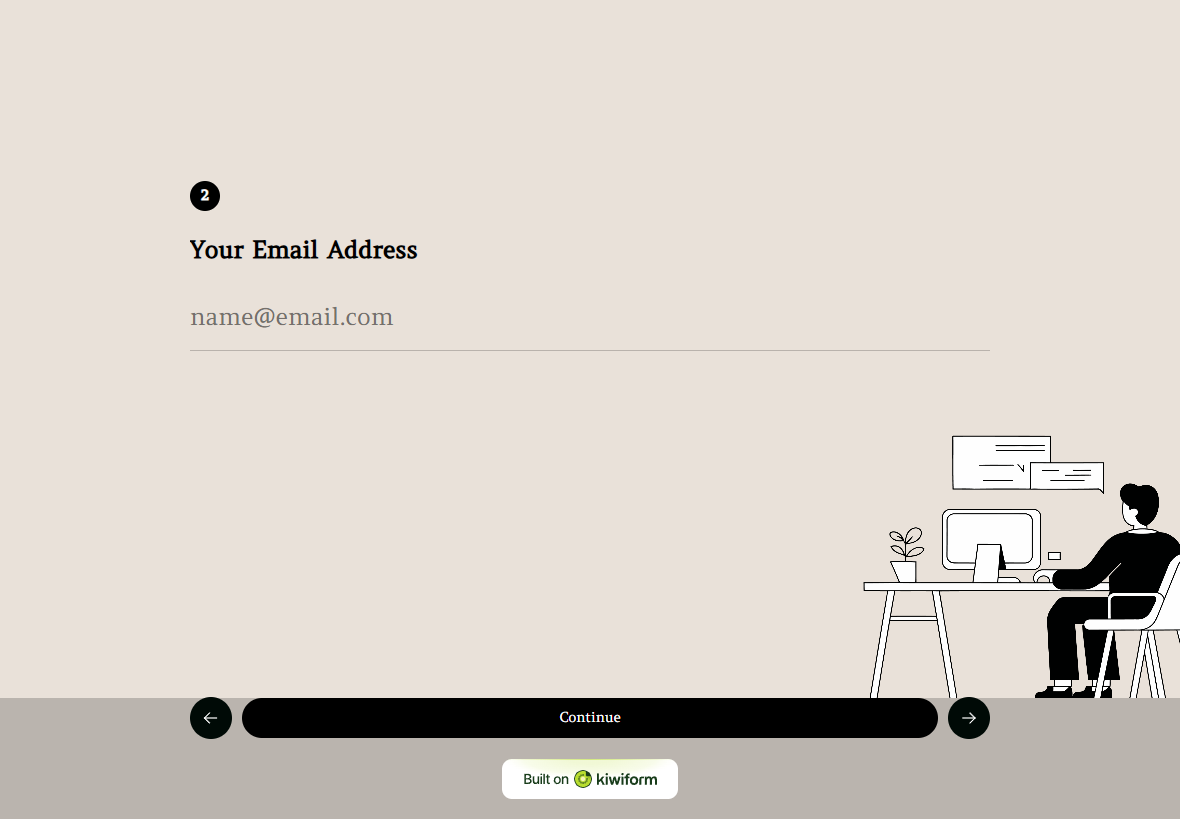
IT Service Ticket Form Template
IT Service Ticket Form helps users report technical issues clearly and consistently, making it easier for IT teams to understand problems and resolve them efficiently.
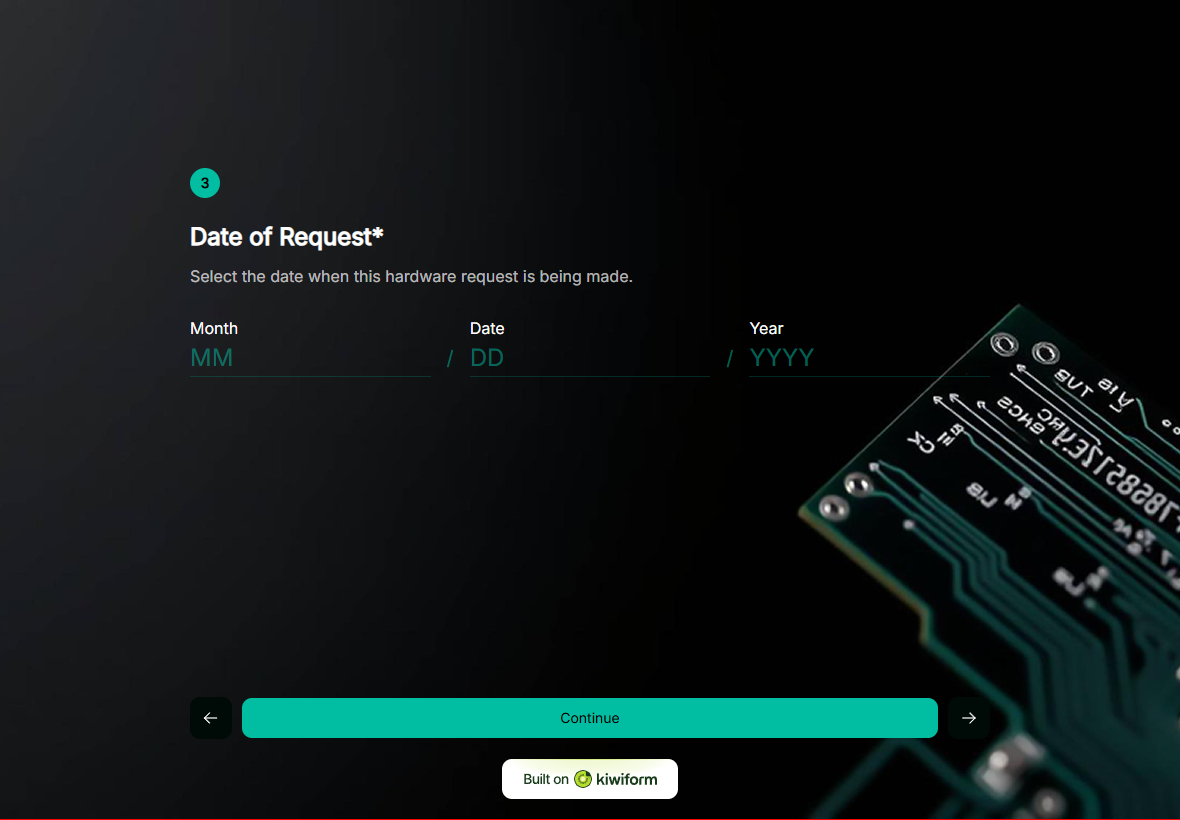
Hardware Request Form Template
Hardware Request Form helps teams submit hardware needs accurately, streamlining procurement requests and supporting a well-organized IT infrastructure.
Frequently Asked Questions
Find quick answers about Kiwiform, forms, integrations, and more.
It is used to collect and document software bugs or technical issues in a structured format for review and resolution.
Yes. Creators can customize form fields to capture details specific to their software, platforms, or workflows.
Yes. It can be used for internal team reporting or shared with users to collect external bug reports.
Yes. By collecting clear and complete information upfront, it helps teams prioritize and resolve issues more efficiently.