Pop-up Form
Start with Pop-up Form template to capture leads at the right moment without disrupting the experience. Available on Kiwiform, a free Typeform alternative.
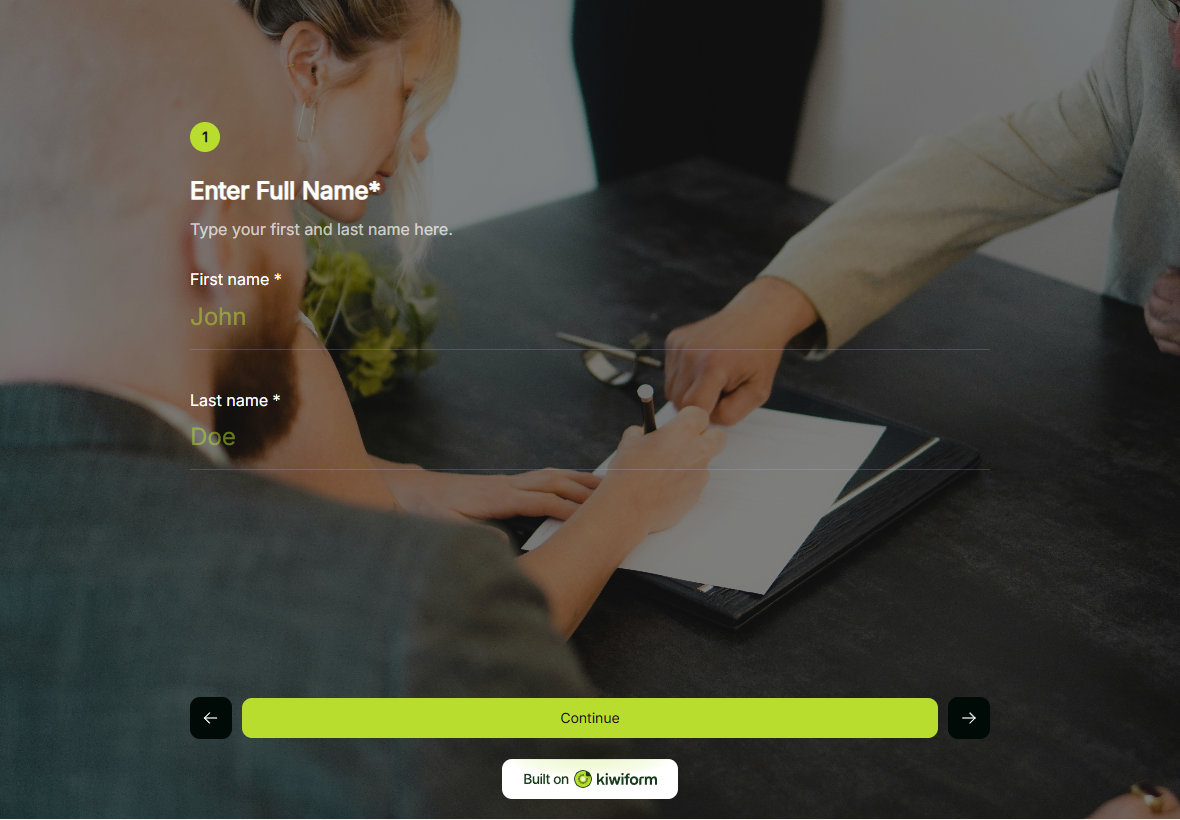
About Pop-up Form Template
Pop-up Form Template helps creators capture leads at the right moment without interrupting the overall browsing experience. It is designed for situations where timely engagement matters, allowing respondents to share essential details through a focused and easy-to-complete form. The template supports a clean interaction pattern that keeps attention high while maintaining clarity and control.
Benefits of Pop-up Form Template
Pop-up Form Template enables lead capture without adding friction or disrupting user flow. It allows creators to define when and how the form appears, collect only relevant information, and keep responses organized from the start. By presenting form fields in a clear and concise way, the template helps improve conversion outcomes while preserving a positive user experience.
Use Cases of Pop-up Form Template
Website lead capture
Limited-time offers
Exit intent forms
Newsletter signups
Promotional campaigns
Event registrations
How to Use Pop-up Form
Start with the template
Open this template in your Kiwiform workspace and begin instantly, no setup required.
Customize form fields & flow
Add, remove, or reorder form fields, apply logic, and adjust design to match your use case and brand style.
Share and collect responses
Publish your form, share it via link, embed it anywhere, and start collecting unlimited responses.
Related Templates
See More
Content Access Form Template
Content Access Form helps you capture high-intent leads by offering instant access to valuable content in exchange for essential details, simple to set up and effortless for users to complete.
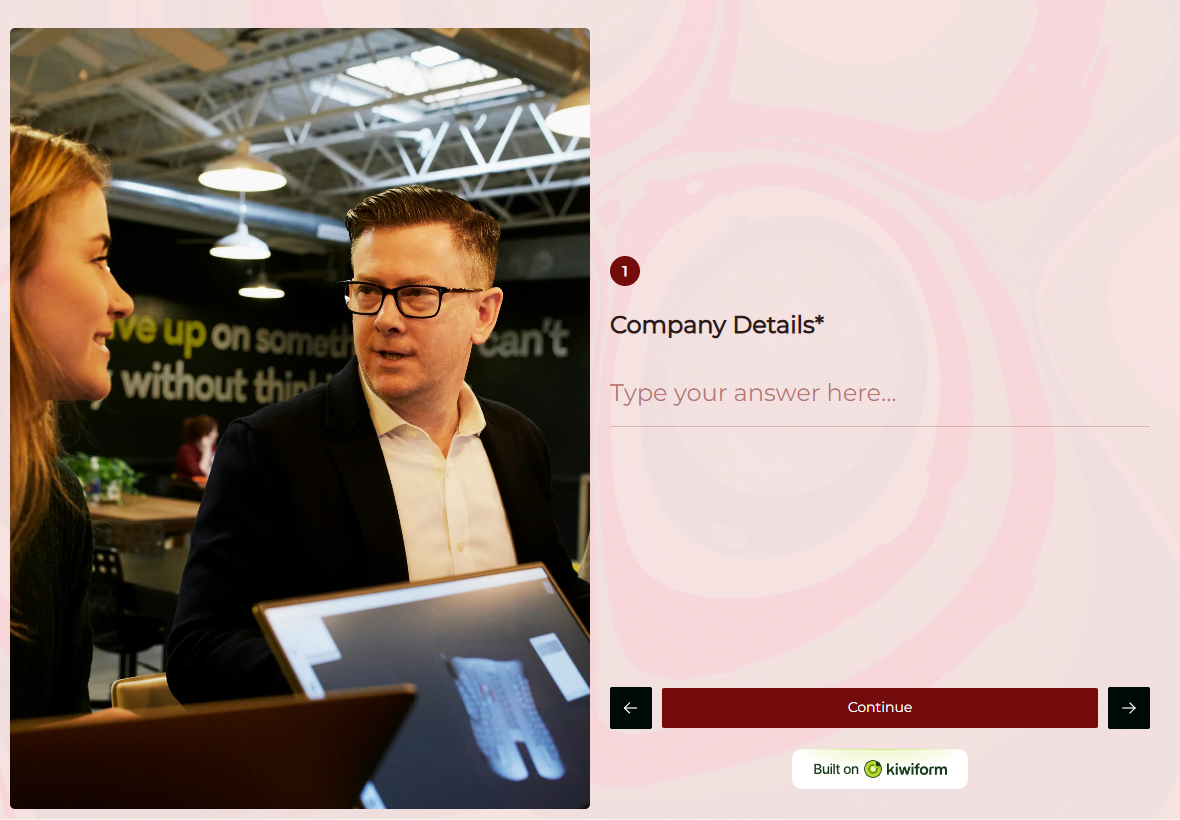
Sales Lead Form Template
Sales Lead Form helps you capture and organize potential customer details with ease, turning interest into qualified leads and improving conversion outcomes.
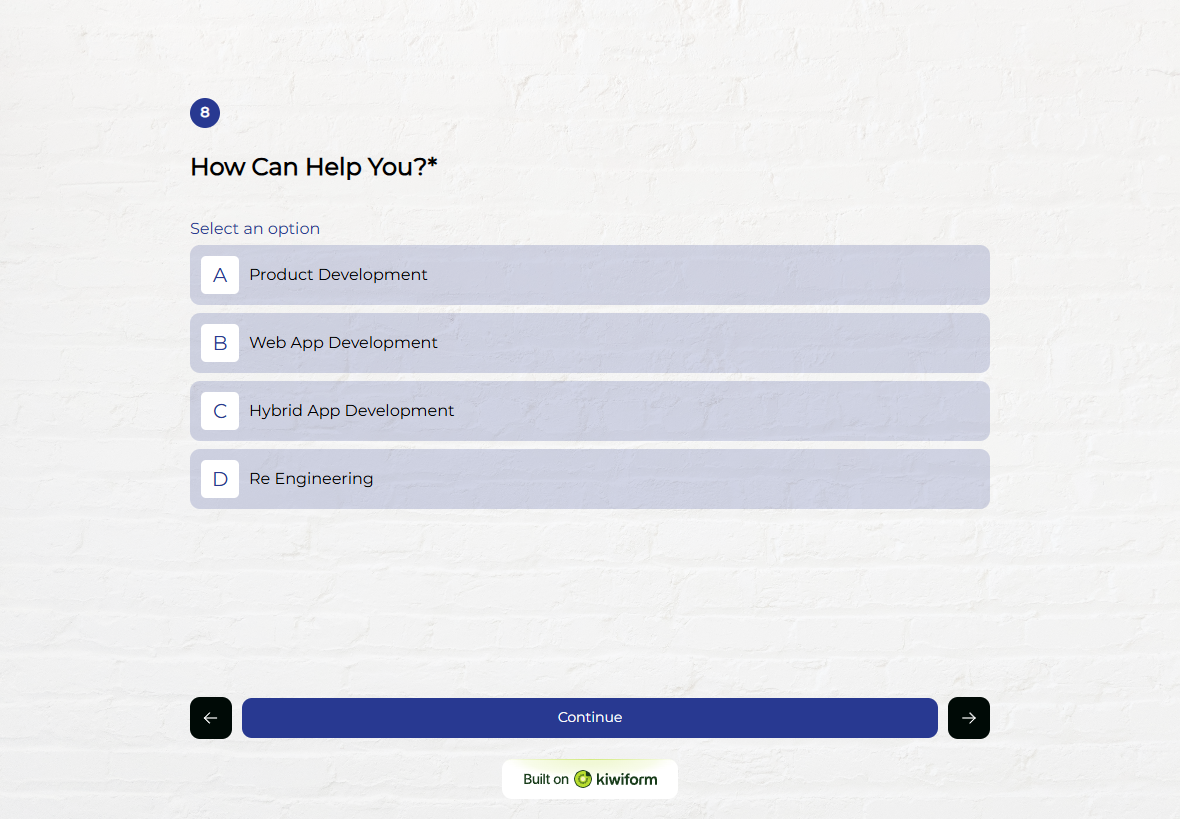
Lead Collection Form Template
Lead Collection Form helps you capture and organize potential customer details quickly, making it easier to follow up and convert interest into leads.
Frequently Asked Questions
Find quick answers about Kiwiform, forms, integrations, and more.
It is used to capture leads or information at specific moments, such as during browsing or before a visitor exits a page.
Yes. You can configure when the form is shown to align with your engagement goals.
Yes. It is commonly used to collect contact details with minimal effort from respondents.
Yes. The form fields and content can be adjusted to match different campaigns and use cases.