Website Survey Form Template
Start with Website Survey Form template to collect visitor feedback and improve website experience. Available on Kiwiform, a free Typeform alternative.
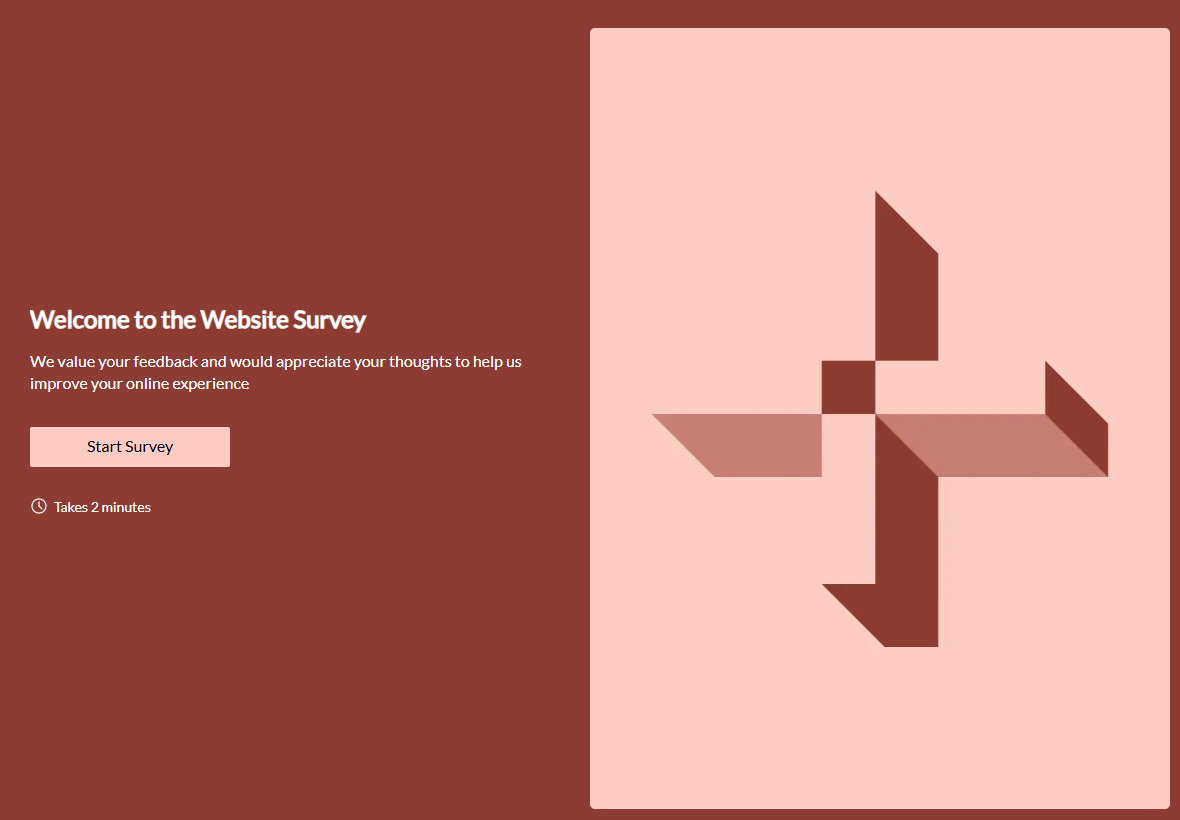
About Website Survey Form Template
Website Survey Form Template helps creators collect feedback from visitors about their website experience in a clear and structured way. It is designed for teams that want to understand how users interact with their site, identify friction points, and improve usability. Built on Kiwiform, a free Typeform alternative, this template provides a ready-to-use starting point for gathering website feedback without disrupting the browsing experience.
Benefits of Website Survey Form Template
Website Survey Form Template makes it easier to capture meaningful website feedback while keeping the experience simple for respondents. It allows creators to focus on relevant form fields, gather consistent insights, and review responses efficiently. By standardizing how feedback is collected, the template supports better decision-making and ongoing website improvement.
Use Cases of Website Survey Form Template
Website usability feedback
Visitor satisfaction tracking
Page experience evaluation
Conversion flow feedback
Content relevance insights
Navigation improvement research
How to Use Website Survey Form Template
Start with the template
Open this template in your Kiwiform workspace and begin instantly, no setup required.
Customize form fields & flow
Add, remove, or reorder form fields, apply logic, and adjust design to match your use case and brand style.
Share and collect responses
Publish your form, share it via link, embed it anywhere, and start collecting unlimited responses.
Related Templates
See More
Market Research Survey Form Template
Market Research Survey Form helps you collect targeted insights and feedback from your audience, making it easier to refine products, validate ideas, and make informed decisions.
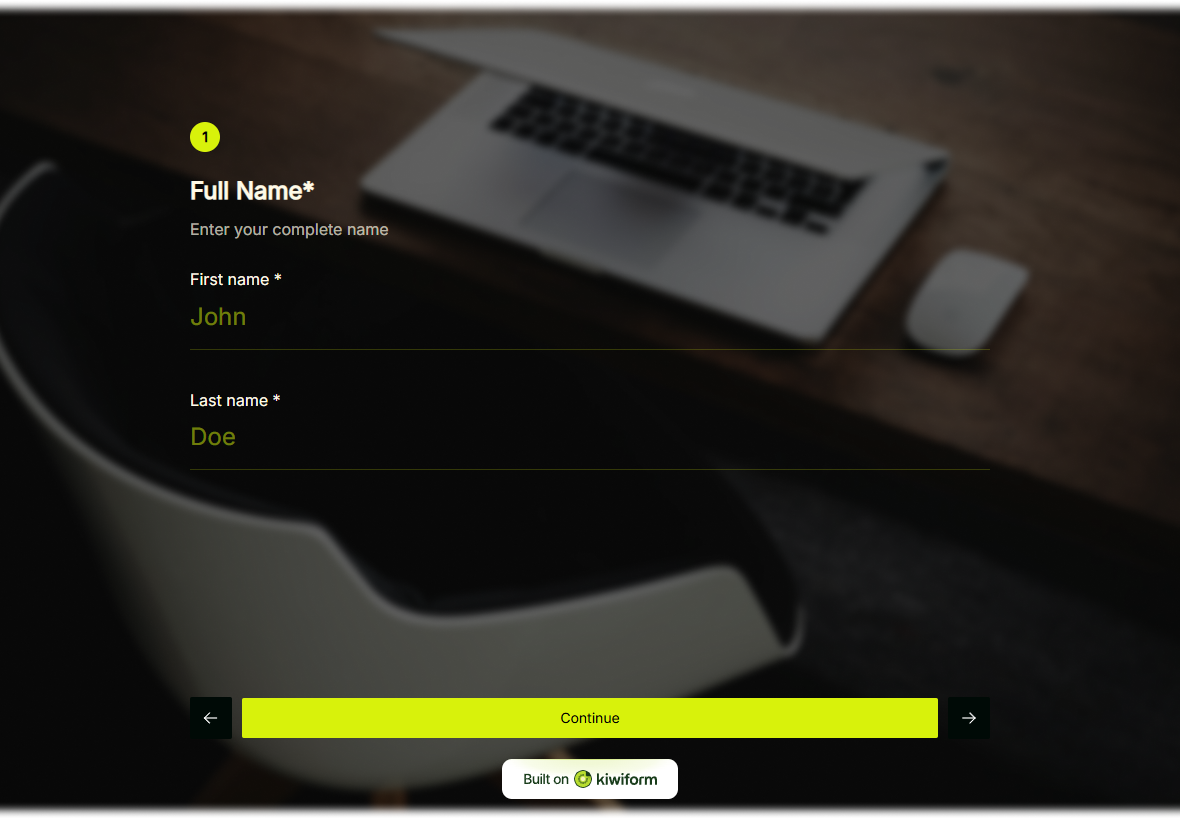
Follow-Up Survey Form Template
Follow Up Survey Form helps you understand client experiences after an interaction, gather meaningful feedback, and identify opportunities to improve.
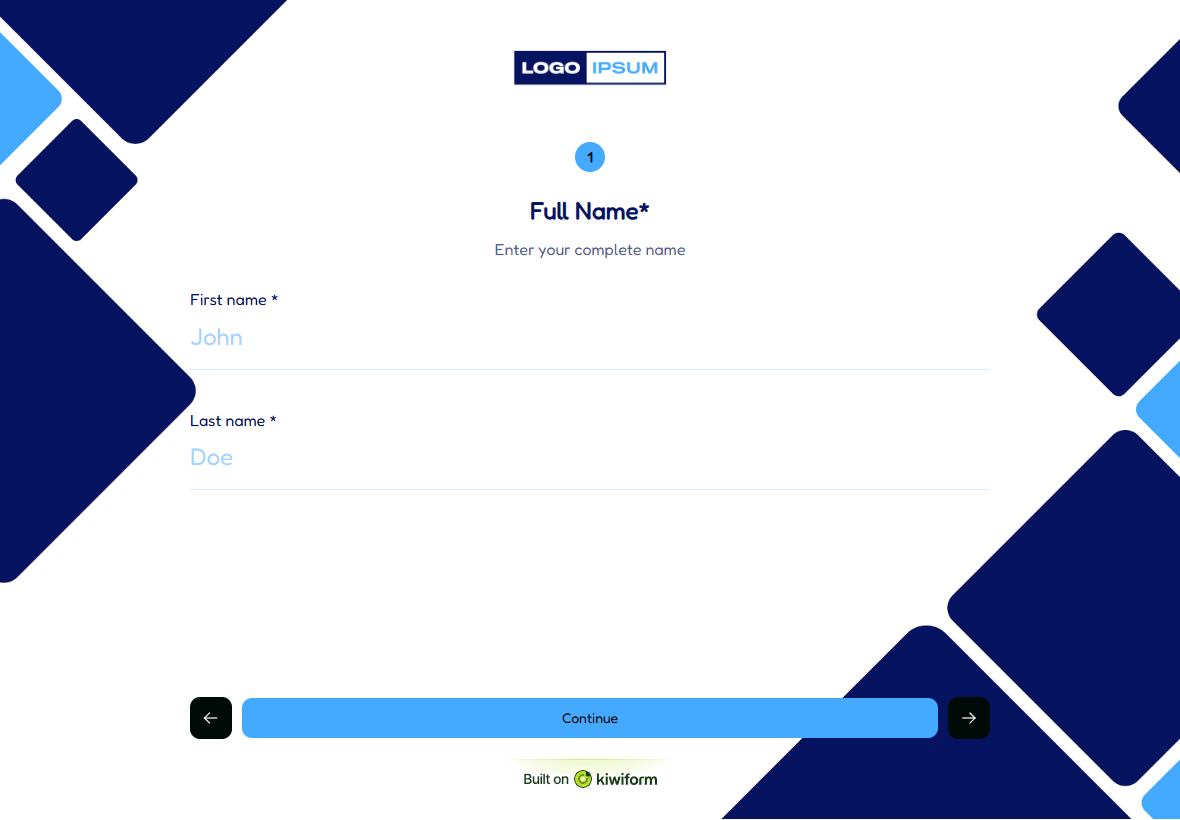
Product Survey Form Template
Product Survey Form helps you gather customer perspectives and insights clearly, making it easier to improve features, refine your product, and guide future decisions.
Frequently Asked Questions
Find quick answers about Kiwiform, forms, integrations, and more.
It is used to collect feedback from website visitors about usability, content, and overall experience.
Yes. You can customize form fields to match the specific feedback and insights you want to collect.
Yes. It helps identify patterns and areas that can be improved over time.
Yes. It can be placed where feedback is most relevant, such as landing pages or key user flows.