Zoom Webinar Registration Form Template
Start with Zoom Webinar Registration Form template to collect attendee details and manage webinar signups clearly. Available on Kiwiform, a free Typeform alternative.
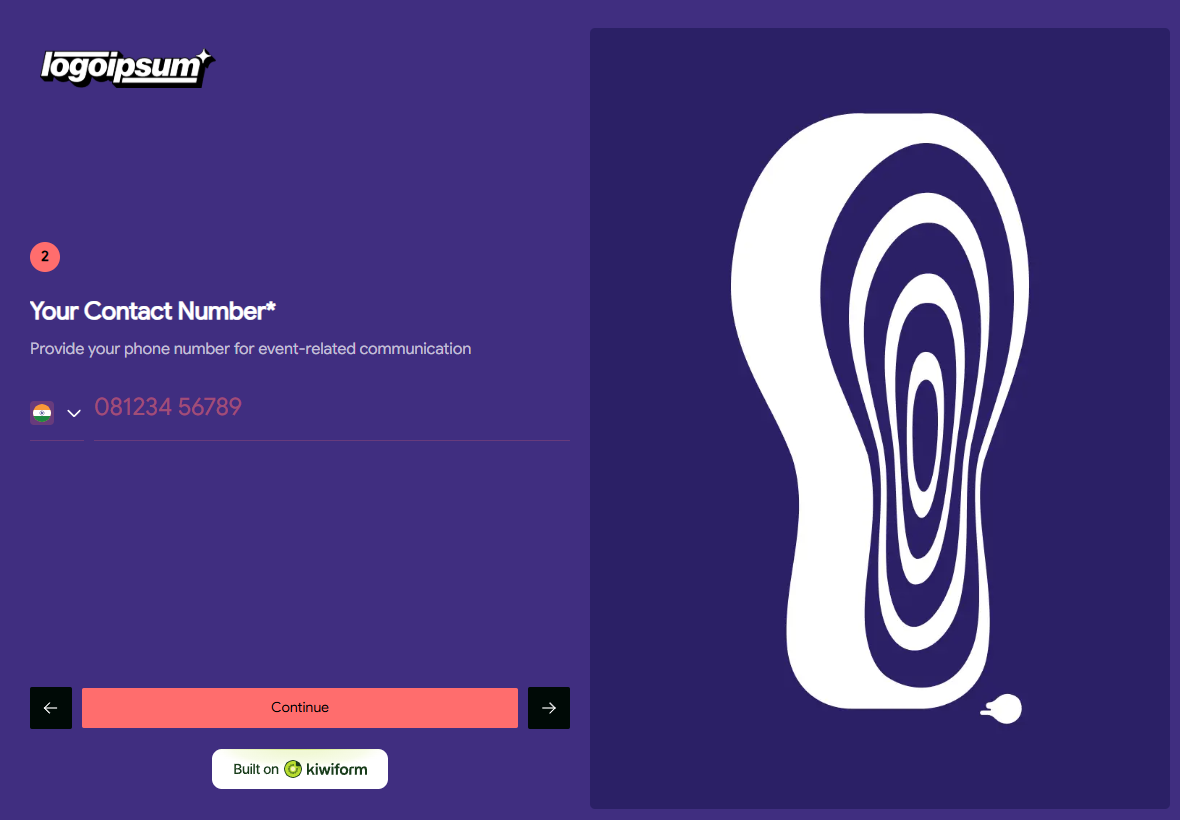
About Zoom Webinar Registration Form Template
Zoom Webinar Registration Form Template helps creators collect attendee details and manage webinar signups in a clear and structured way. It is designed for teams hosting webinars who want an easy registration experience for respondents while keeping participant information organized. Built on Kiwiform, a free Typeform alternative, this template provides a ready-to-use starting point for handling webinar registrations efficiently.
Benefits of Zoom Webinar Registration Form Template
Zoom Webinar Registration Form Template simplifies the process of collecting and organizing webinar registrations. It allows creators to gather essential attendee details upfront, reduce manual coordination, and maintain a consistent registration flow. By standardizing how signups are collected, the template supports better attendance management and smoother webinar preparation.
Use Cases of Zoom Webinar Registration Form Template
Webinar attendee registration
Online event signups
Training session enrollment
Product demo registrations
Educational webinar access
Live session participation
How to Use Zoom Webinar Registration Form Template
Start with the template
Open this template in your Kiwiform workspace and begin instantly, no setup required.
Customize form fields & flow
Add, remove, or reorder form fields, apply logic, and adjust design to match your use case and brand style.
Share and collect responses
Publish your form, share it via link, embed it anywhere, and start collecting unlimited responses.
Related Templates
See More
Remote Team Management Form Template
Remote Team Management Form helps you organize and manage remote workforce details efficiently, streamlining communication, coordination, and daily operations in one clear workflow.
Virtual Event Registration Form Template
Virtual Event Registration Form helps you collect attendee details smoothly and manage signups for online events, making it easy for participants to register and join remotely.
Work From Home Survey Form
Work From Home Survey Form helps you evaluate remote work practices, gather employee feedback, and identify areas for improvement to support a more effective work-from-home setup.
Frequently Asked Questions
Find quick answers about Kiwiform, forms, integrations, and more.
It is used to collect attendee details and manage registrations for Zoom webinars in a structured format.
Yes. You can customize form fields to collect the specific information needed for your webinar.
Yes. It can be used for educational, marketing, training, or internal webinars.
Yes. Structured responses make it easier to review, manage, and follow up with registrants.